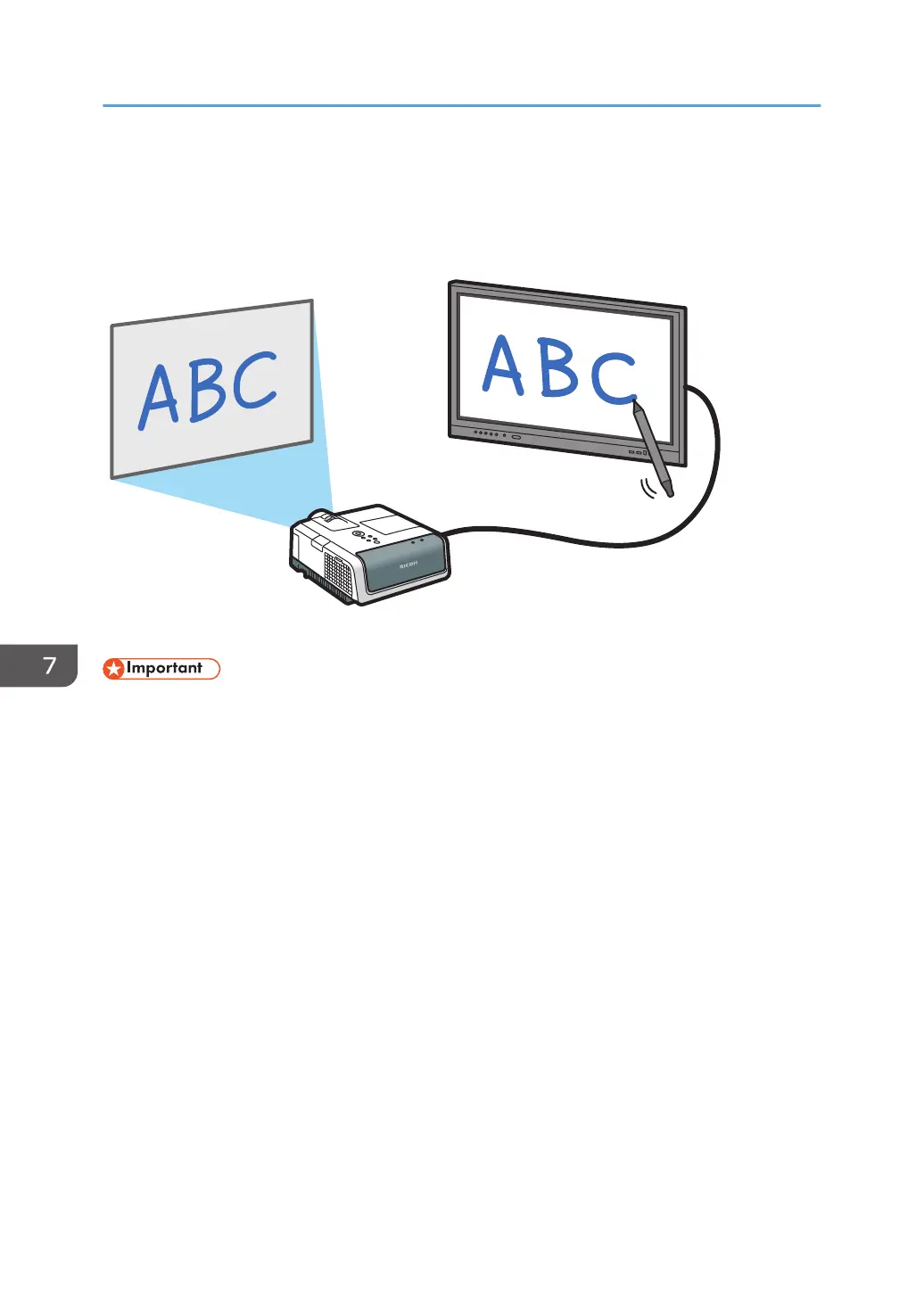
Using a Projector to Project a Screen
You can connect a projector that supports full-HD to the machine to project its screens.
• The machine cannot be connected to an analog input terminal such the VGA input of a projector.
1. Connect a projector to the HDMI-OUT (HDMI output) terminal on this machine.
2. Project the screen.
For details about how to use a projector to project screens, see the manual of the projector.
7. Connecting Devices
110



 To Next Page