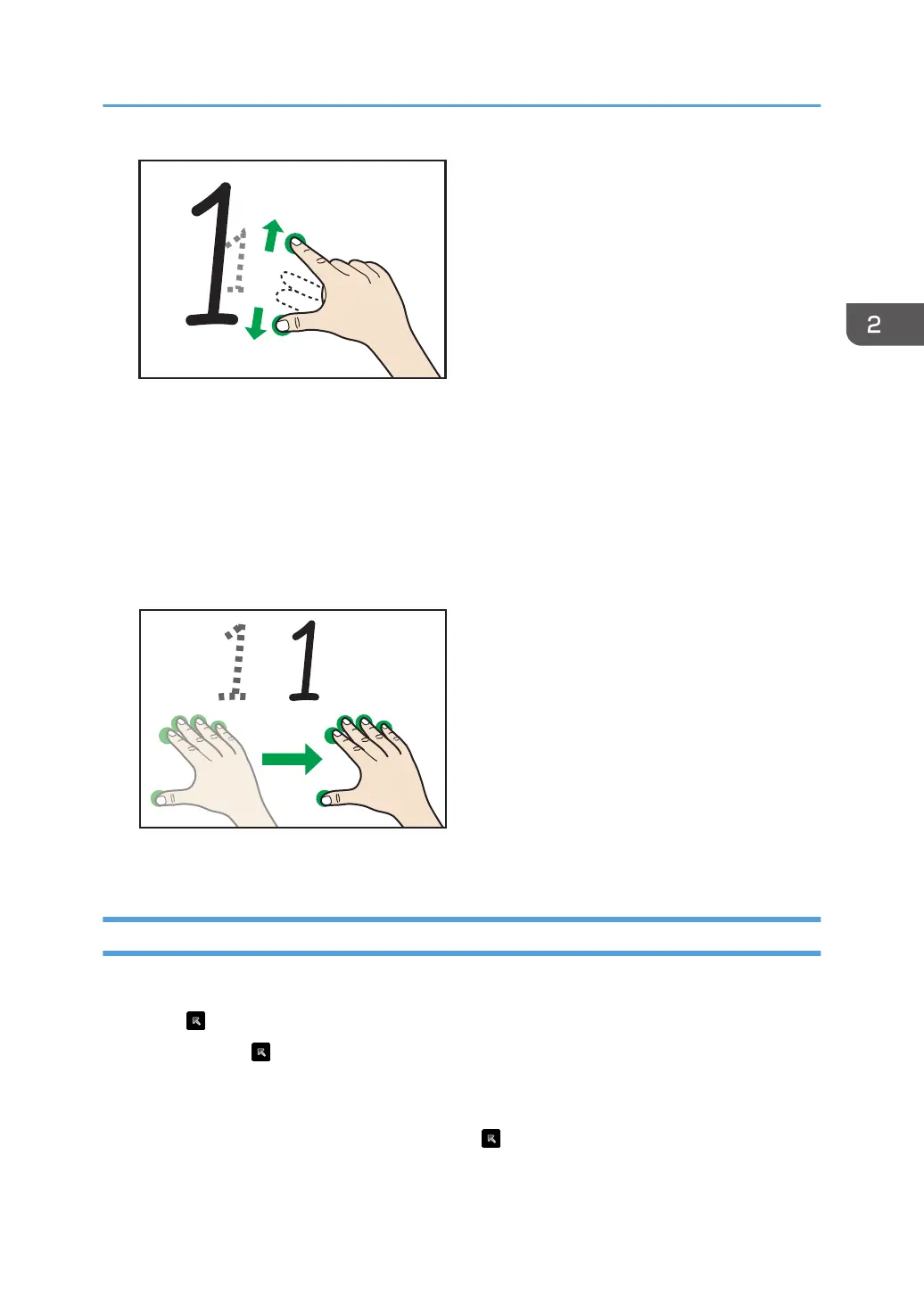
• When you spread your fingers apart, the screen is enlarged, centering on where you
originally touched.
• When you pinch your fingers together, the screen is reduced, centering on where you
originally touched.
Moving a displayed area
Touch the screen with three or more fingers, and while maintaining the same distance between
them, move them up or down, or left or right.
The display area moves with the movement of your fingers.
Temporarily Stopping Writing
Temporarily stop writing with the annotation so that you can operate the screen.
1. Touch
.
Icons other than
and the content that you have written will be hidden, and you will be able to
operate apps on the screen.
The written content will be saved and will be displayed again when you resume writing.
2. To resume writing with the annotation, touch
again.
Writing on a Screen Other Than the Whiteboard App
75



 To Next Page