Operating a Page
This section explains the operation of a page such as adding a page, changing the displayed page, or
changing the background image.
Adding a Page
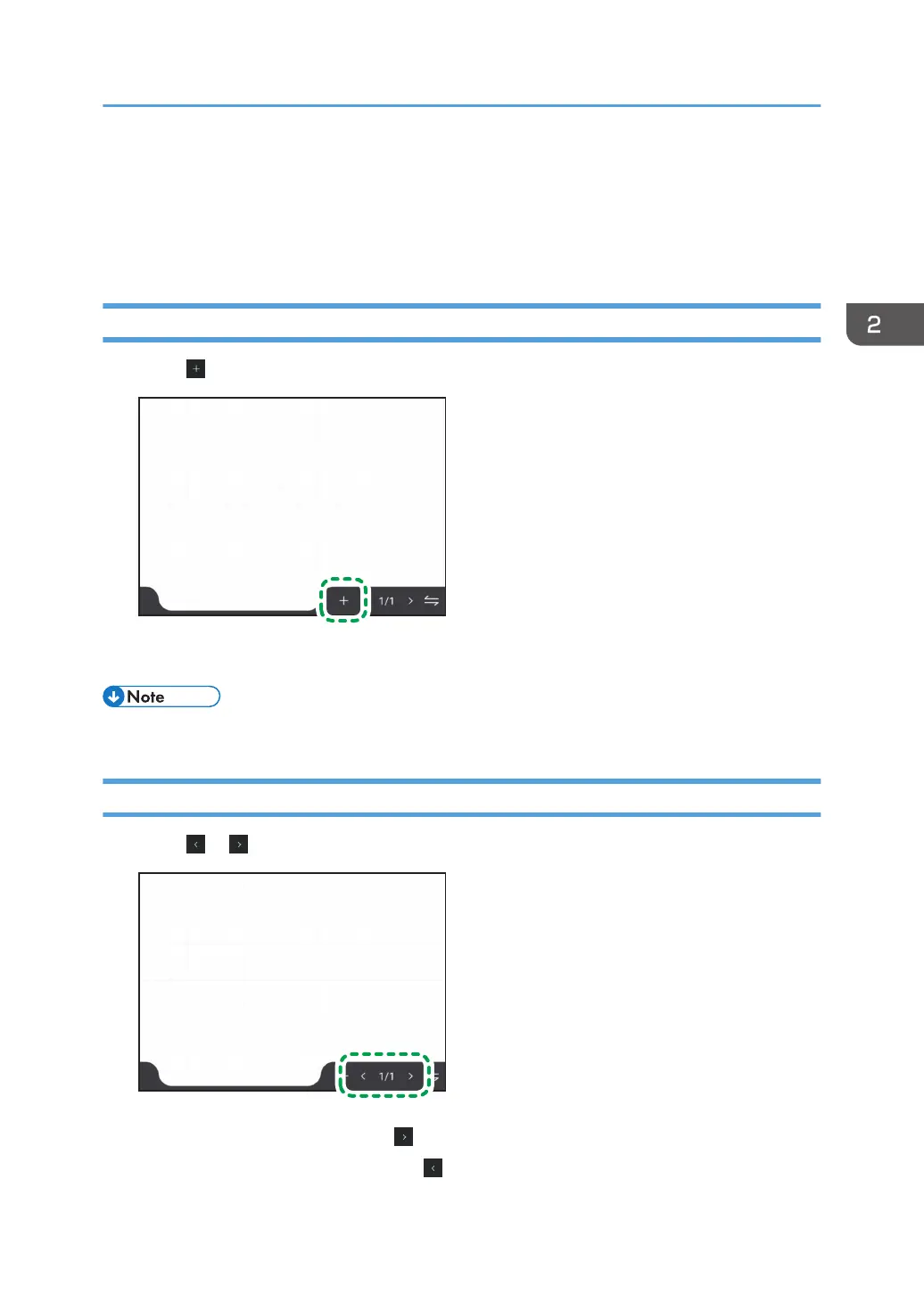
1. Touch .
A new blank page is created behind the selected page, and the newly created page is displayed.
• A maximum of 20 pages can be added.
Changing the Displayed Pages
1. Touch or .
• To display the next page, touch .
• To display the previous page, touch .
Operating a Page
51



 To Next Page