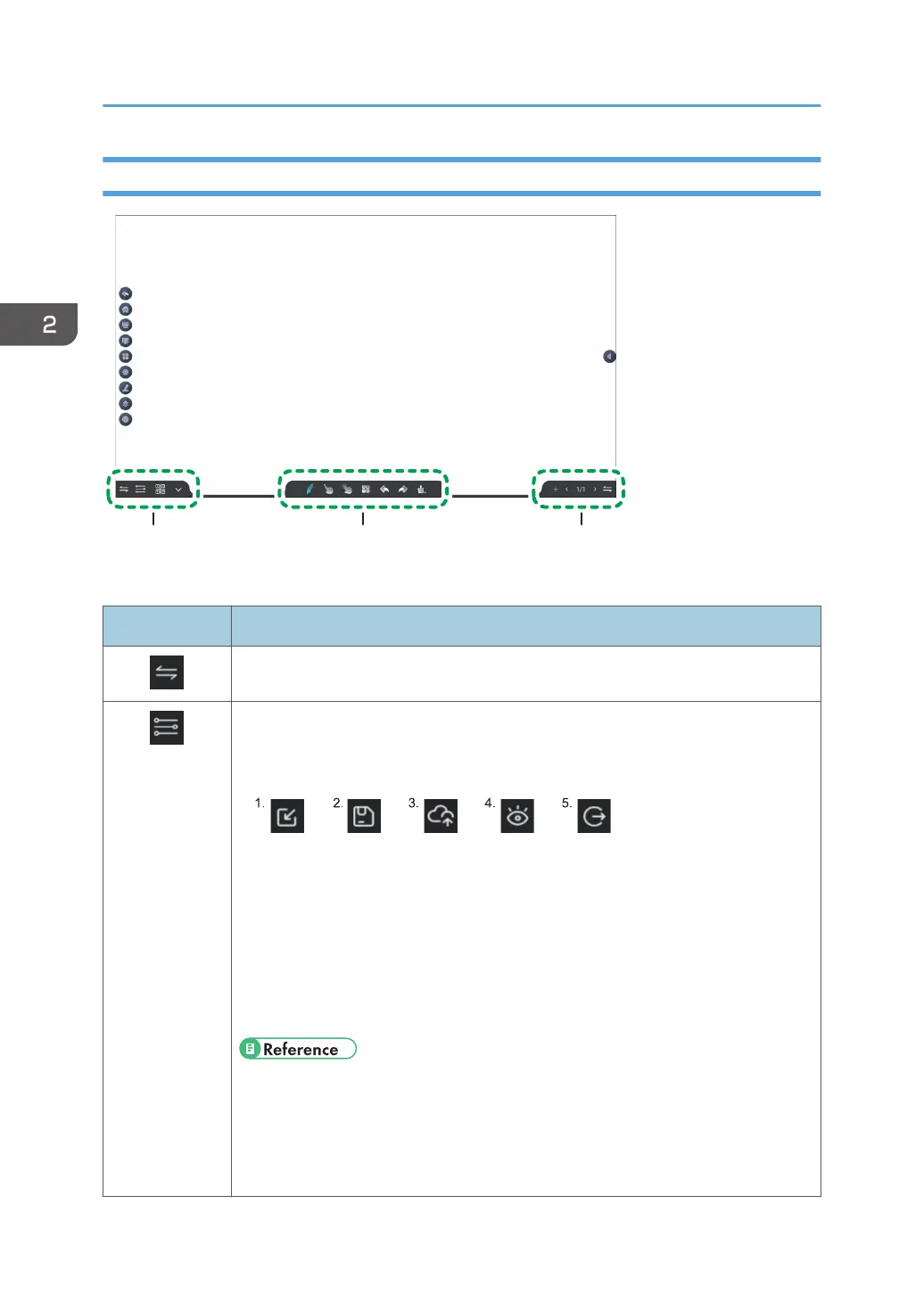
Icons displayed on the whiteboard screen
1. Left Area
Icon Description
Toggles the whiteboard menu bar display between left and right
Displays a sub-menu
The following icons appear in the sub-menu.
1. Loads a whiteboard page saved in IWB format
2. Saves the page
3. Uploads the page to a drive on the network
4. Changes the screen brightness to the mode that protects your eyes
5. Quits the whiteboard app
• page 57 "Saving Pages"
• page 59 "Importing a Saved Page"
• page 60 "Uploading a Page to a Network Drive"
• page 64 "Enabling Eye Protection"
2. Using a Whiteboard
24



 To Next Page