5. Using File Manager
This section describes how to use File Manager to manage the files stored in this machine.
Managing Files
Use File Manager to manage image files, video files, and other files saved in this machine.
Use File Manager for multiple apps and tools, such as saving files created by the whiteboard app,
screen capture, screen recording, etc., and for selecting files to be inserted into the pages of the
whiteboard app.
Starting File Manager
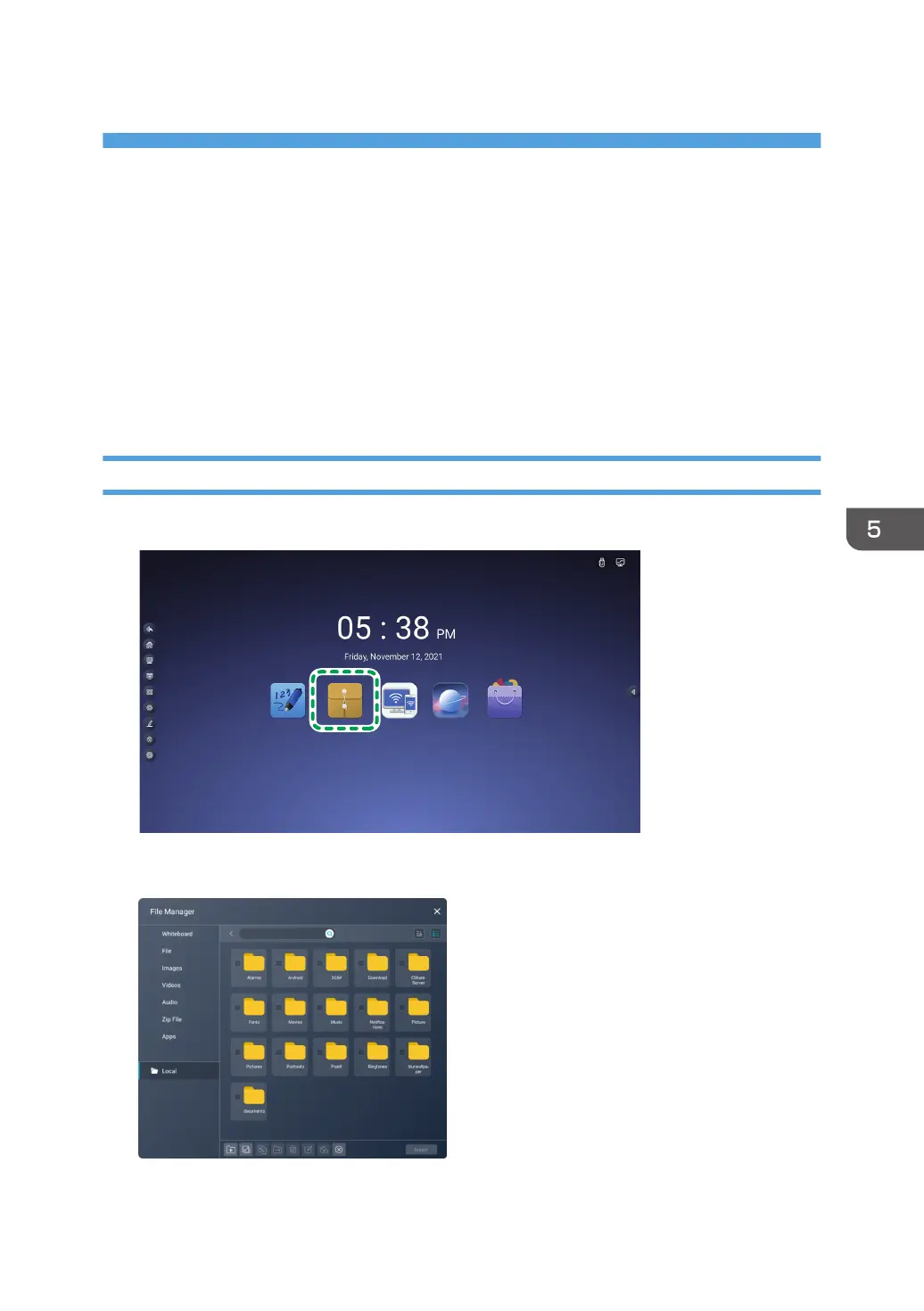
1. Touch the File Manager icon on the home screen.
File Manager starts.
95



 To Next Page