4. Using the Various Functions
This section describes how to operate the various tools.
Playing Video and Audio Files
You can play the video and audio files stored in this machine.
With the factory default settings, you can play back video and audio files in the following ways:
Using File Manager
Select a file to play it.
You can move the playback position and check the file information.
Using Media player
Play up to four video files at the same time on a quad-split screen.
You can play and pause each video.
Playing with File Manager
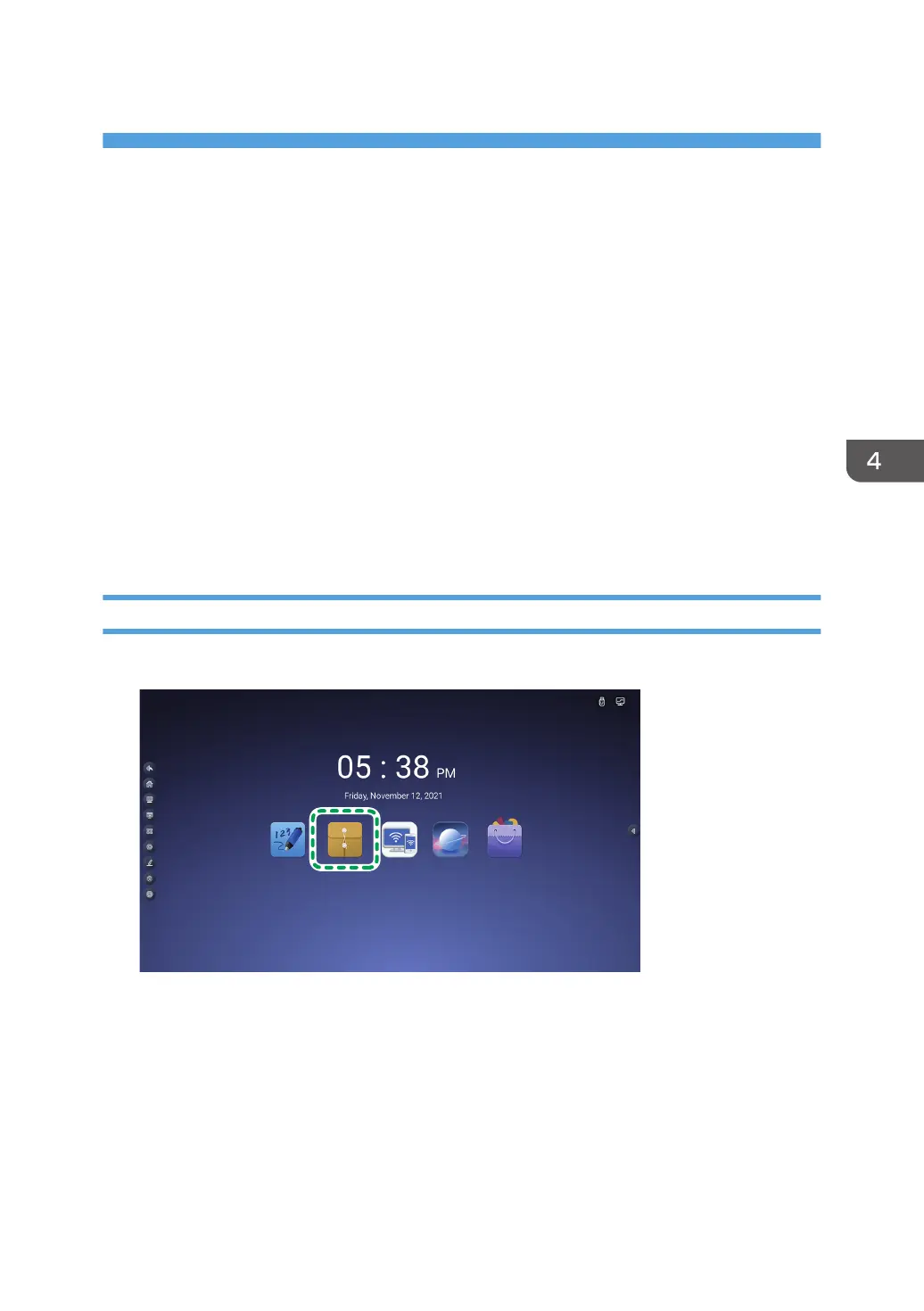
1. Touch the File Manager icon on the home screen.
File Manager starts up.
2. Touch "Videos" or "Audio" from the file category.
3. Quickly double touch the video or audio file that you want to play.
The player of File Manager appears.
4. Touch the play button.
The video will start playing.
85



 To Next Page