Changing the Background
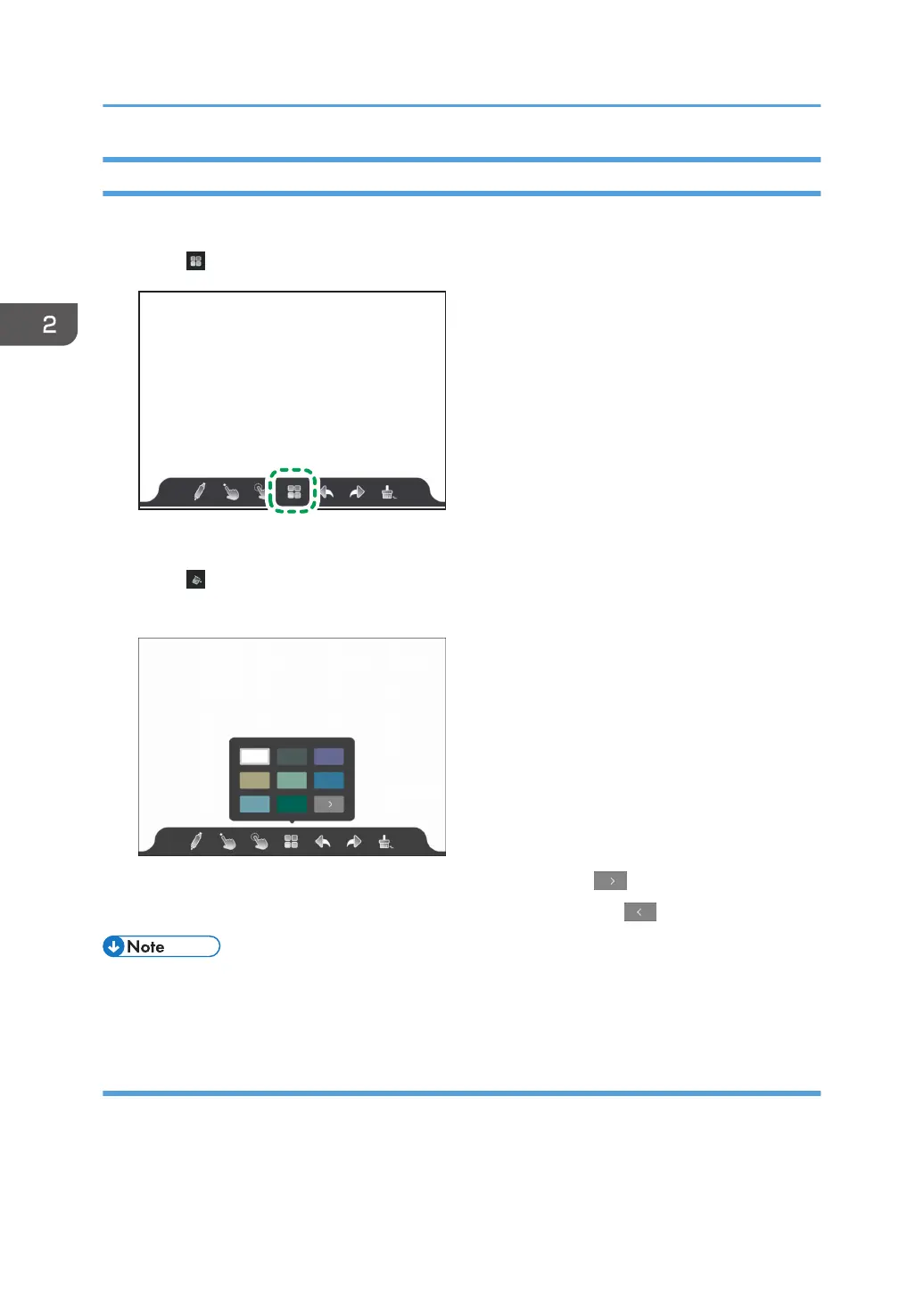
You can change the background image for the whiteboard app.
1. Touch .
The whiteboard screen settings appears.
2. Touch .
3. Select the background image that you want to use from the list.
• To display the next page of the background image list, touch
• To display the previous page of the background image list, touch
• There are 14 background images registered in the list.
• The changed background is saved even after the whiteboard app is finished.
Customizing the background
Load an image file and set it as the background.
The image file formats that can be set as the background are JPG and PNG only.
2. Using a Whiteboard
54



 To Next Page