1. Save the image file that you want to use for the background to this machine.
For details about how to save files, see page 95 "Managing Files".
2. In the list of background images, touch to display the last page of the background
image list.
3. Touch .
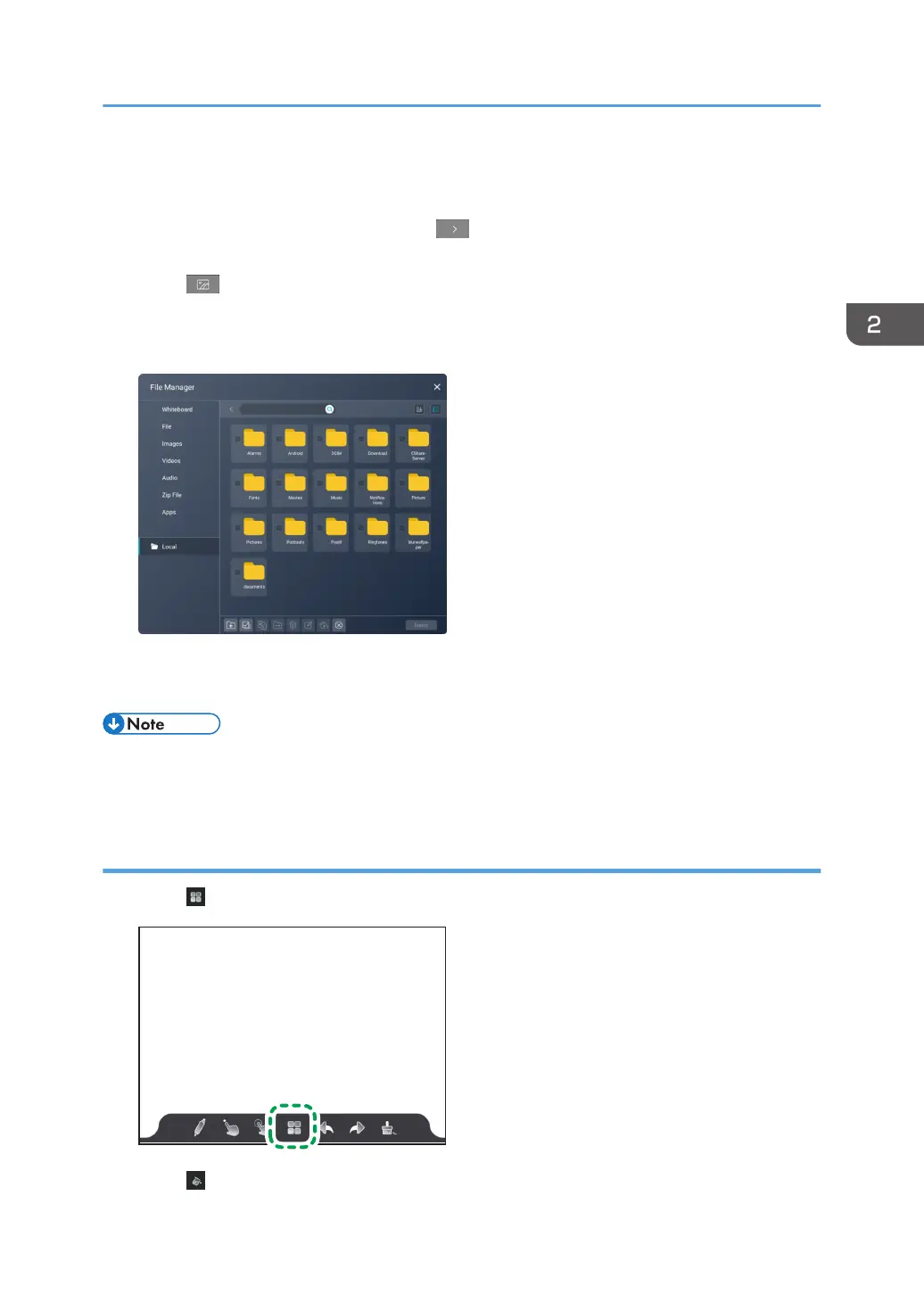
File Manager appears.
4. Select an image file to be used as the background, and then touch [Insert].
The selected image file is added to the last page of the background image list.
5. Select the background that you have added.
• PNG files with a transparent background cannot be used as a background.
• The background that you added is saved even after the whiteboard app is finished.
Deleting the added background
1. Touch .
2. Touch .
Operating a Page
55



 To Next Page