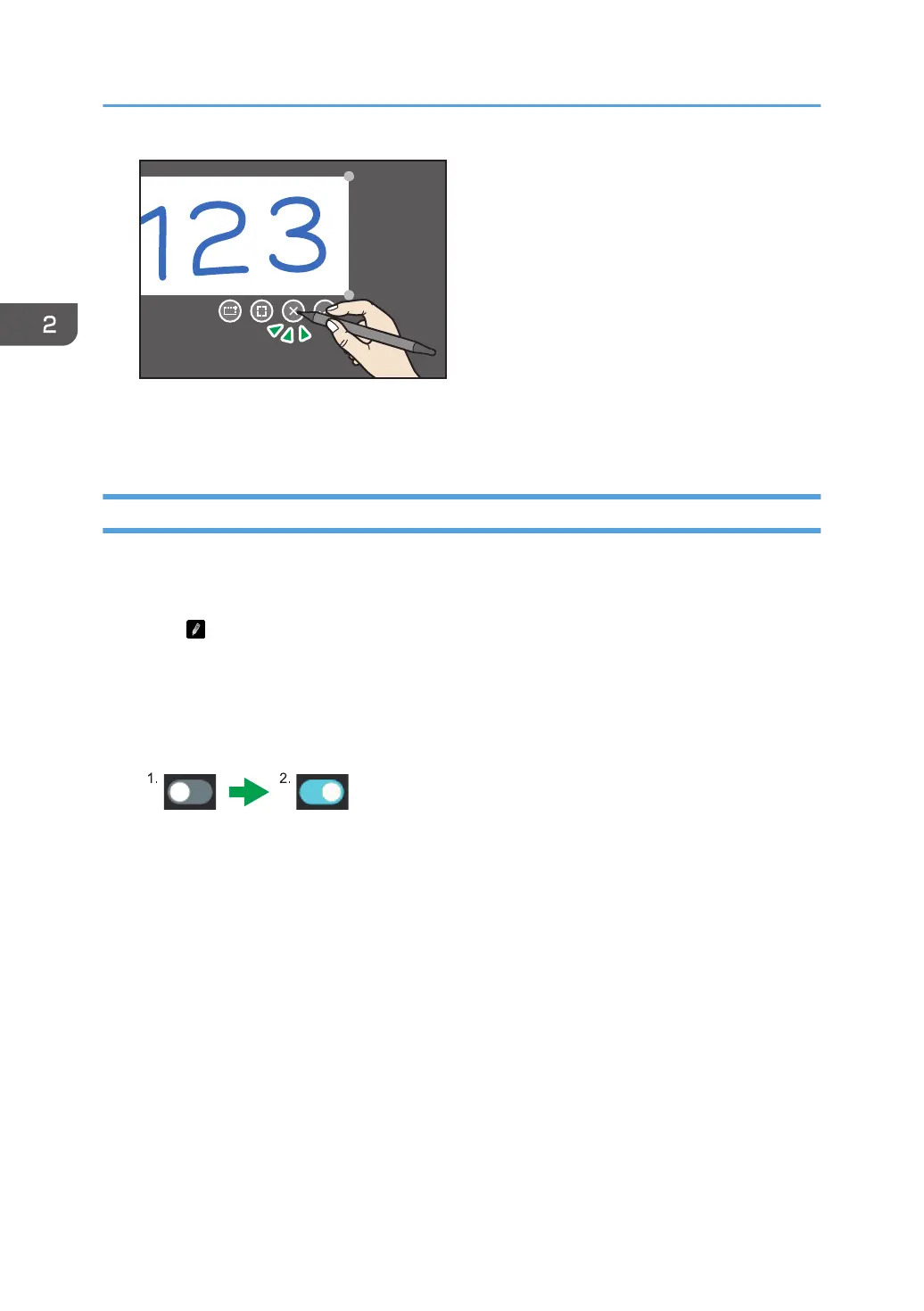
4. Adjust the size and position of the pasted image.
For details about how to use the Whiteboard app, see page 23 "Using a Whiteboard".
Changing the Display Magnification/Moving the Display Area
You can change the magnification of the written content or move the written content.
You need to enable "Erasing using thick stylus".
1. Touch .
The writing settings of the annotation appears.
2. Touch the "Erasing using thick stylus" toggle switch.
The toggle switch will be turned on.
1. Off
2. On
When the toggle button is turned on, "Erasing using thick stylus" will be enabled.
3. Touch the outside of the annotation writing setting.
4. Move the pen over the written content.
Changing the display magnification
Touch the screen with two fingers and spread or pinch them together.
2. Using a Whiteboard
74



 To Next Page