Writing will be available for multiple users at the same time.
This section describes the procedure for writing after changing the writing settings of the annotation, as
an example.
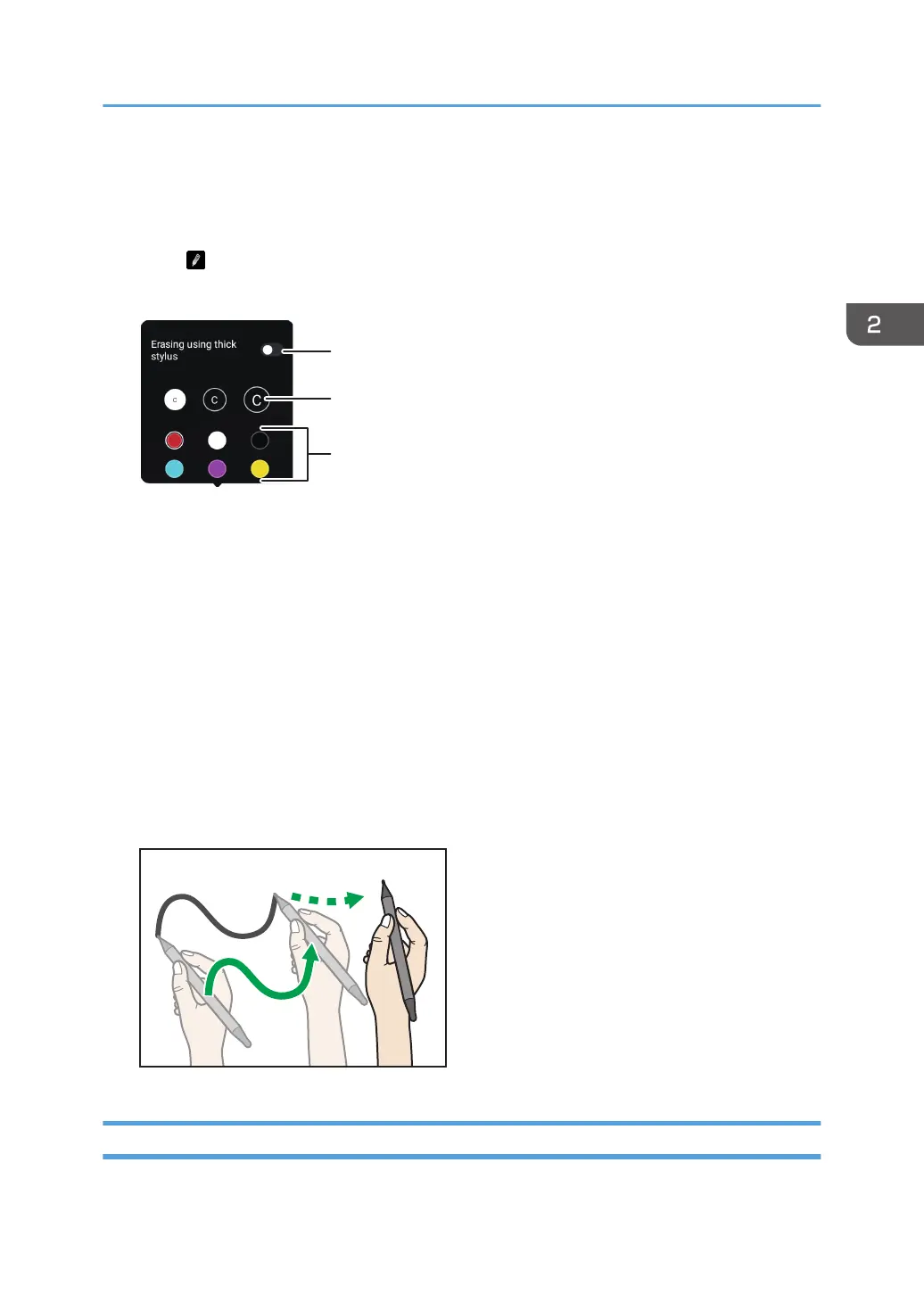
1. Touch .
The writing settings of the annotation appears.
1. Erasing using thick stylus
Use your finger or a thick pen to erase written contents.
Also, if you turn on "Erasing using thick stylus", only single user can write.
2. Thickness
Selects the thickness of the drawn lines
3. Color
Selects the color of drawn lines
2. Select the thickness if necessary.
3. Select the color if necessary.
4. Touch the outside of the annotation writing setting.
5. Move the pen on the screen.
Erasing
The following methods are available for erasing:
Writing on a Screen Other Than the Whiteboard App
69



 To Next Page