• Erasing with the palm of the hand
• Erasing with a pen or finger
• Erasing all the writing on the current view
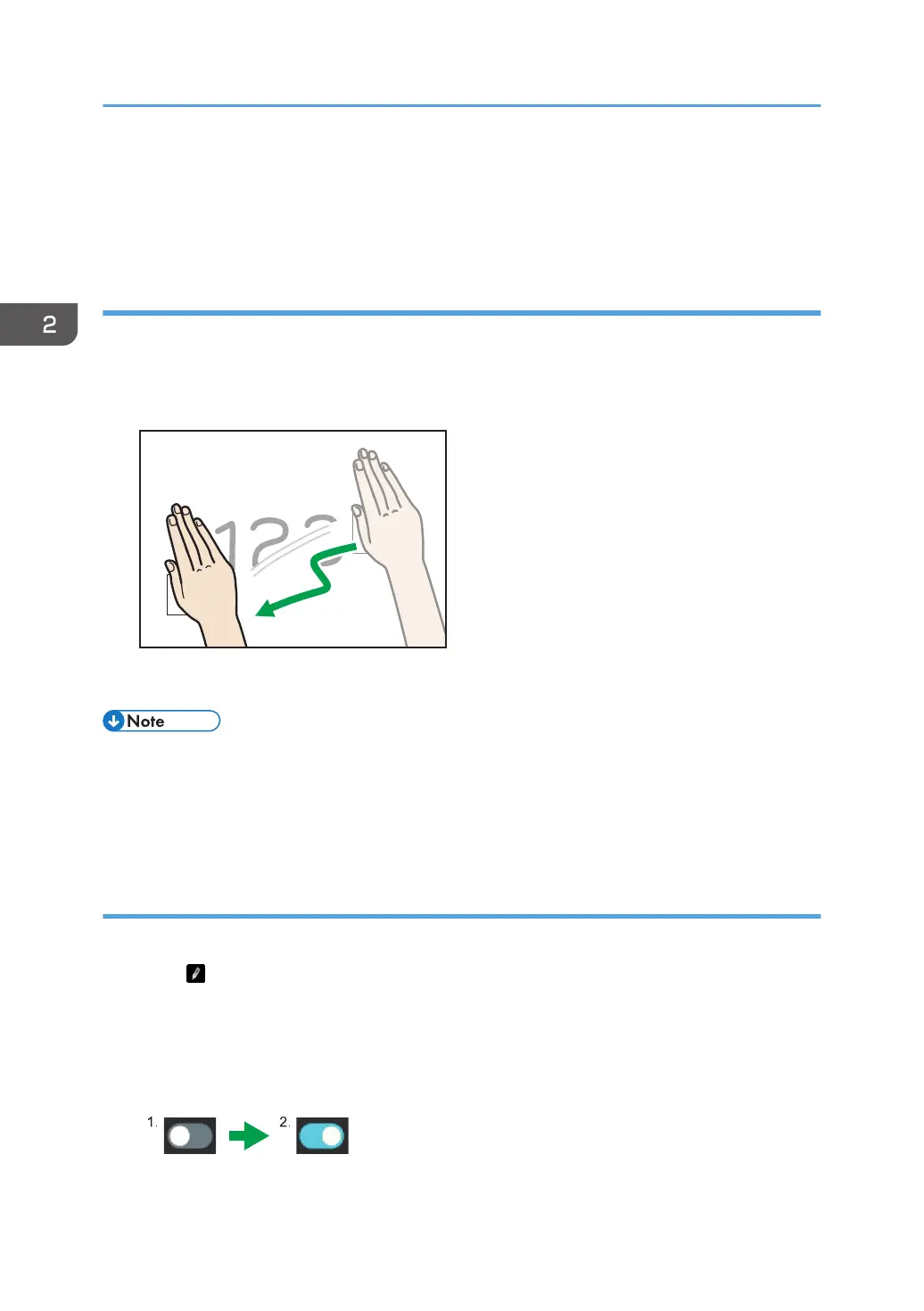
Erasing with the palm of the hand
Erase the written content with the palm of your hand.
1. Touch the screen with the palm of your hand.
2. Drag the displayed erase icons across the written content that you want to erase.
The portion of the written content that you dragged the erase icons across is erased.
• When writing a figure, it cannot be erased with the palm of the hand.
• If your fingertips touch the screen, the operation may not be recognized correctly and the display
position may be moved. Please close your fingers so that only the palm of your hand touches the
screen.
Erasing with a pen or finger
Turn on "Erasing using thick stylus" to erase what you have written with your pen or finger.
1. Touch
.
The writing settings of the annotation appears.
2. Touch the "Erasing using thick stylus" toggle switch.
The toggle switch will be turned on.
2. Using a Whiteboard
70



 To Next Page