• When you pinch your fingers together, the screen is reduced, centering on where you
originally touched.
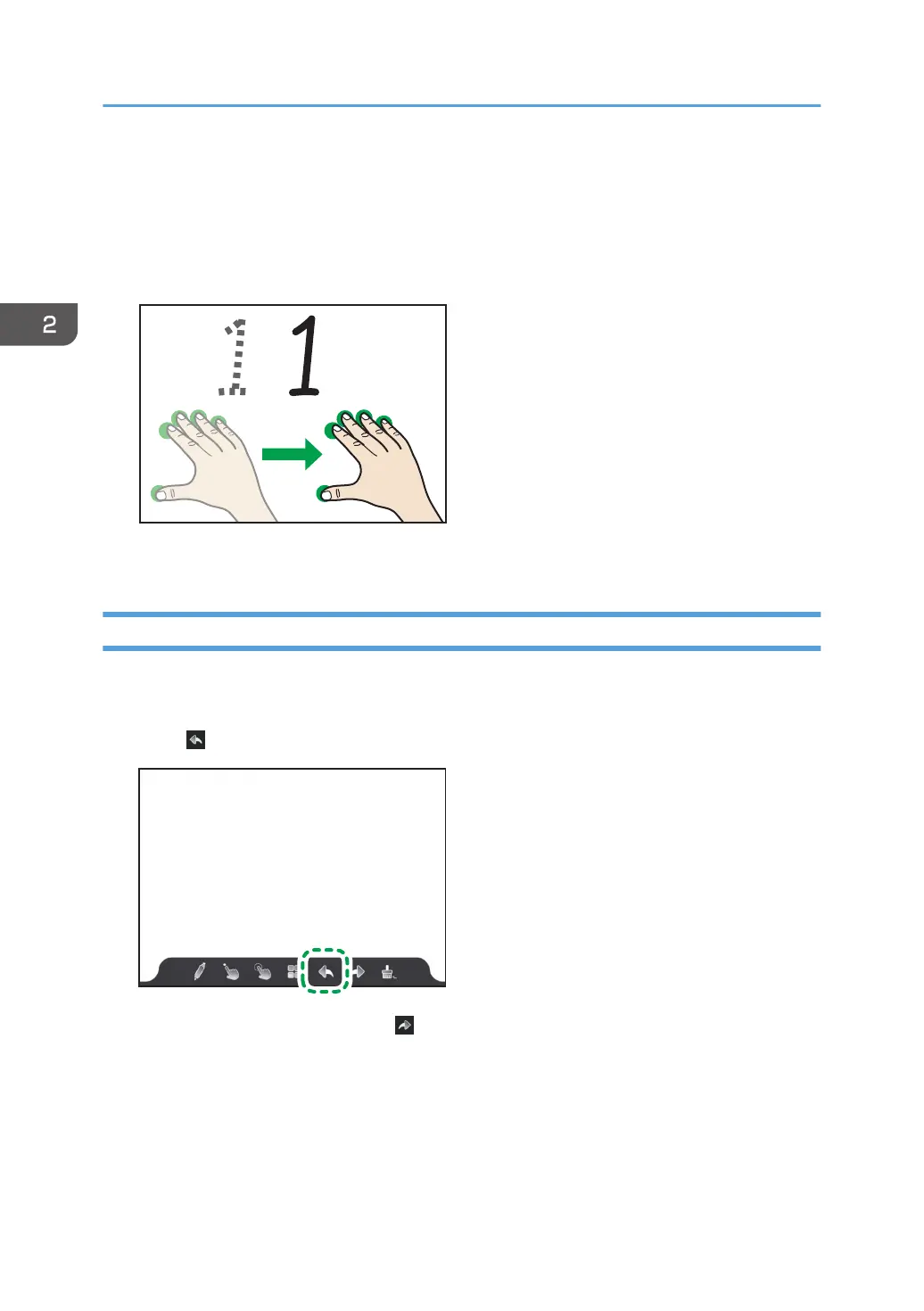
Moving a displayed area
Touch the screen with three or more fingers, and while maintaining the same distance between
them, move them up or down, or left or right.
The display area moves with the movement of your fingers.
Undoing Operations
Operations such as writing, enlarging, reducing, or erasing can be undone. You can also redo
operations that were undone.
1. Touch
.
To redo the undone operation, touch .
2. Using a Whiteboard
50



 To Next Page