11. Appendix
This appendix explains how to maintain this machine and the machine information.
Maintenance
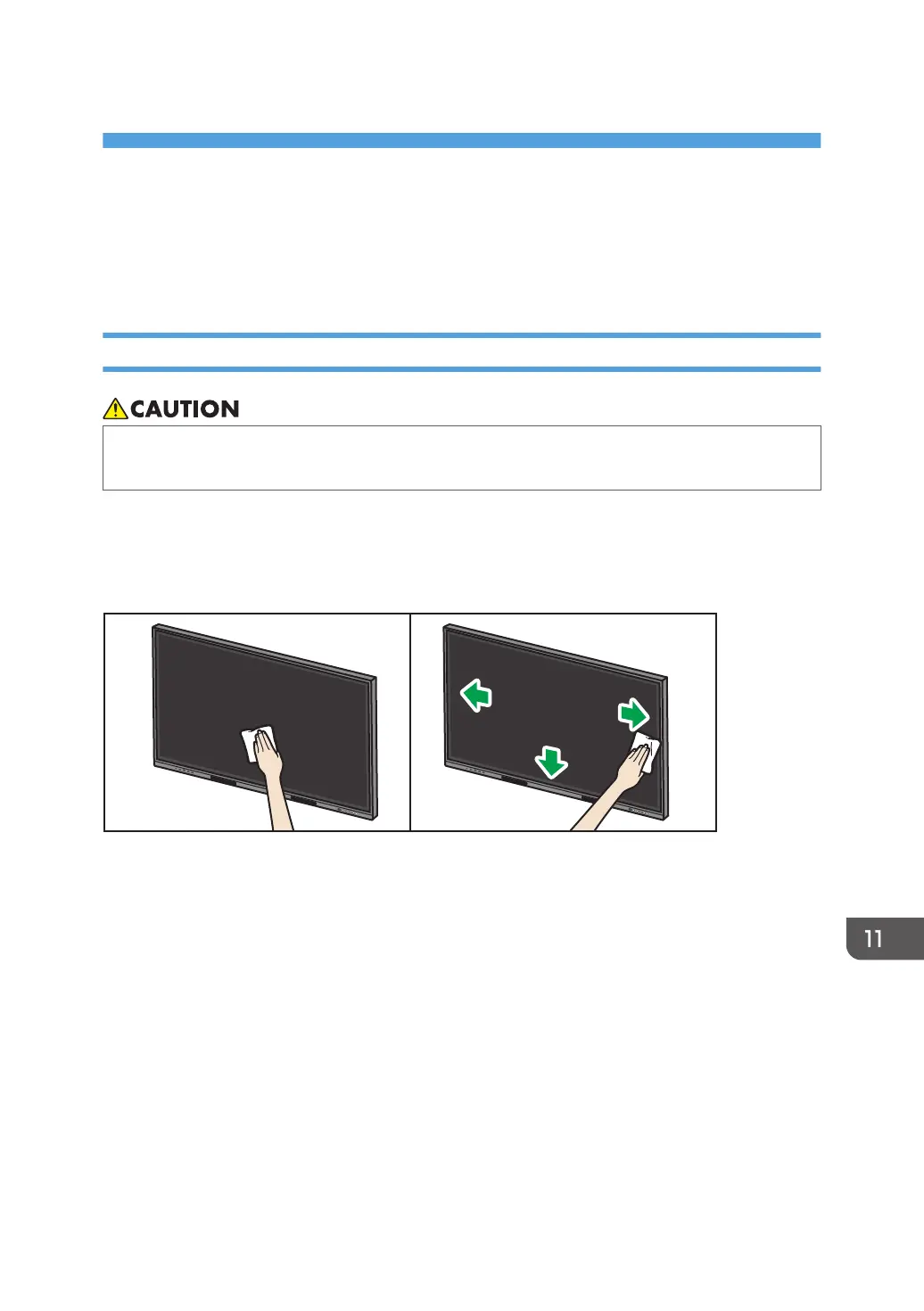
Cleaning the Display
• When performing maintenance on the machine, always disconnect the power cord from the
wall outlet.
If the display surface or the inside of the display frame of the whiteboard becomes dirty, clean it with a
soft dry cloth.
If the display is used without cleaning, a position touched on the display may not be recognized
correctly.
141



 To Next Page