6. Change the position and size of the image if necessary.
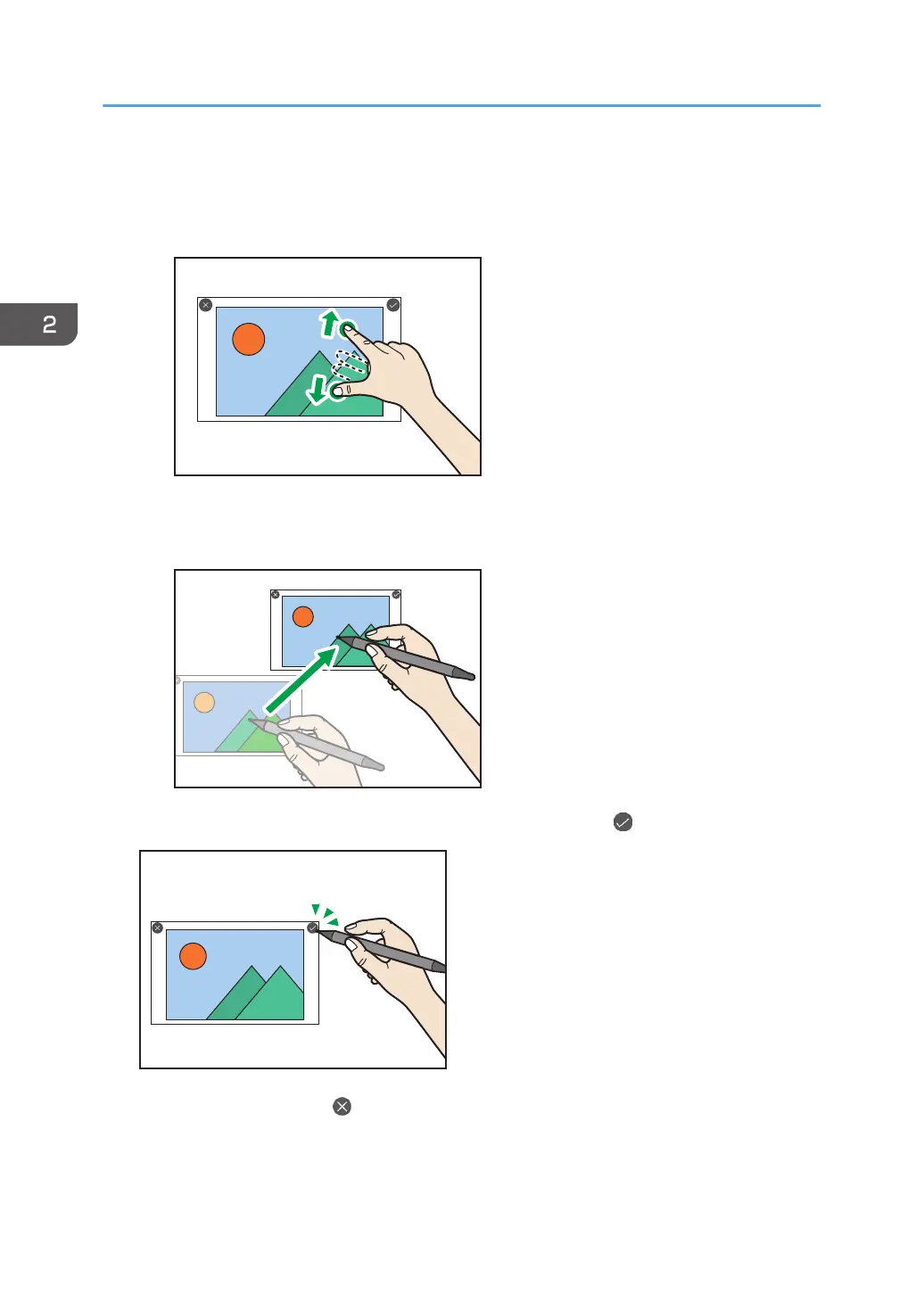
• Enlarging or reducing
Touch the image with two fingers and spread or pinch them together.
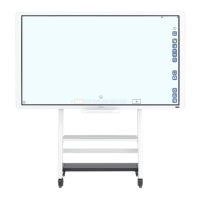
• Moving
Drag the image to the area where you want to place.
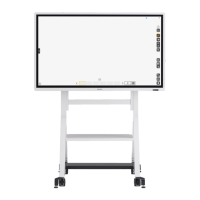
7. When you have finished changing the position and size, touch .
If you want to cancel, touch .
2. Using a Whiteboard
40


 To Next Page