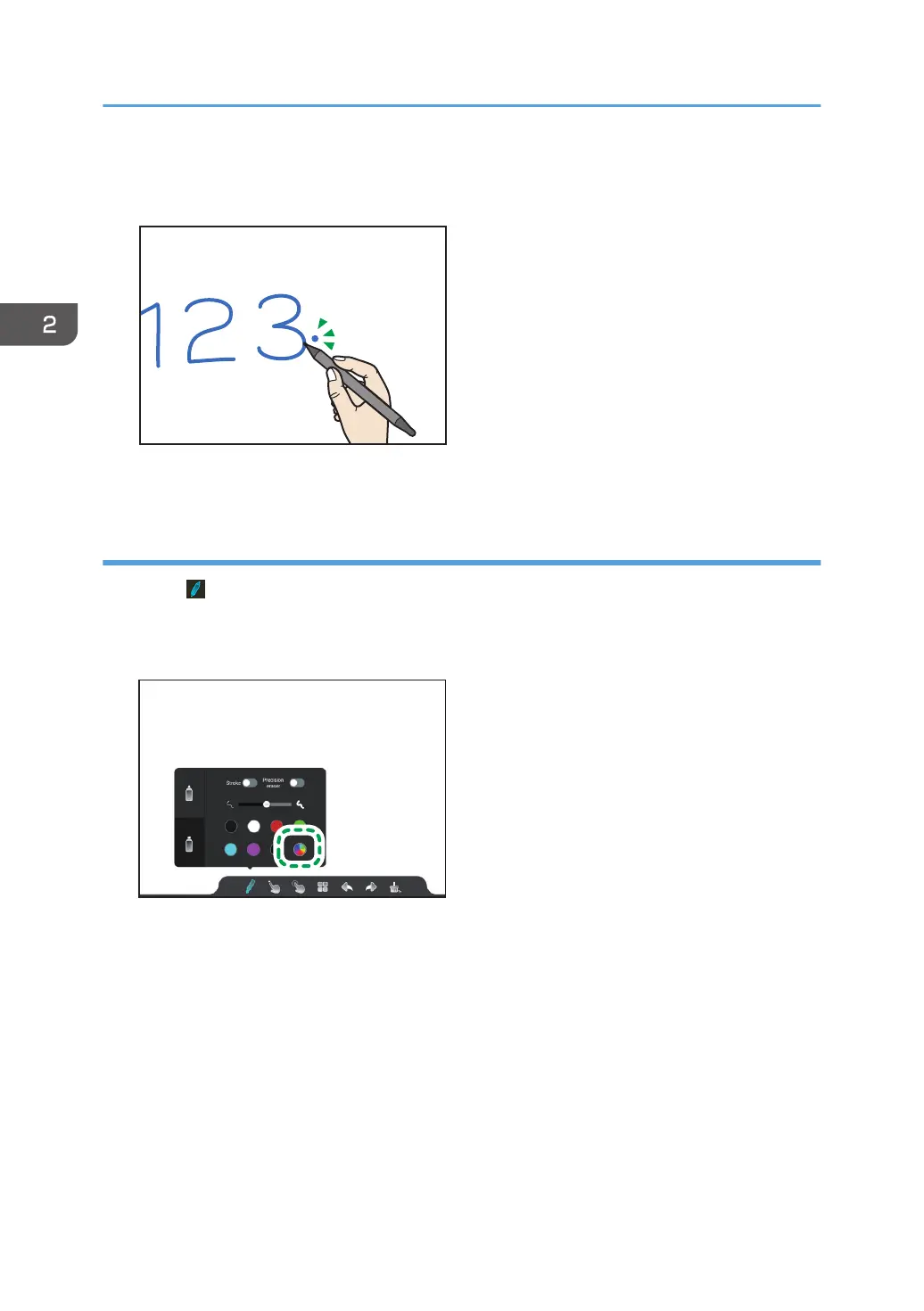
3. Touch the writings, figures, or images from which you want to extract the color.
A preview of the extracted color appears in a circle in the upper-right corner of the touched point.
4. Write with the color that you extracted.
Selecting a color from the color chart
1. Touch .
The writing settings appears.
2. Touch the color chart icon.
The color chart appears.
2. Using a Whiteboard
34



 To Next Page