The toggle switch will be turned on.
1. Off
2. On
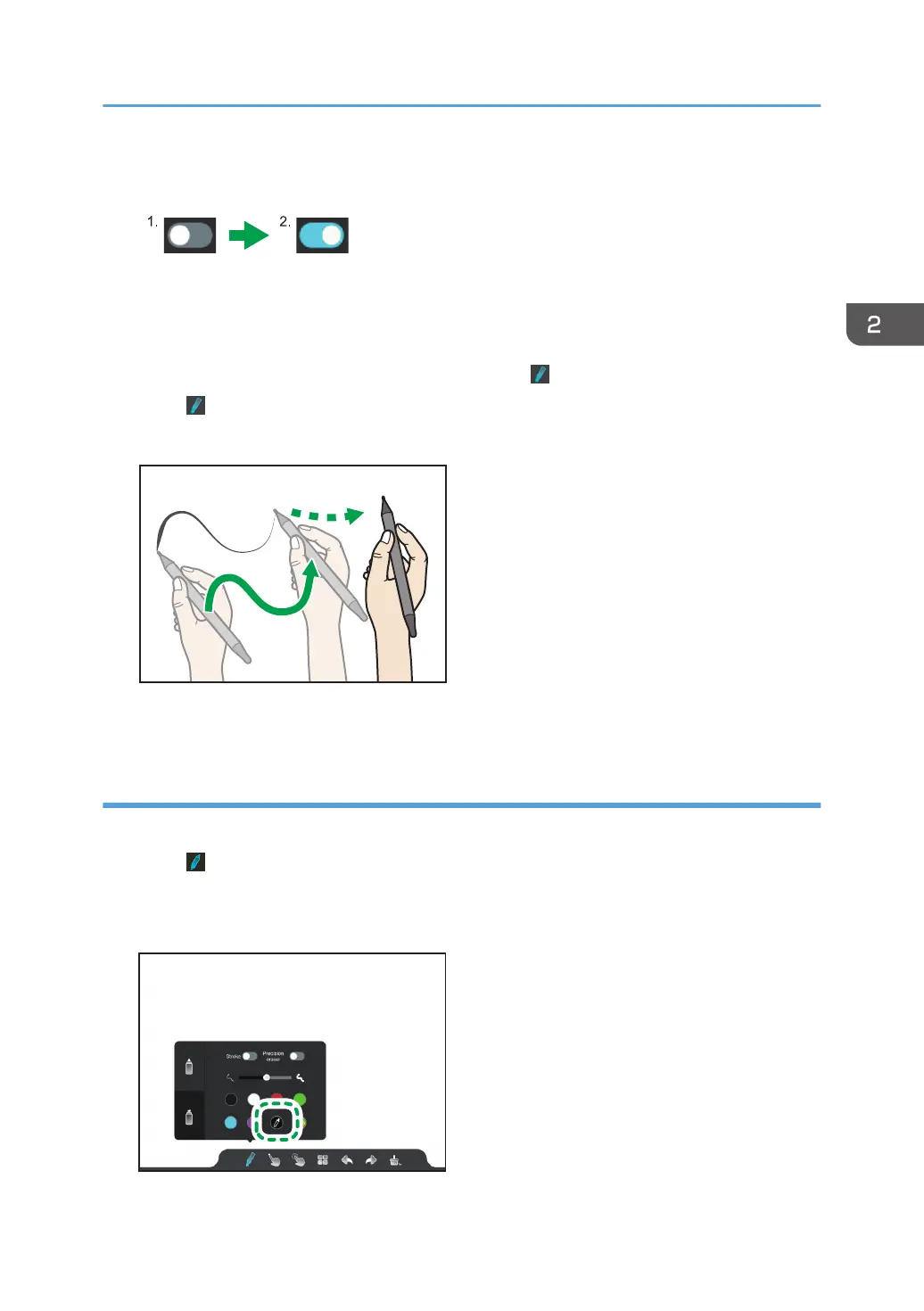
When the toggle switch is turned on, the icon changes to and the stroke is enabled.
3. Touch or outside of the writing settings.
4. Move the pen on the screen.
The thickness of the lines that you write will automatically change as the pen moves.
Extracting colors
Use the eyedropper tool to extract colors from other writings, figures, or images.
1. Touch
.
The writing settings appears.
2. Touch the eyedropper tool icon.
Basic Operations
33



 To Next Page