When using a pen, you can assign the thick pen to erase and the thin pen to write.
4. Thickness
Adjusts the thickness of the drawn lines
5. Color
Selects the color of drawn lines
3. Select the pen nib type from the writing settings.
4. Adjust the thickness if necessary.
Touch and hold the slide bar and move it left or right to change the thickness.
5. Select the color if necessary.
6. Touch or outside of the writing settings.
7. Move the pen on the screen.
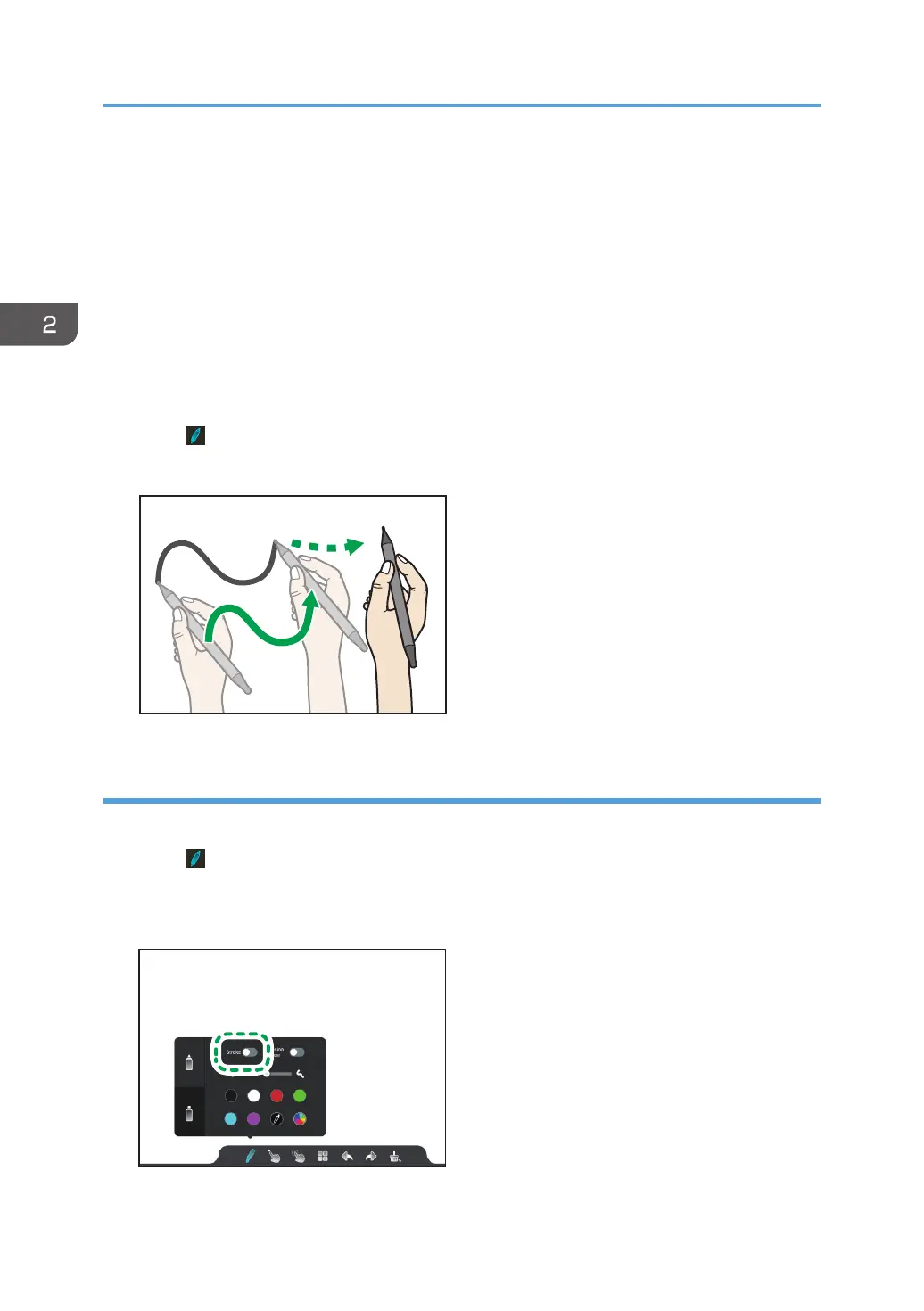
Enabling the stroke
Enable the stroke and write as if it were a line drawn with a brush.
1. Touch .
The writing settings appears.
2. Touch the "Stroke" toggle switch of the pen nib that you want to use.
2. Using a Whiteboard
32



 To Next Page