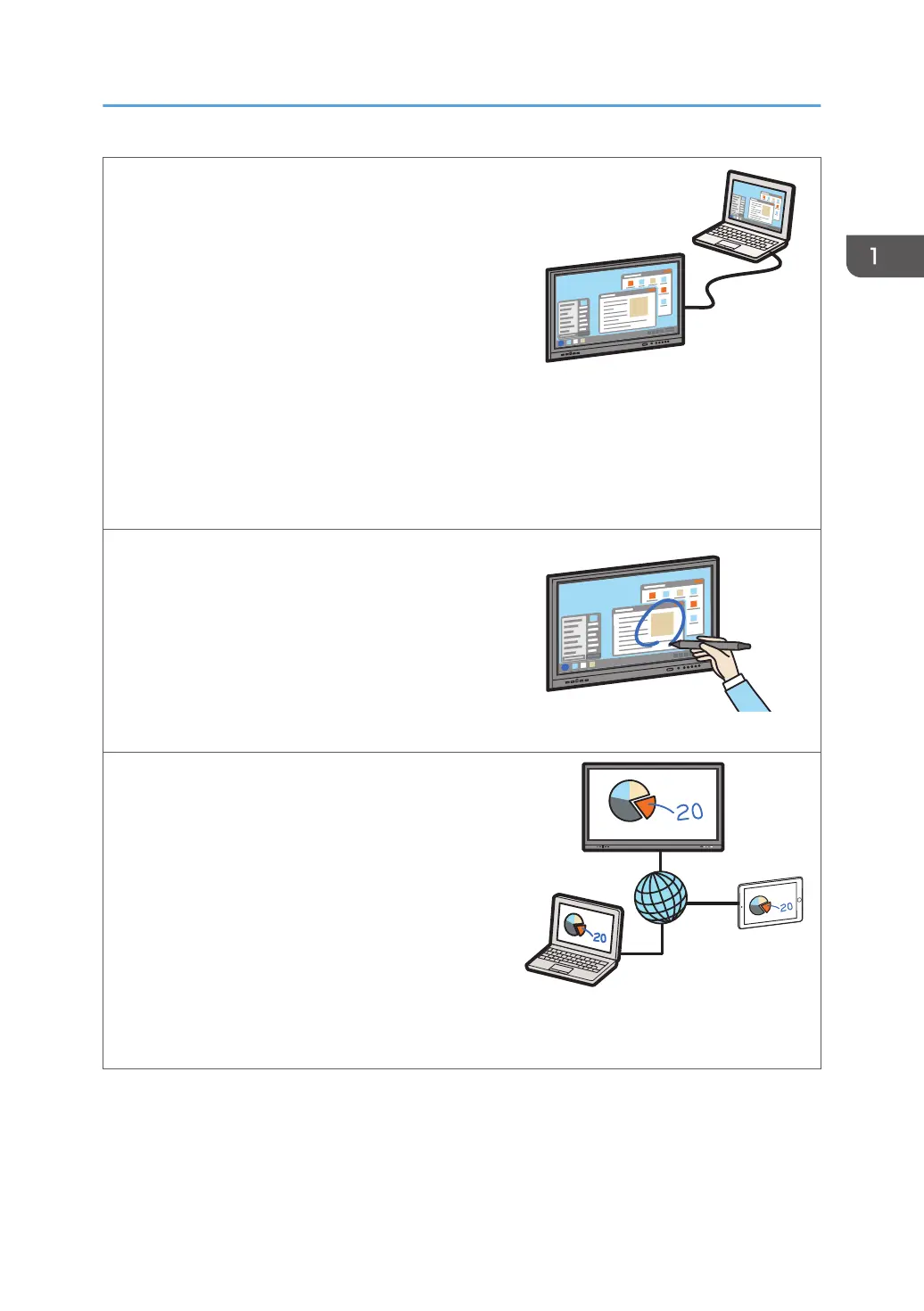
Display the screen of an external device such as a
computer
You can connect a computer, tablet, or document
camera to this machine and display images.
See page 107 "Connecting a Computer or Tablet
to the Machine".
Preview the screen of the external devices
You can display a list of screen previews of the
external devices connected to this machine.
You can also display a picture-in-picture preview of
the screen of an external device. The preview
display can be moved and enlarged or reduced.
See page 113 "Selecting the Video Input (Source)".
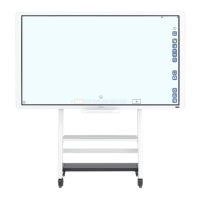
Write on screens other than the whiteboard app
You can write text on the screen of an external
device connected to this machine, the display
screen of a document file, or the screen of an app
such as a web page. You can also capture a screen
image and paste it onto a whiteboard page.
See page 67 "Writing on a Screen Other Than
the Whiteboard App".
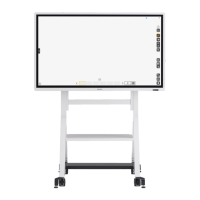
Share the screen of this machine with external
devices connected via network
Using EShare, you can share the screen of this
machine with multiple devices connected to the
network.
See page 81 "Start Screen Sharing".
Display the screen of an external device connected
to the network
Using EShare, you can display the screen of the
external devices connected via a network.
See page 81 "Start Screen Sharing".
Things You Can Do with the Machine
11


 To Next Page