Icon Description
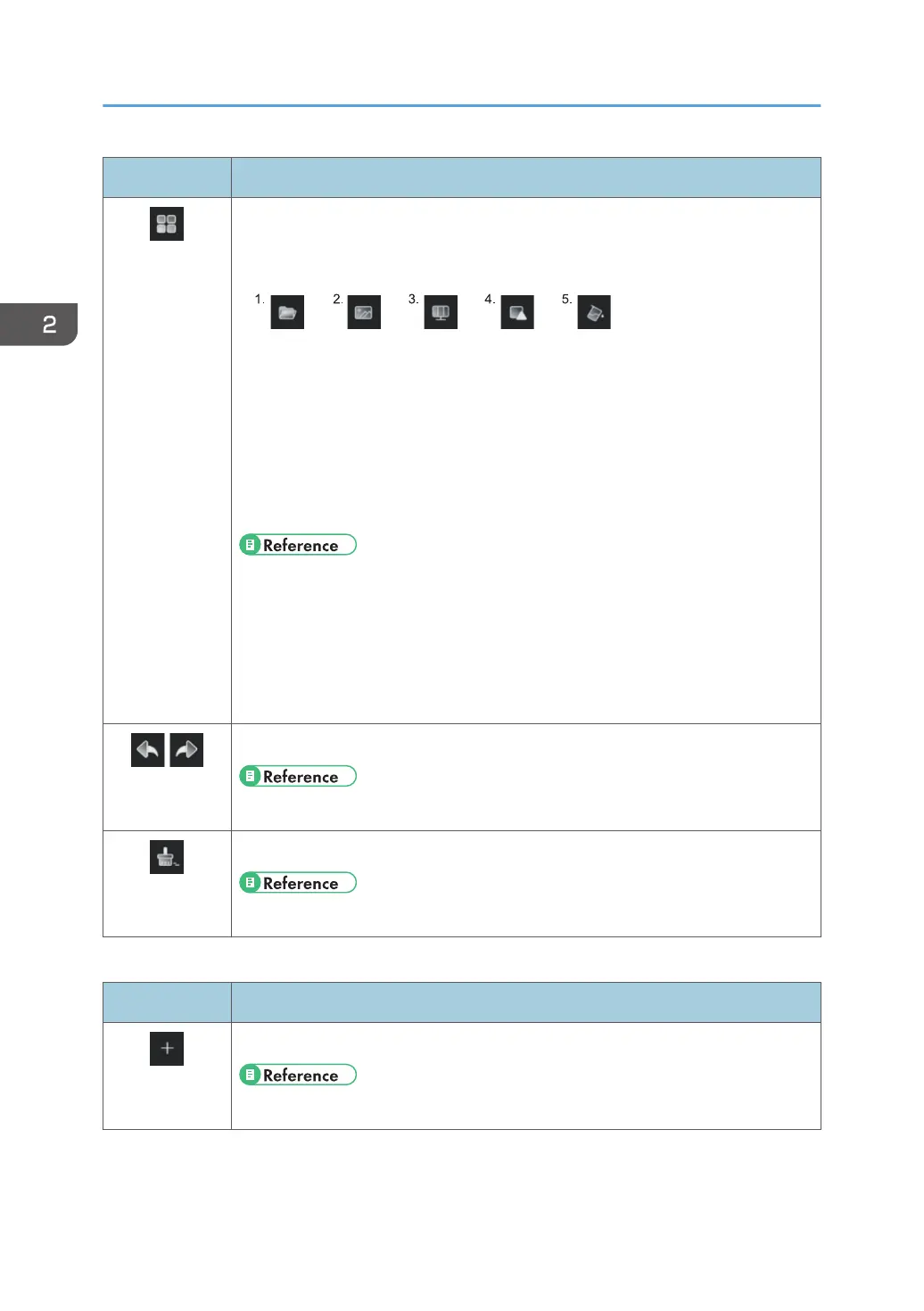
Displays the whiteboard screen settings
The following icons appear.
1. Loads a video file
2. Loads an image file
3. Splits the whiteboard screen (up to three sections)
4. Selects a shape and writes on it
5. Changes the background of the whiteboard screen
• page 36 "Loading a Video File"
• page 38 "Loading an Image File"
• page 64 "Splitting the Whiteboard App Screen"
• page 36 "Writing a Figure"
• page 54 "Changing the Background"
Undoes writing, editing, or erasing, or redoes an undo operation
• page 50 "Undoing Operations"
Erases everything on the page
• page 44 "Erasing all written content of the current page"
3. Right Area
Icon Description
Creates a new page
• page 51 "Adding a Page"
2. Using a Whiteboard
28



 To Next Page