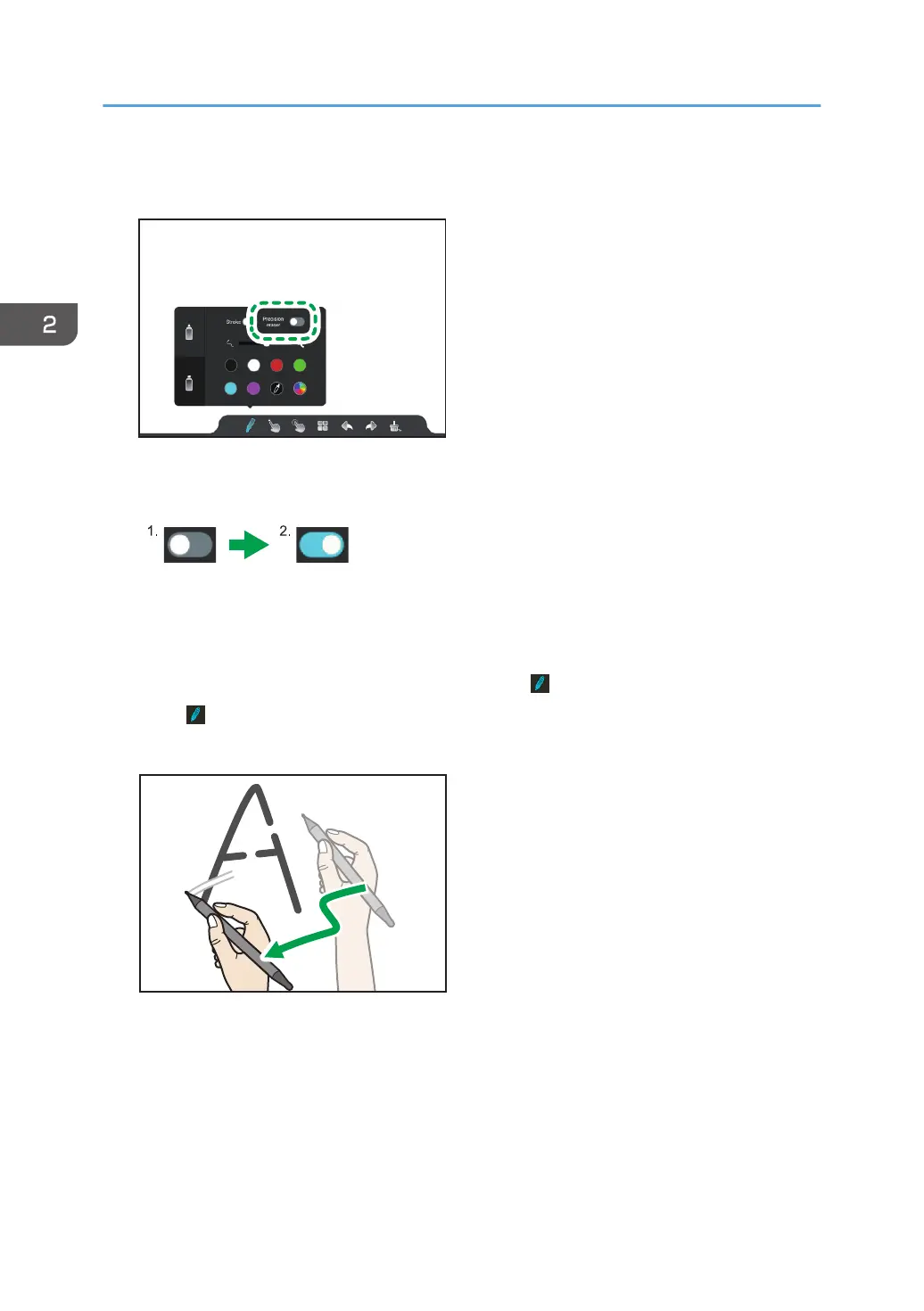
2. Touch the "Precision eraser" toggle switch, which can be found in the writing settings for
the thick pen.
The toggle switch will be turned on.
1. Off
2. On
When the toggle switch is turned on, the icon changes to and "Precision eraser" is enabled.
3. Touch or outside of the writing settings.
4. Move the pen over the written contents.
Only the portions of the written content touched by the pen nib are erased.
2. Using a Whiteboard
42



 To Next Page