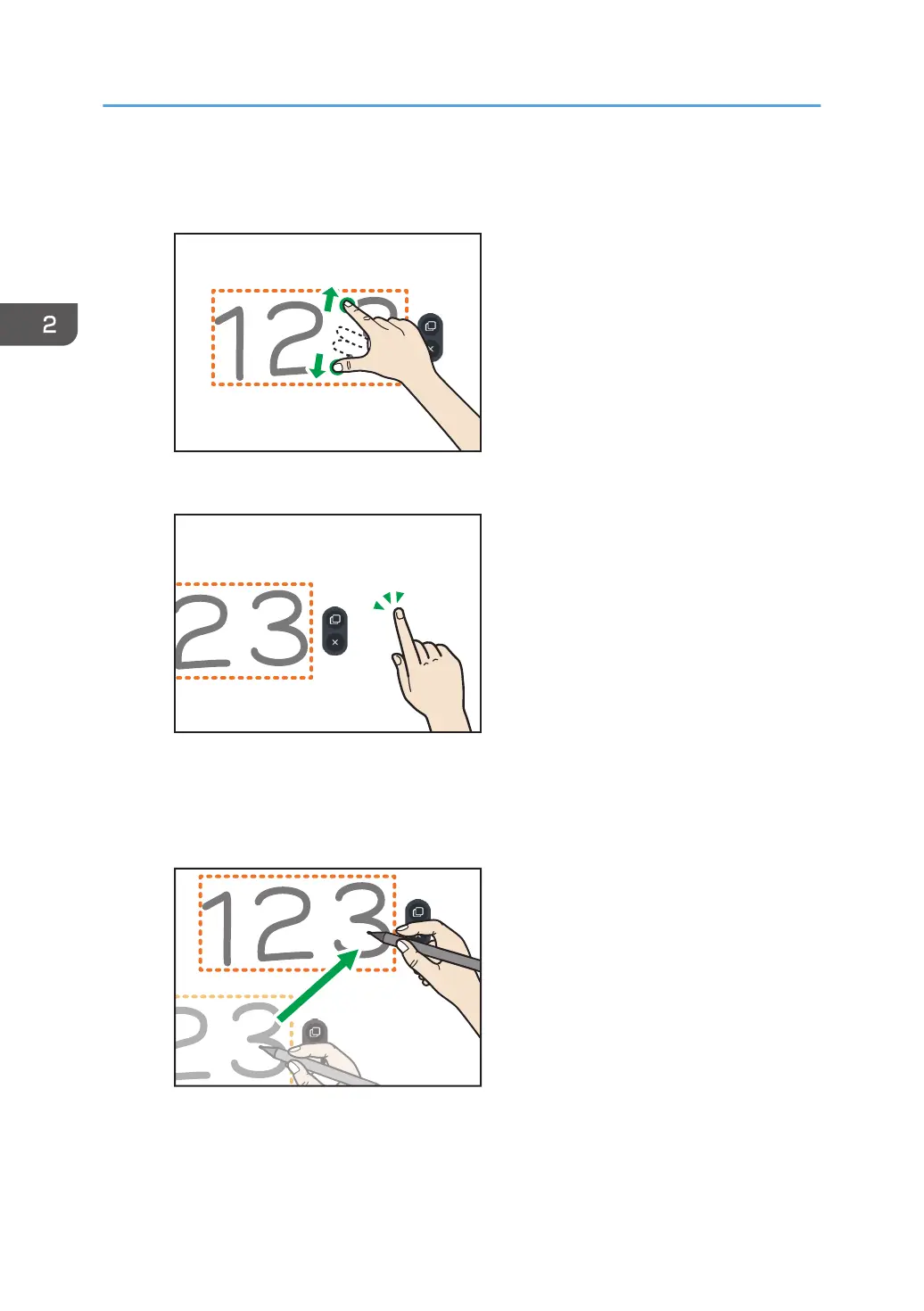
Enlarging or reducing the written content
1. Touch the screen with two fingers and spread or pinch them together.
2. Touch any area other than the selected written content.
The selection is cleared.
Moving the written content
1. Drag the selected written content to the area where you want to place it.
2. Using a Whiteboard
46



 To Next Page