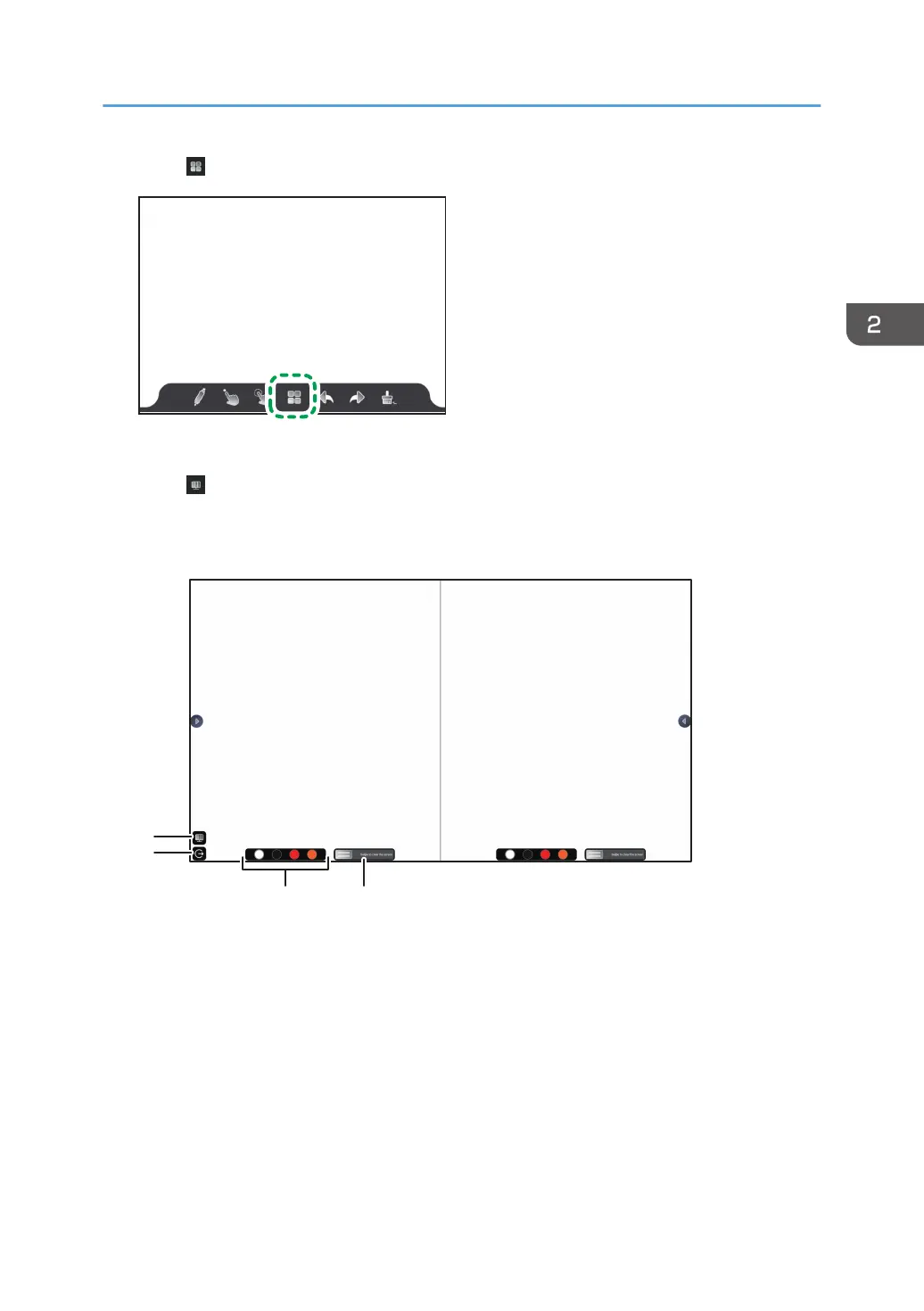
1. Touch .
The whiteboard screen settings appears.
2. Touch
.
The screen will be displayed in two segments.
3. Change the number of divisions and the color, as necessary.
1. Change the number of divisions.
Changes the number of screen divisions
When you touch this icon, the screen will alternately switch between a double-split screen and triple-split
screen.
Even if the screen is switched, the written data will not be erased
2. End of a split screen
Ends the split-screen operation and returns to the normal whiteboard screen
3. Color palette
Selects the color of drawn lines
The color can be set for each screen.
Other Functions
65



 To Next Page