Fax Destination
177
7
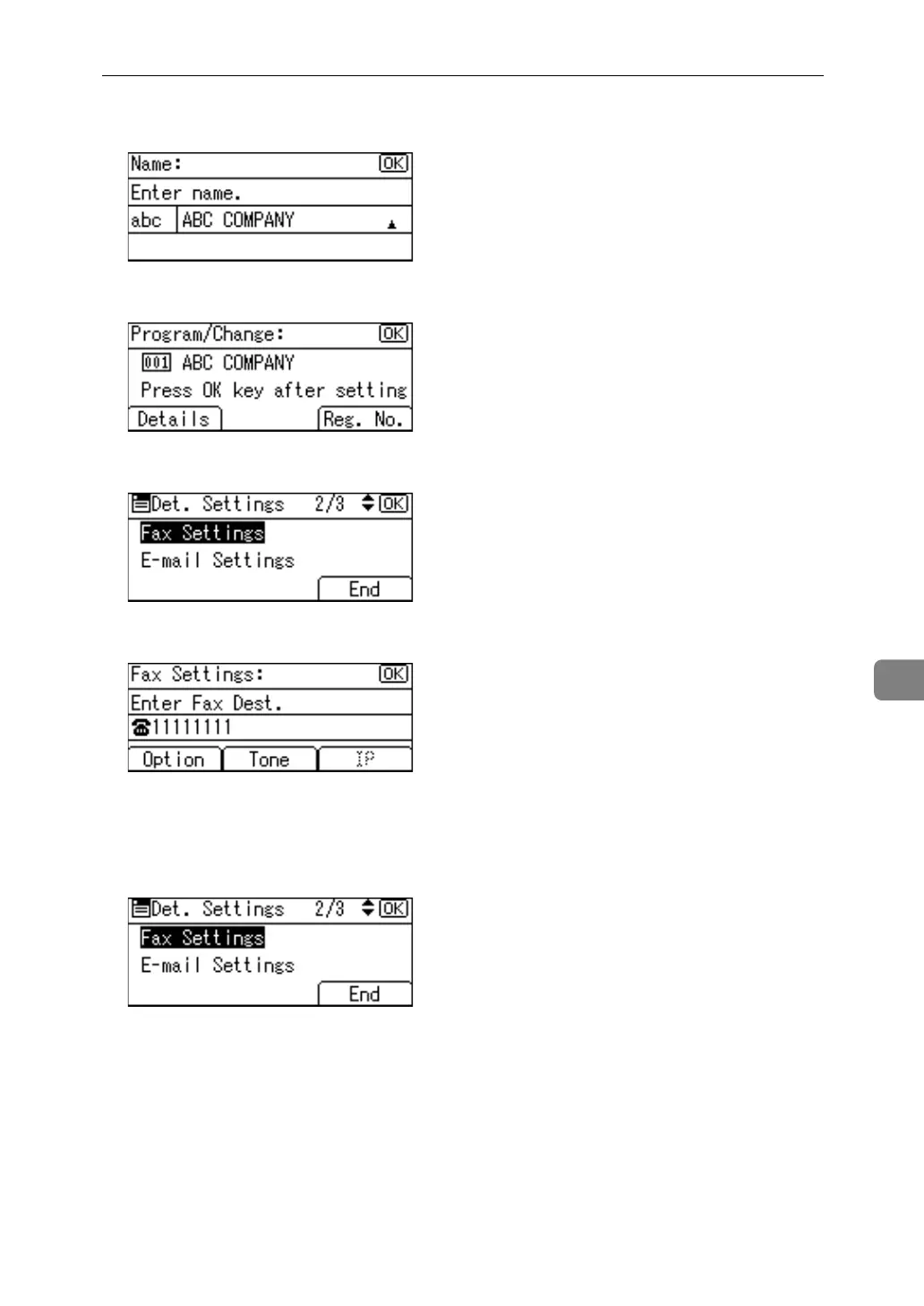
F Press the {OK} key.
G Press [Details].
H Select [Fax Settings] using {U} or {T}, and then press the {OK} key.
I Enter the fax number using the number keys, and then press the {OK} key.
J Specify optional settings such as "SUB Code", "SEP Code", "International
TX Mode", and "Label Insertion".
K Press [End].
L Press the {OK} key.



 To Next Page