Registering Addresses and Users for Facsimile/Scanner Functions
216
7
C Enter each item again.
Reference
p.219 “Registering an FTP Folder”
p.230 “Registering an NCP folder”
Deleting the SMB registered folder
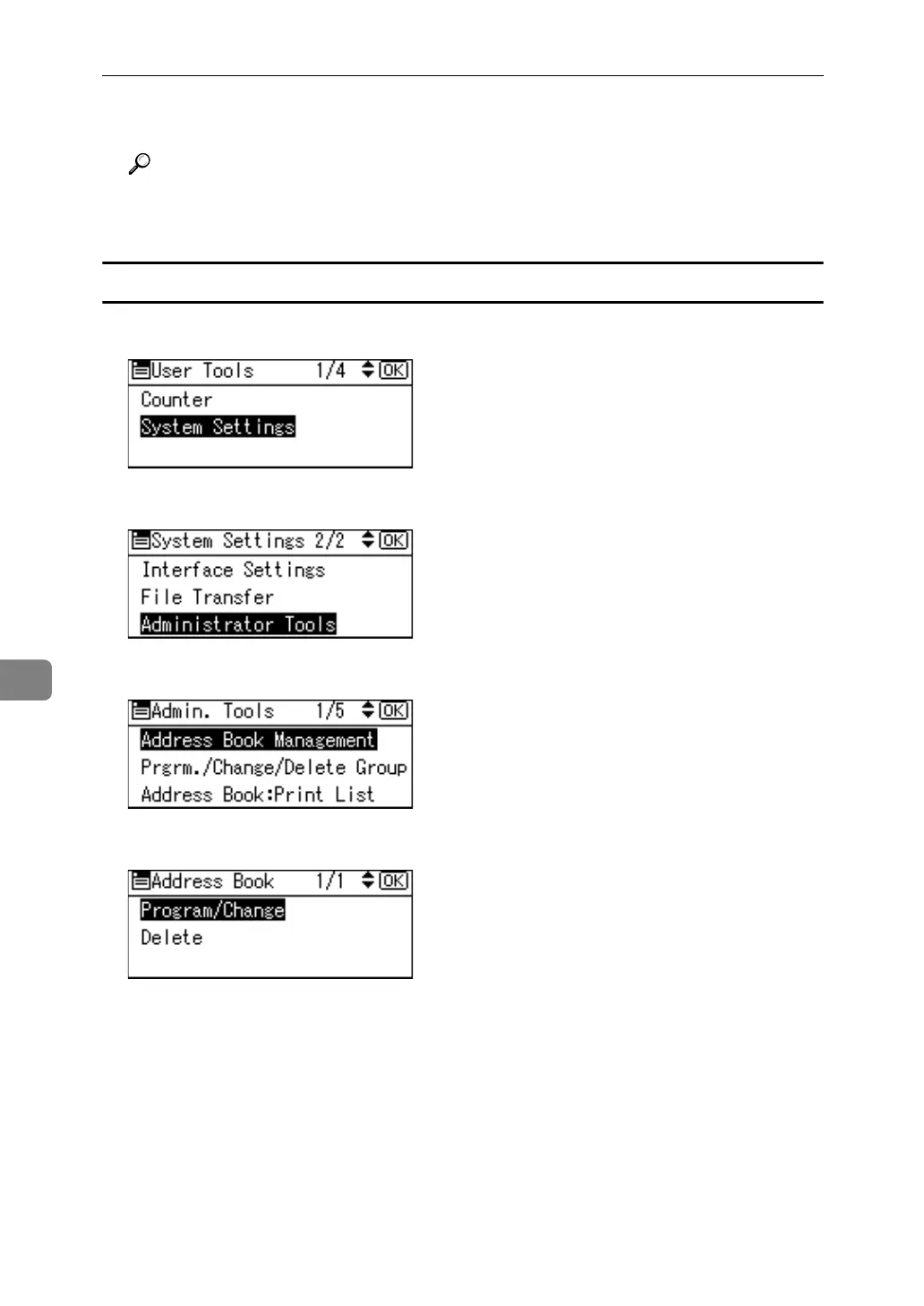
A Select [System Settings] using {U} or {T}, and then press the {OK} key.
B Select [Administrator Tools] using {U} or {T}, and then press the {OK} key.
C Select [Address Book Management] using {U} or {T}, and then press the {OK} key.
D Select [Program/Change] using {U} or {T}, and then press the {OK} key.



 To Next Page