Registering Folders
217
7
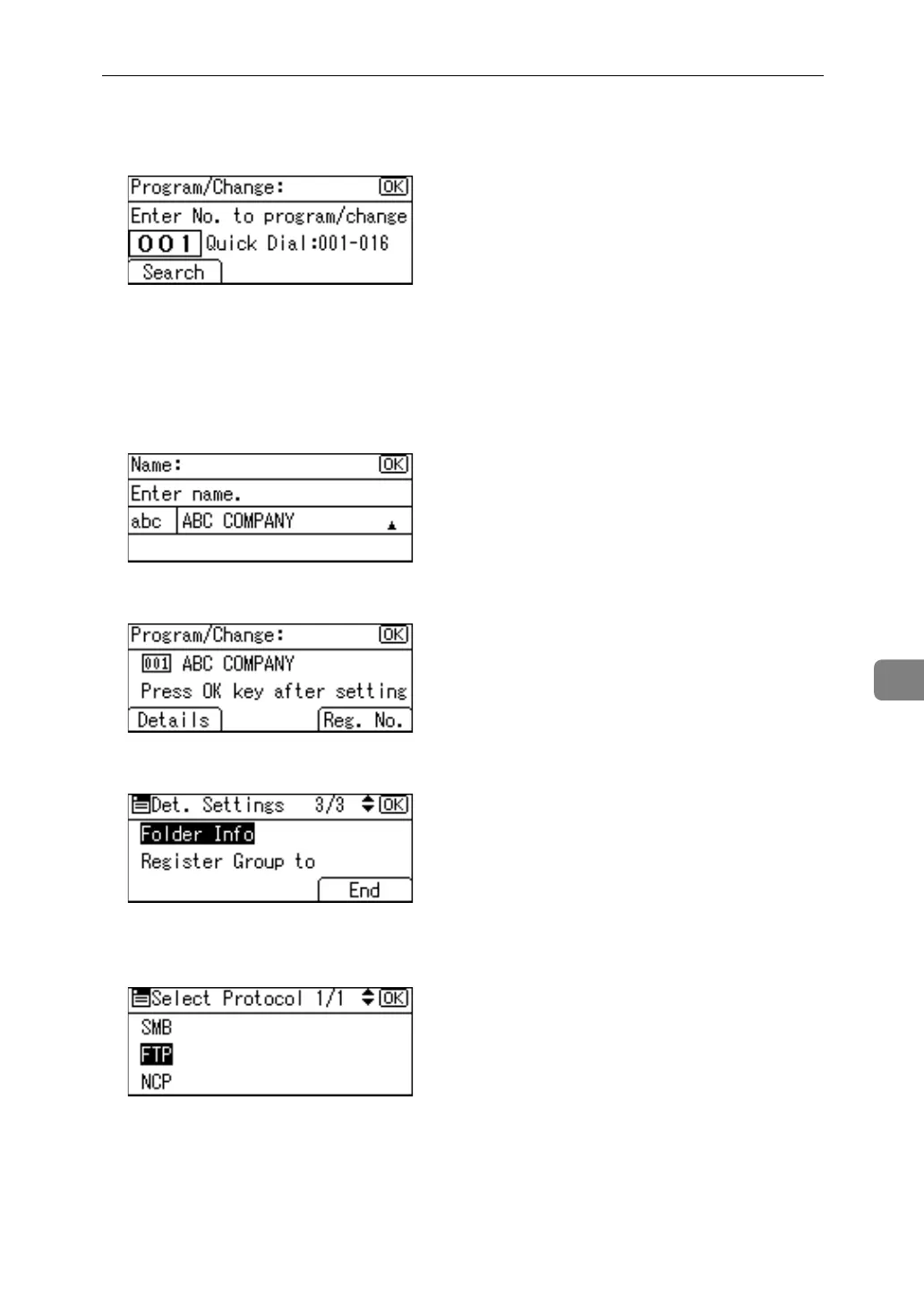
E Enter the registration number you want to delete using the number keys or
the Quick Dial keys, and then press the {OK} key.
You can automatically specify registration numbers 001-016 by pressing the
Quick Dial keys.
Press [Search] to search by name, destination list, registration number, user
code, fax number, e-mail address, or folder destination.
F Press the {OK} key.
G Press [Details].
H Select [Folder Info] using {U} or {T}, and then press the {OK} key.
I Select the protocol which is not currently selected using {U} or {T}, and
then press the {OK} key.
A confirmation message appears.



 To Next Page