Registering Addresses and Users for Facsimile/Scanner Functions
226
7
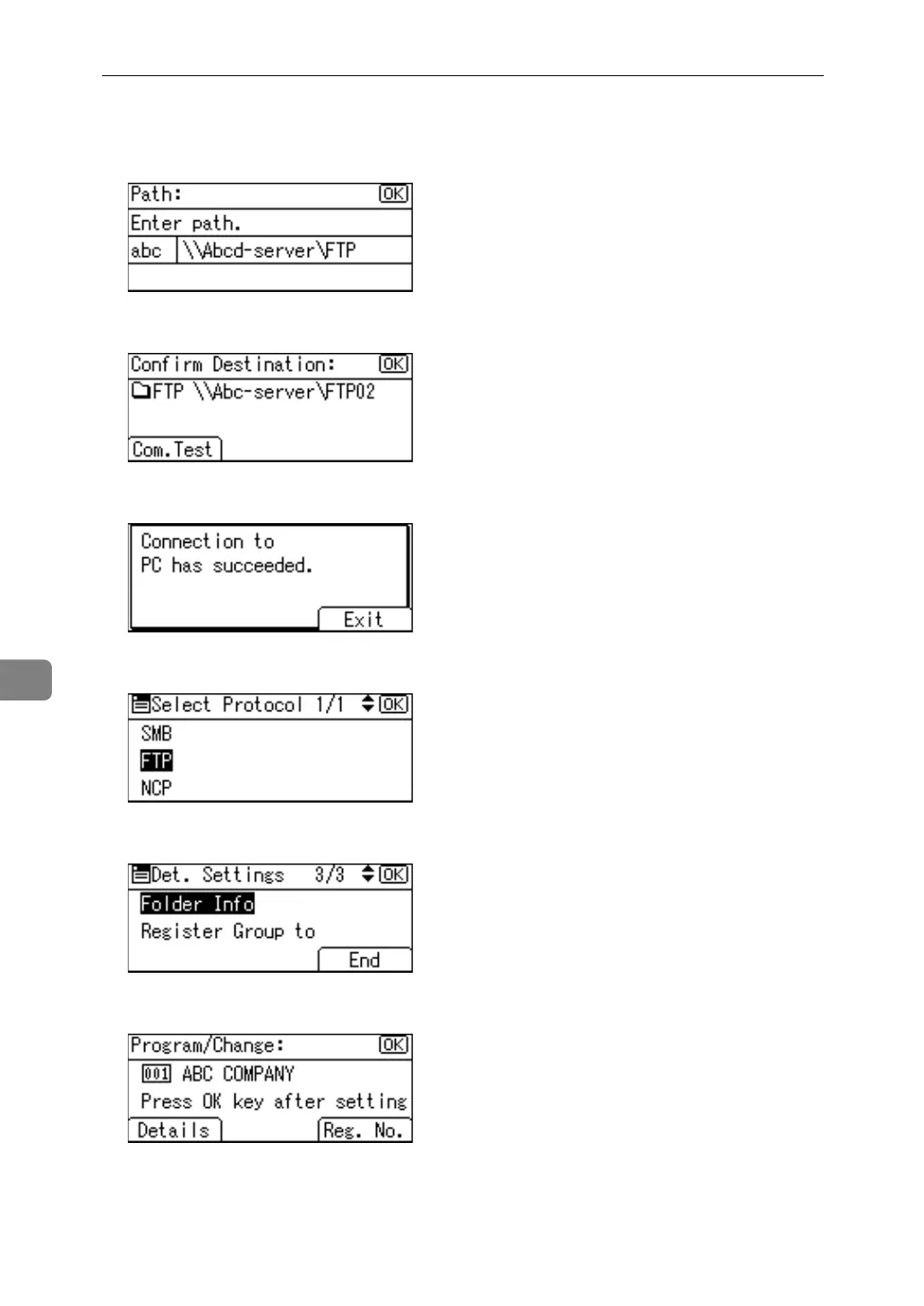
L To change the path, enter the new path, and then press the {OK} key.
Otherwise, just press the {OK} key.
M Press [Com.Test] to check the path is set correctly.
N Press [Exit].
O Press the {Escape} key.
P When you have finished making changes, press [End].
Q Press the {OK} key.



 To Next Page