Registering Folders
227
7
R Press the {User Tools/Counter} key.
Note
❒ To change the name, see "Changing a Registered Name".
Reference
p.154 “Changing a Registered Name”
"Entering Text", About This Machine
Changing the protocol
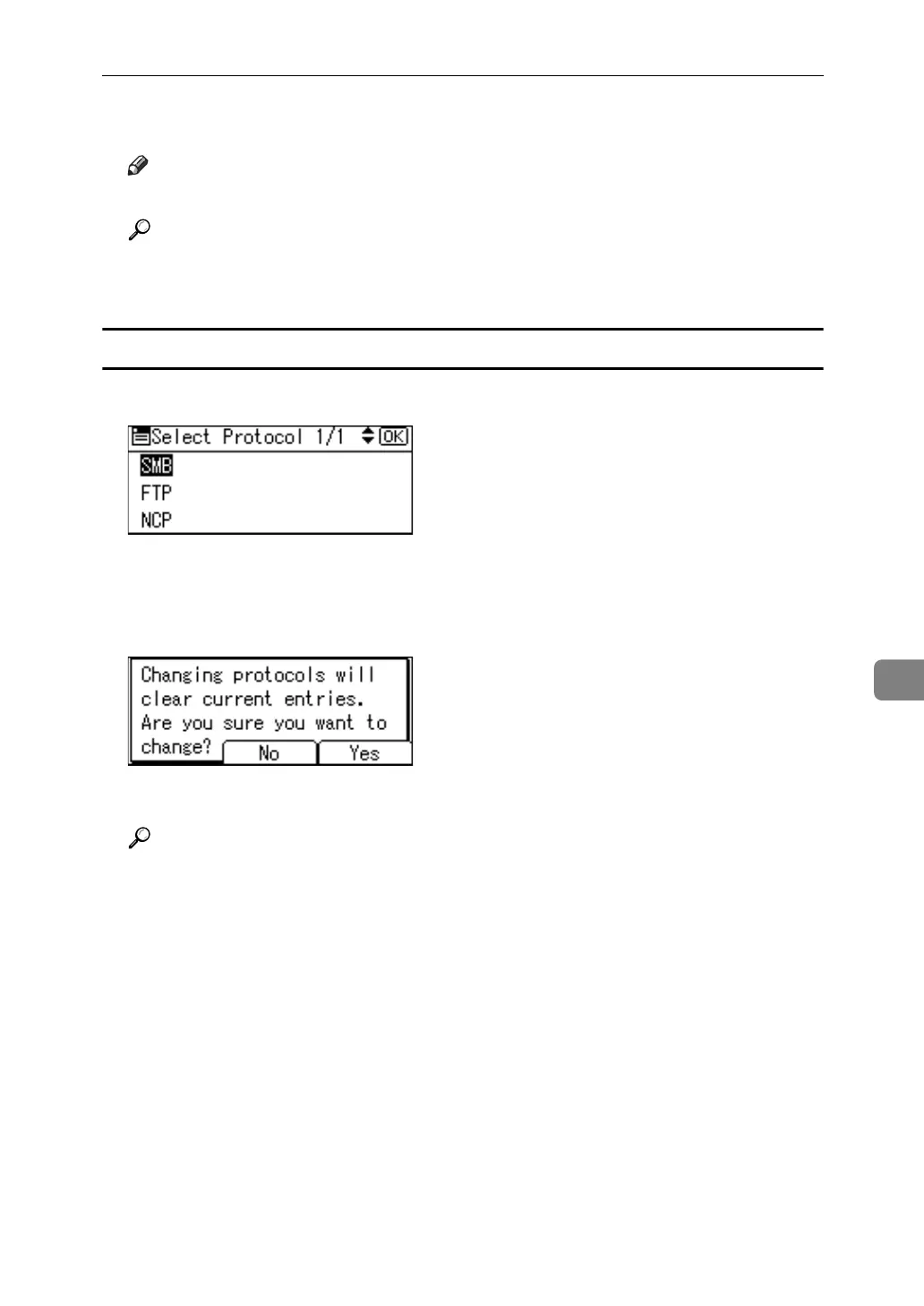
A Select [SMB] or [NCP] using {U} or {T}, and then press the {OK} key.
A confirmation message appears.
B Press [Yes].
Changing the protocol will clear all settings made under the previous protocol.
C Enter each item again.
Reference
p.205 “Registering an SMB folder”



 To Next Page