2F-85 & 2F-140 - Instruction Manual
l
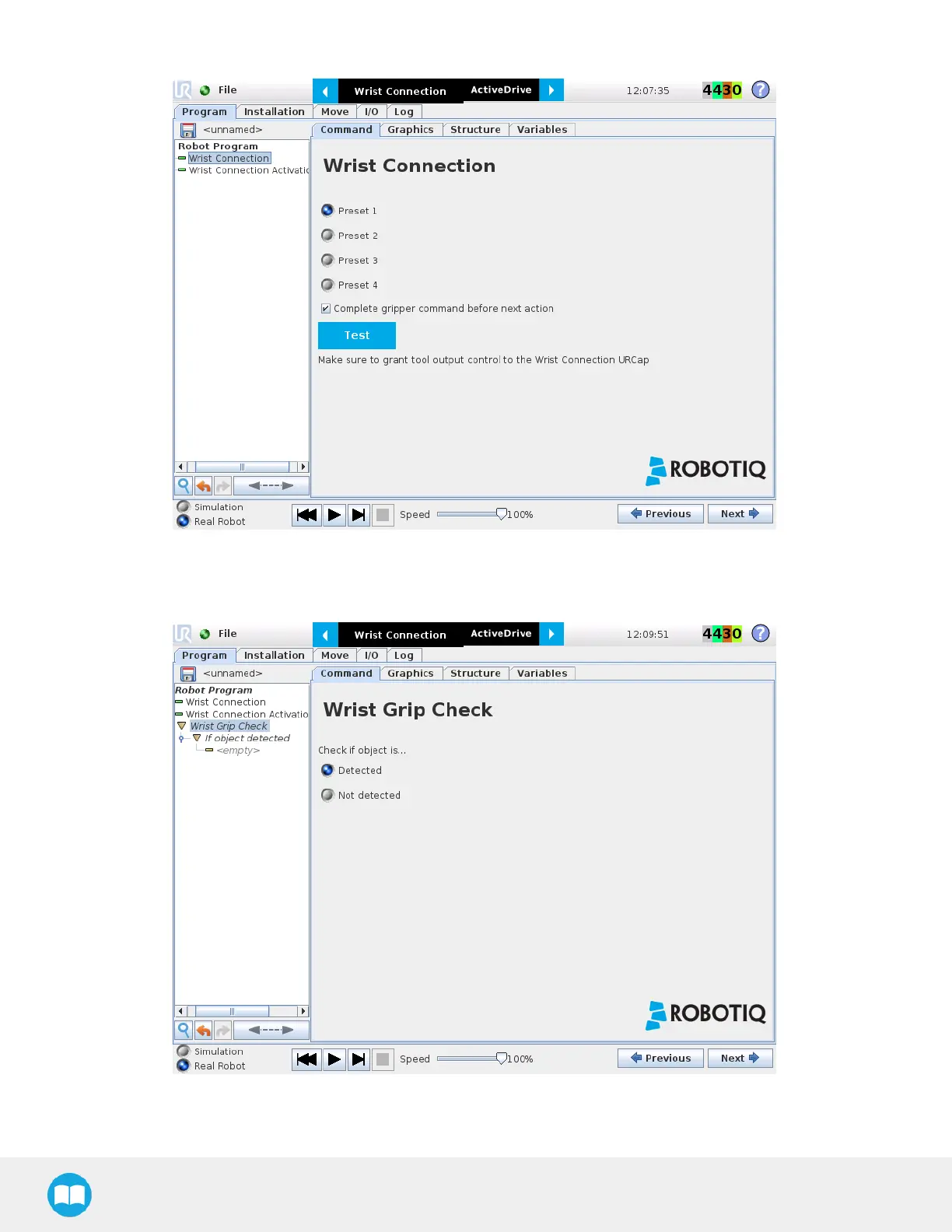
For each Wrist connection node, select the desired presets. Tap on the Test button to try each preset.
Fig. 4-11: Wrist Connection Node Interface.
l
The Wrist Grip Check node ispre-packaged as an If statement that promptsthe user to select between if the object isdetected
and if the object is not detected.
Fig. 4-12: Wrist Grip Check Node Interface.
84



 To Next Page