2F-85 & 2F-140 - Instruction Manual
Features
Gripper activation
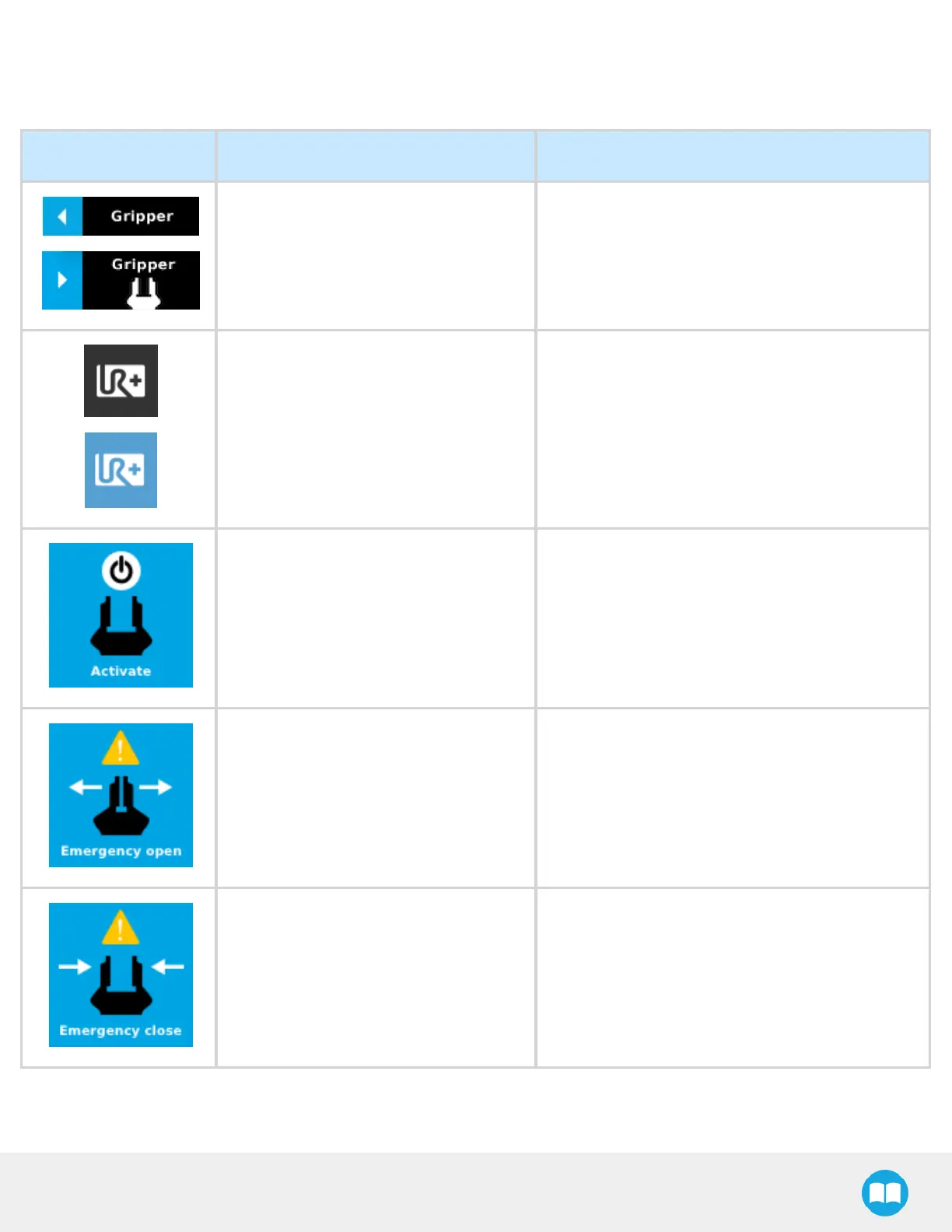
Icon FunctionalityName Description
CB-Series Gripper Toolbar
Tap to toggle between the expanded and collapsed
Gripper Toolbar. When greyed out, the functionality
is not available.
e-Series UR+ Menu (Gripper Toolbar)
Tap to toggle between the expanded (blue)and
collapsed (black)Gripper Toolbar.
Activate
Tap to activate the gripper. The gripper will fully
open and close to set the zero of the position value.
Emergency open Slowly movesthe gripper to its fully closed position.
Emergency close Slowly movesthe gripper to itsfully open position.
99



 To Next Page