Operator Station
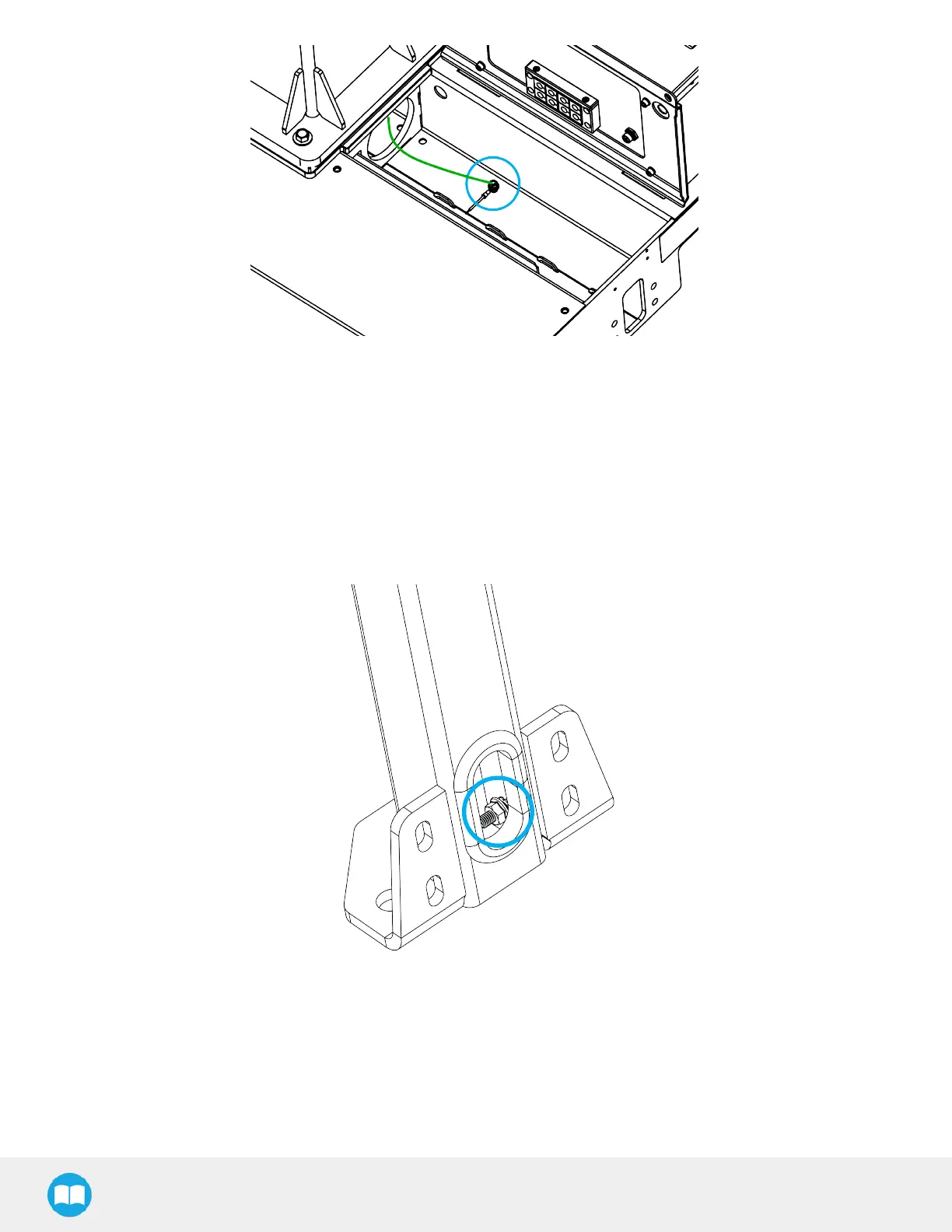
1. Route the third ground wire to the base of the operator station post.
2. Using a 10 mm wrench, remove the M6 nut and one (1)lock washer from the ground stud inside the base of the operator
station post.
3. Slide the eyelet connector of the third ground wire on the ground stud inside the base of the operator station post.
4. Reinstall the lock washer and the M6 nut.
5. Tighten the M6 nut to a torque of 5 Nm (3.7 lb-ft).
Fig. 3-1: Ground stud in the base of the operator station.
35



 To Next Page