6. Jog the robot so that the robot tool flange is parallel to the ground: change the feature reference to Base, select Rotation
Vector from the Unitsdropdown menu, and set the tool orientation to the following values: RX=0°, RY= 180°, RZ=0°.
7. In the Installation tab, set the TCPvalue to [0, 0, 0].
8. In the Move tab, in the base reference frame, move the robot using the following values: X=447 mm, Y=-525 mm, Z=-1325
mm.
CAUTION
Move the robot slowly and monitor the movements to avoid collisions.
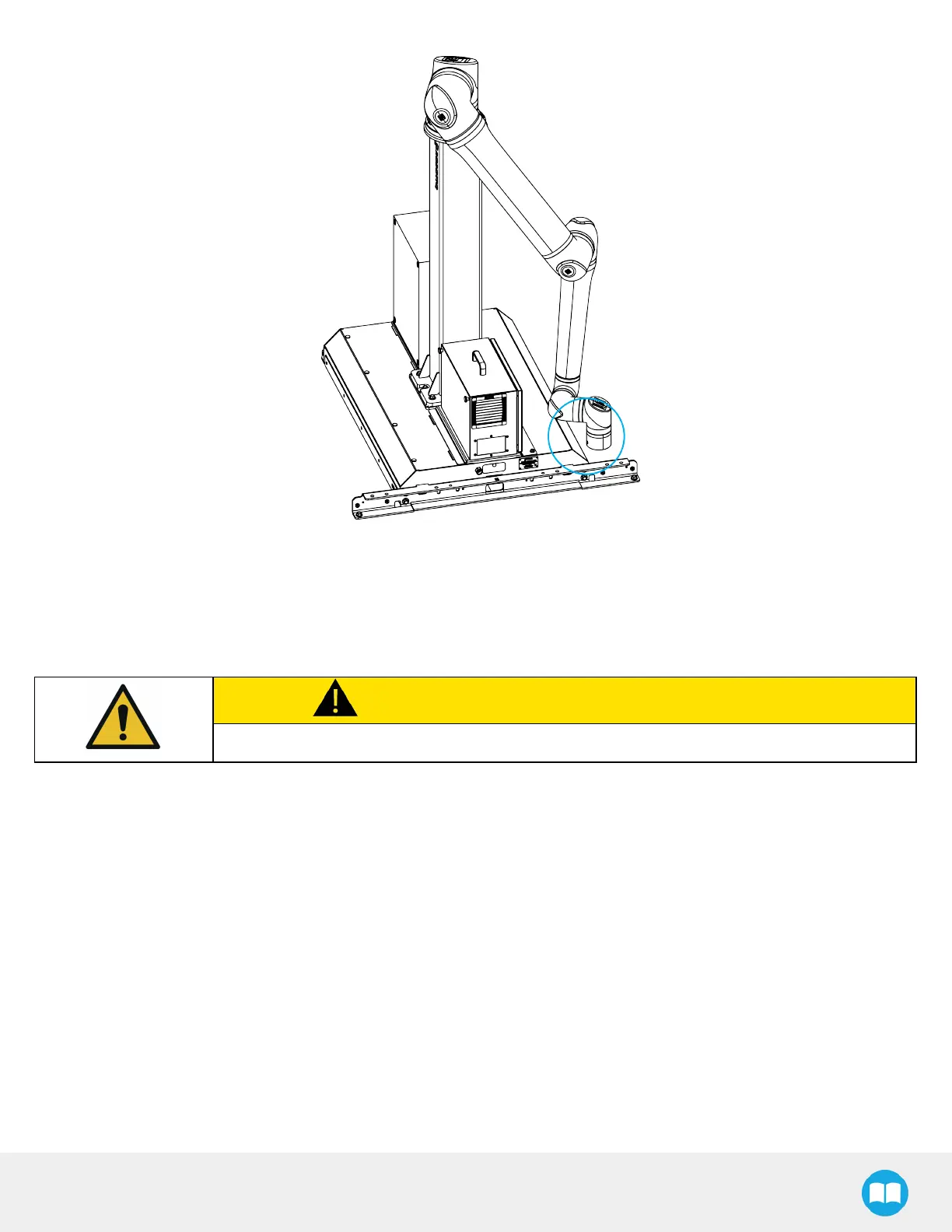
9. Rotate the column clockwise so that the side of the robot wrist touchesthe painted surface on the side of the base, as
depicted in the figure below.
42



 To Next Page