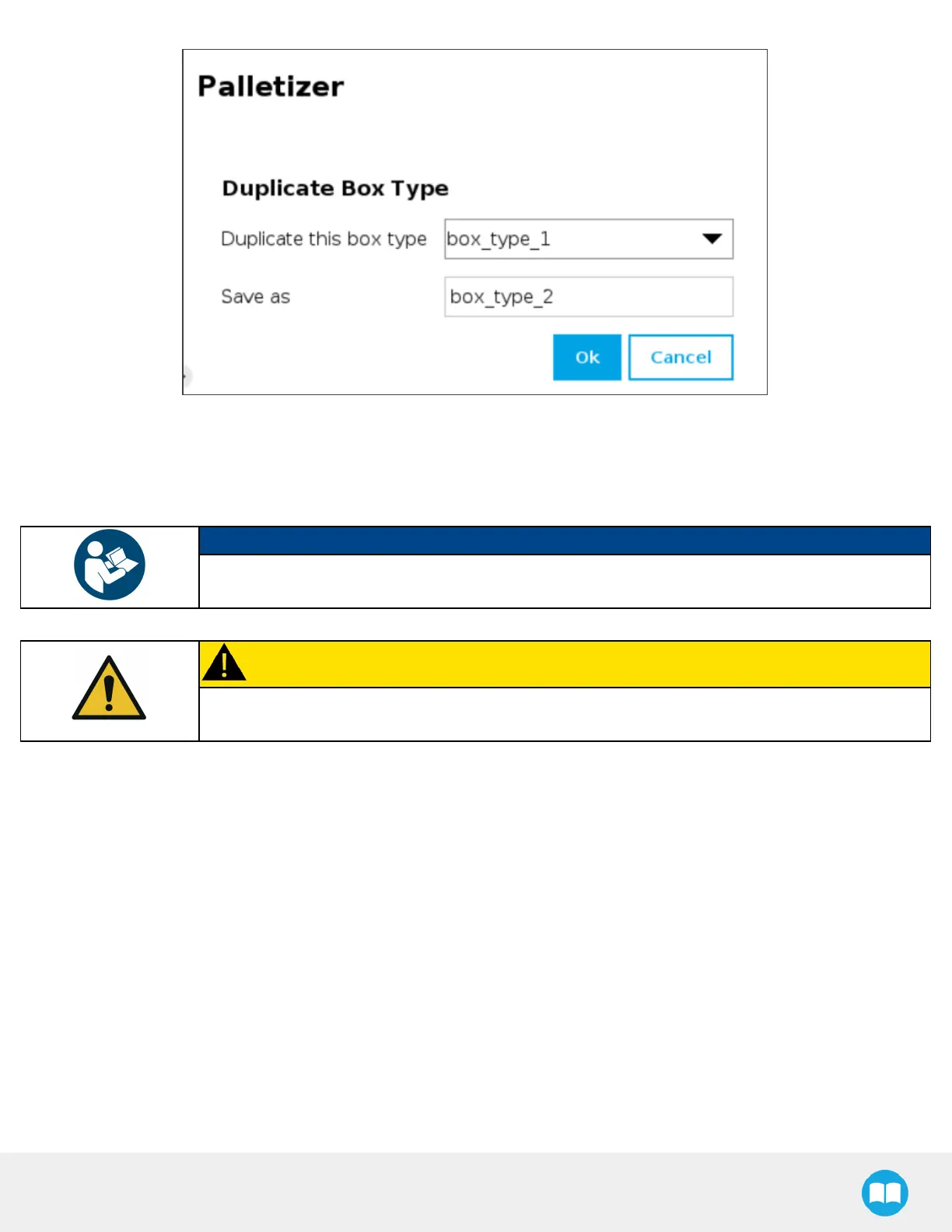
Fig. 5-10: Duplicate Box Type Menu
l
Duplicate a box type and tap the OK button, or tap Cancel to go back to the Box Type menu.
NOTICE
Tip: Rename the box types in a manner that will prevent confusion (e.g., single_box, double_box,
triple_box).
CAUTION
Make sure the box type name you enter isdevoid of spaces; failing to do so will prevent the program
tree from calling the box type.
l
Tap the Edit button under the name of a box type to bring up the Boxmenu.
85



 To Next Page