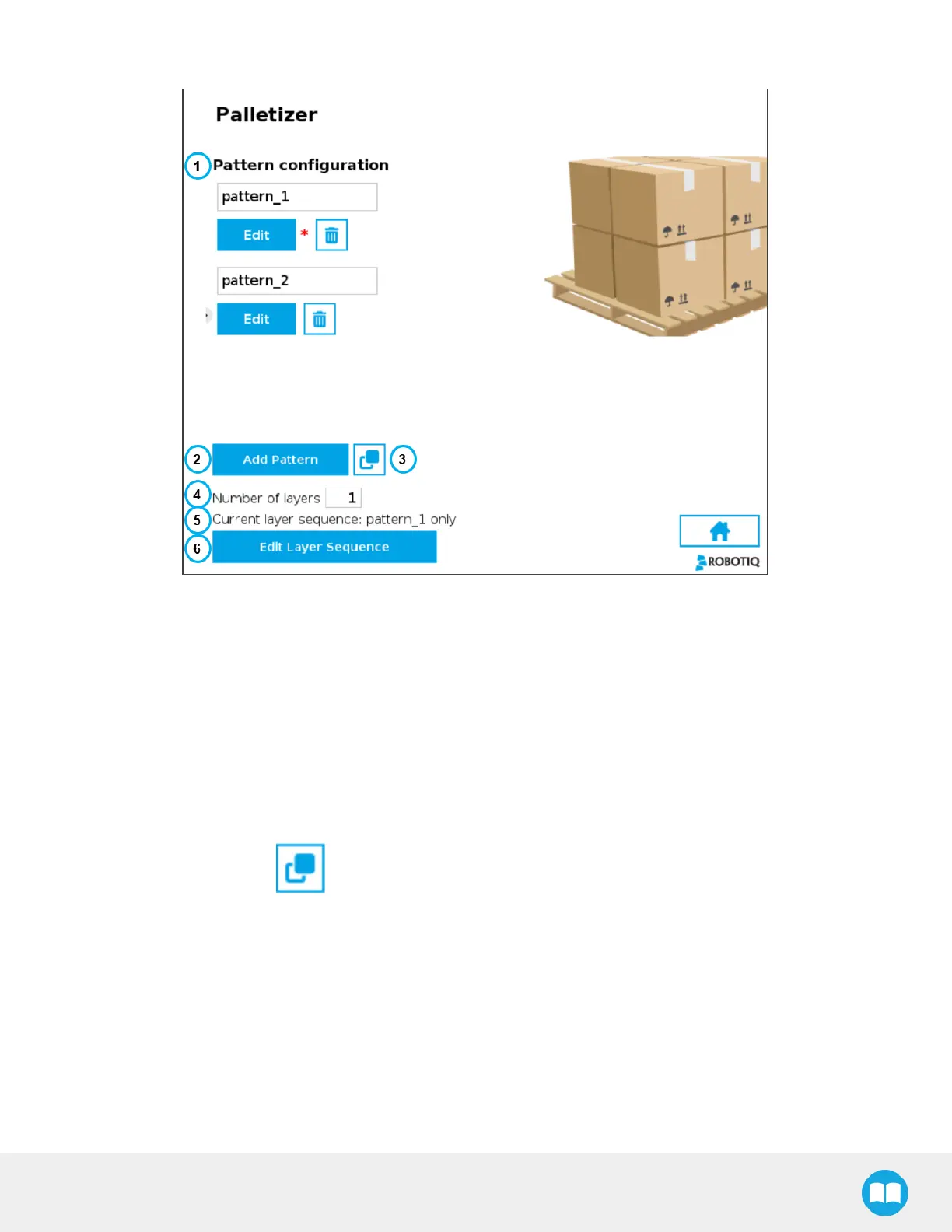
Pattern Menu
Fig. 5-21: Pattern Menu
1. Pattern configuration
This showsa list of available layer patterns.
By default, two (2) empty layer patternsare available (i.e., pattern_1 and pattern_2), yet to be configured.
Tap the Edit button under the name of a layer pattern to bring up the Pattern editing menu.
2. Add Pattern
Tap the Add Pattern button to add a layer pattern to the list.
3. Duplicate Pattern
If applicable, tap the Duplicate icon to open the duplication menu.
93



 To Next Page