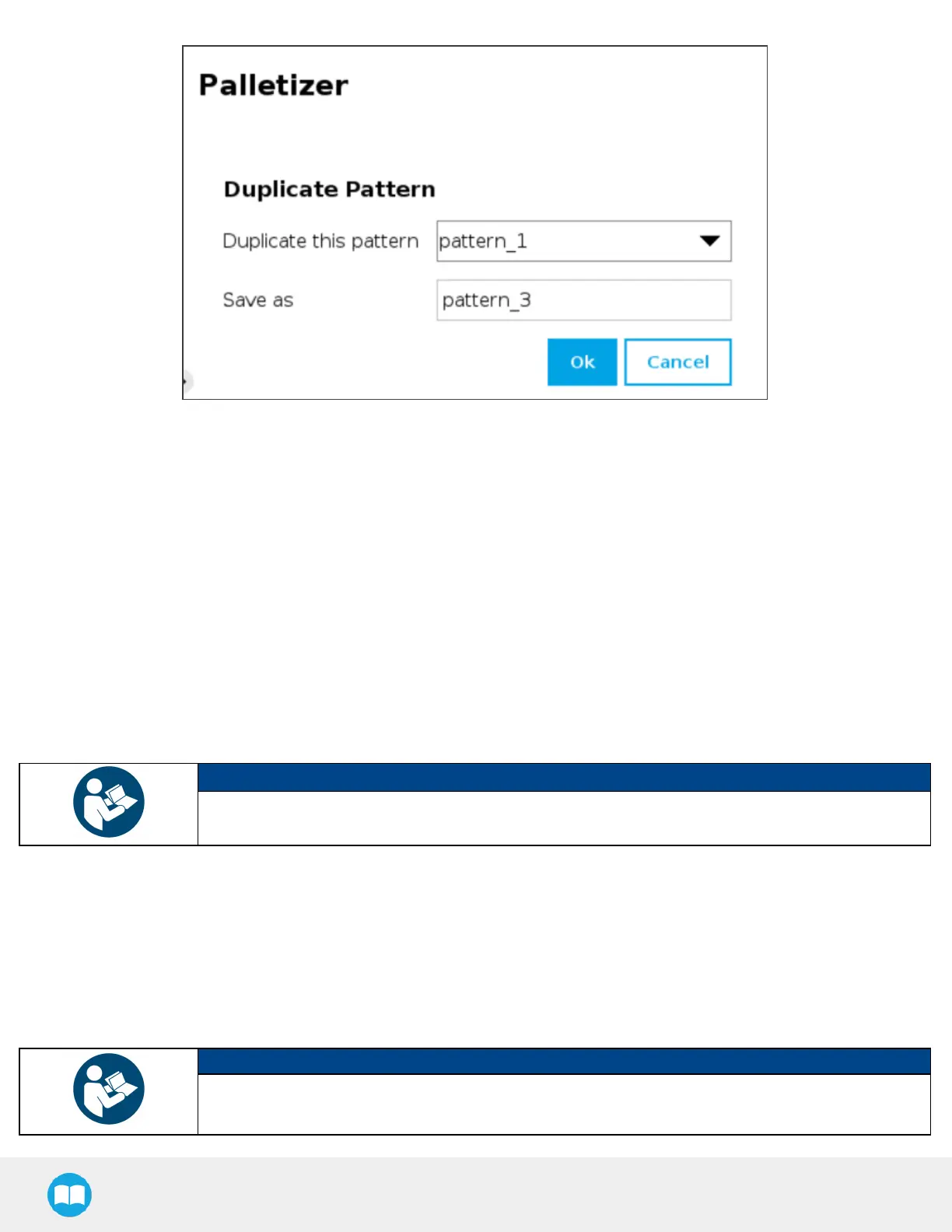
Fig. 5-22: Duplicate Pattern Menu
l
Duplicate a pattern and tap the OKbutton, or tap Cancel to go back to the Pattern menu.
4. Numberof layers
Fill in this field with an integer to set the number of layers that will make up the pallet.
5. Current layer sequence
This preview indicates the layer sequence of the pallet pattern:
l
A single layer pattern will display the actual name of the pattern.
l
A multi-layer pattern will display "Mixed."
6. Edit Layer Sequence
Tap the Edit Layer Sequence button to bring up the Layer Sequence menu.
NOTICE
Patterns are specific to recipes, meaning that two distinct recipes can each be composed of patterns
that are named identically.
Pattern Editing Menu
This interface includes a representation of a pallet.
The user can use the controlson the screen to fill the virtual pallet layer in the most efficient manner possible.
NOTICE
What can be called the origin (0,0) in the pallet diagram isactually the top left corner of the pallet.
And so, since the user can modify the coordinates of the active box, going left to right increases the X
94



 To Next Page