21
© Rodenstock GmbH
Status: September 2023
4.3.4 Convergence correction
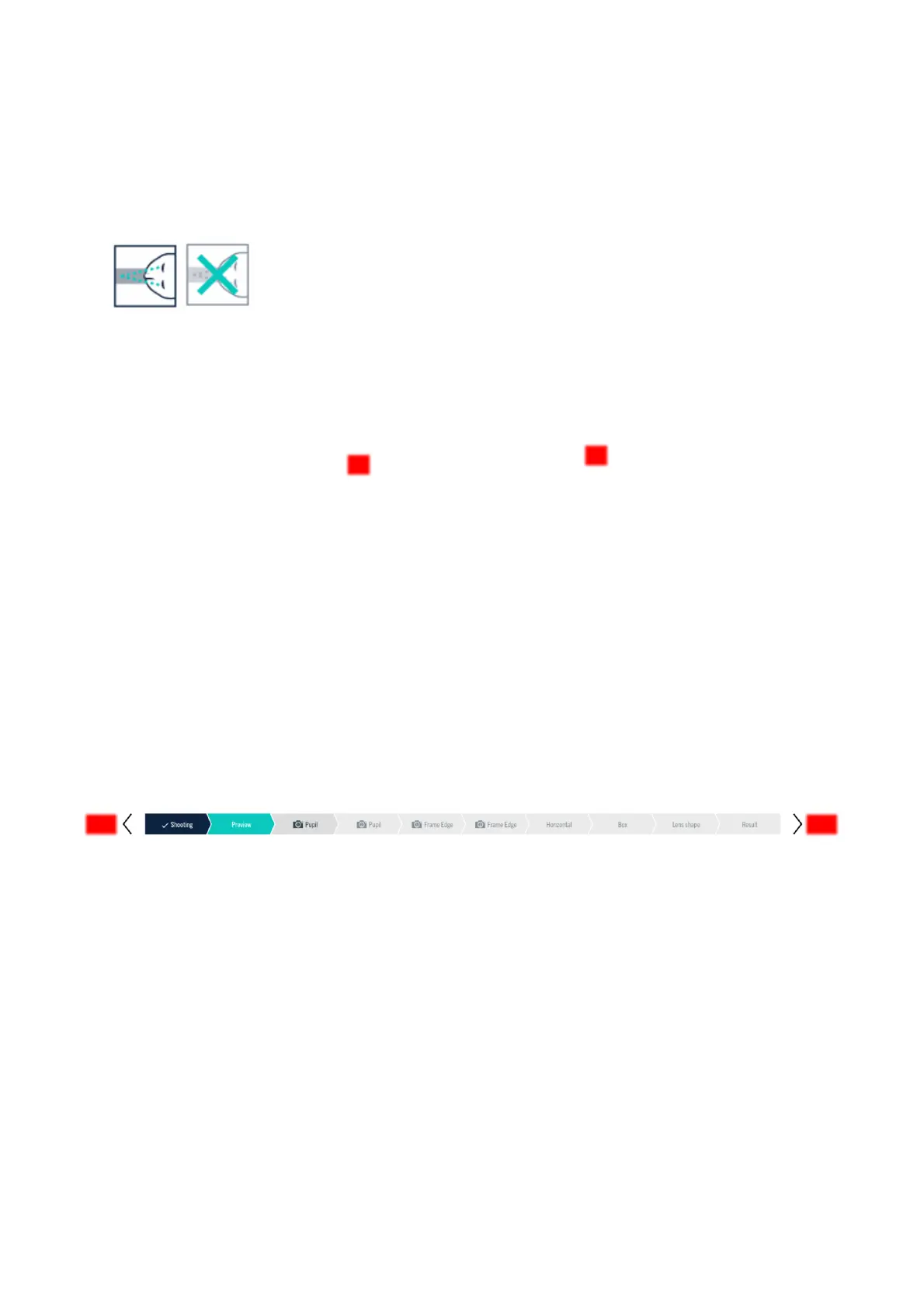
For customers who are unable to fixate their nose root in the mirror image due to their very high refractive error,
you can deactivate the convergence consideration (Figure 4-7). This case is valid under the assumption that the
client's gaze goes to infinity and his fixation lines are parallel. The icon appears crossed out and the convergence
consideration is no longer included in the calculation of the individual parameters.
Figure 4-7: Convergence consideration On/Off
4.3.5 Frame material & groove depth
To determine the lens rim later, please specify the material and the groove depth of the frame here. You can
select "Metal", "Plastic", "Rimless", "Nylor" and "Other" as the frame material and differentiate between a
groove depth of "0mm" and "0.8mm".
After the selection of the material, a suitable groove depth is automatically suggested. If necessary, this can be
changed later. To do this, take the frame to be evaluated and weigh up whether the suggested groove depth is
appropriate.
For Nylor and rimless mounts, 0mm groove depth should be selected accordingly. On the other hand, 0.8mm is
recommended for frames with very thick rims.
With the ImpressionIST® 4+ module, you can determine your customer's individual parameters quickly and
accurately in just a few steps. To do this, select "Pupil" and "Frame edge" in the images of camera 1 and camera
2, and the remaining parameters in the images of camera 1 under "Horizontal", "Box dimension" and "Disc
shape".
4.4 Evaluation
4.4.1 Procedure
For a better overview within the evaluation, the current work step is displayed in color at the top of the progress
bar (Figure 4-8). Work steps that have already been completed appear with a check mark, while those that are
still pending are highlighted in gray.
Figure 4-8: Navigation
By clicking on the program steps in the progress bar, the navigation arrows or using the keyboard
combinations [Shift + arrow key to the left] and [Shift + arrow key to the right] you can jump back and forth
between the individual work steps.
• If you edit work steps that have already been saved again, further settings that have been made and
values that have already been calculated may be lost because the various data sets are dependent on
each other. In this case, however, your attention will be explicitly drawn to this by a warning message.
• Please note that the final parameters - all collected - are only displayed in the results display. The
parameters already partially indicated in the evaluation steps are only based on the selections made so
far. With each evaluation step, the new data flows into the parameter evaluation.



 To Next Page