28
© Rodenstock GmbH
Status: September 2023
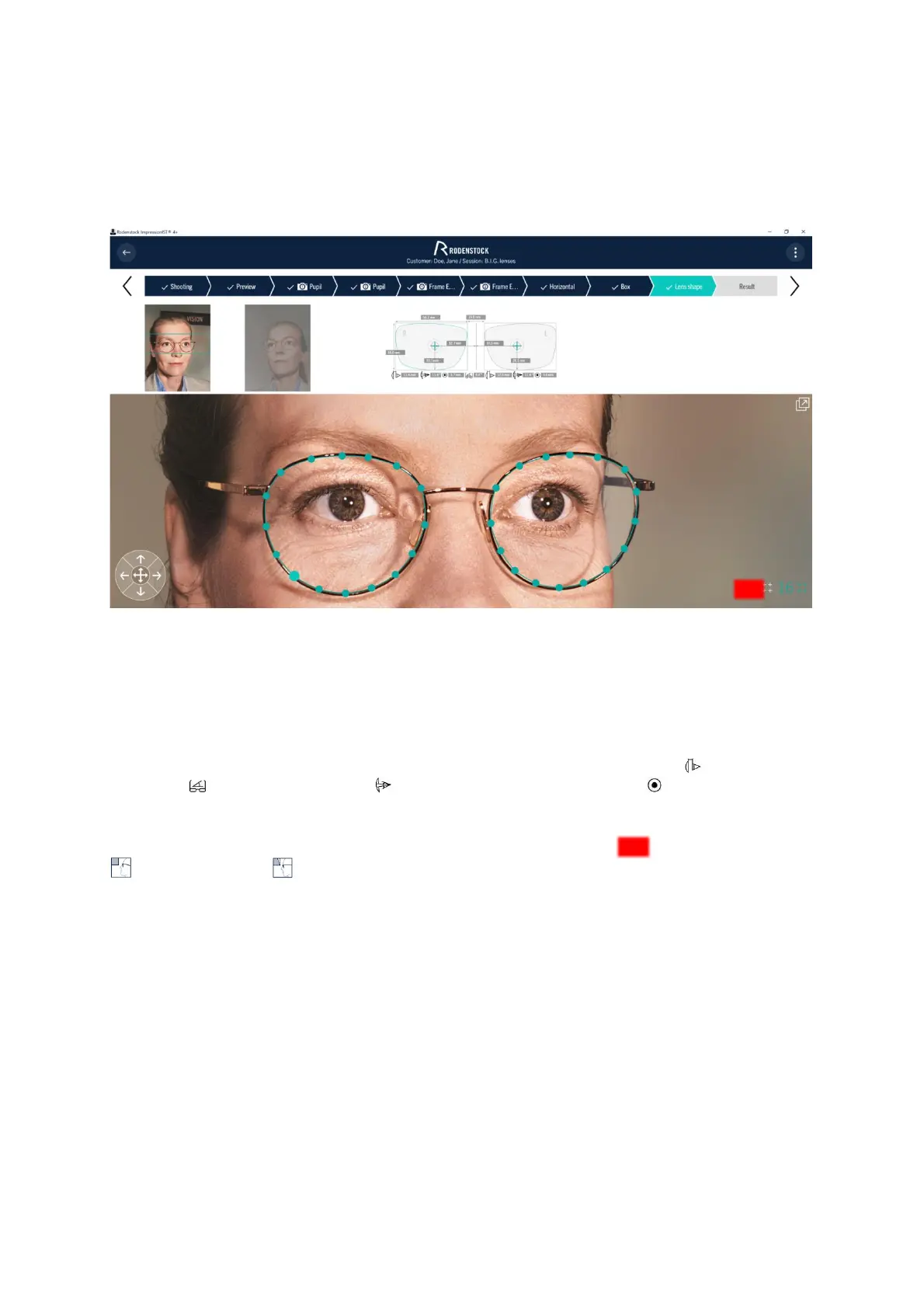
When defining the lens shape, you are supported by the function - adopt right shape. Here, the shape of the right
slice is generated analogously for the left slice. Therefore, please always start with the right side. Edit the left
slice later if the mirrored shape still differs from the actual one.
Figure 4-15: Determining the frame rim
4.4.7 Results
Once you have made the selections, all individual parameters and centering data are displayed in the output field
of the "Result" screen (Figure 4-16). Further information on the calculation can be found in the appendix under
6.4 and 6.5.
Below the box dimension, you will find the information on the Cornea Vertex Distance (CVD) , the Face Form
Angle (FFA) , the Pantoscopic Tilt (PT) , and the (Inter-)Pupillary Diameter (PD) .
The 3D video centration system outputs the results either by eye rotation point requirement or by reference point
requirement, depending on the method you have selected. Simply select the icon for eye’s rotation center
or for reference point to determine your desired requirement by pressing the button (Figure 4-16).
By default, the evaluation according to the reference point requirement is preset in the system.



 To Next Page