36
© Rodenstock GmbH
Status: September 2023
In the following step, please click the "Centering" button.
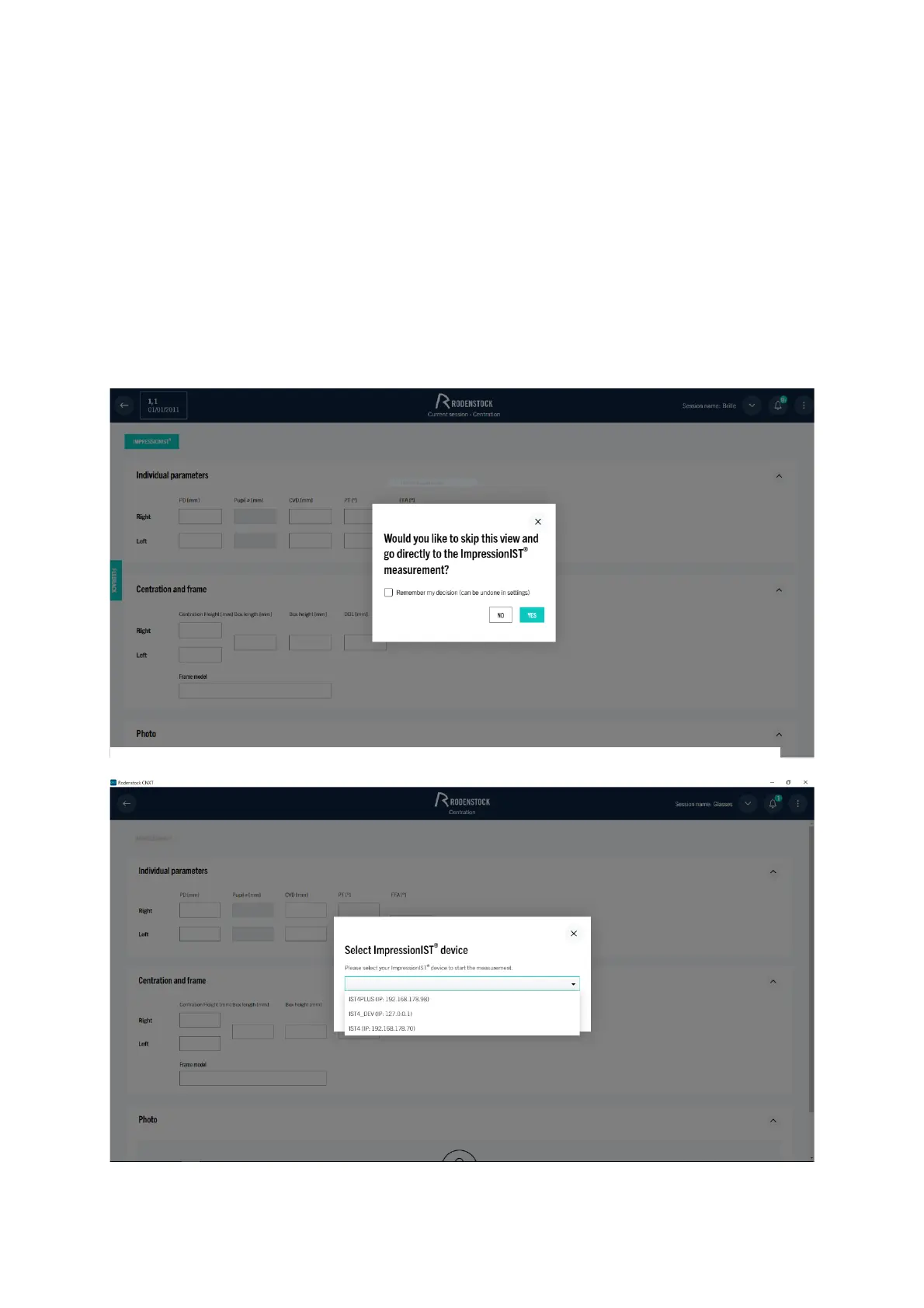
In order to directly start a measurement with the ImpressionIST® 4+, please confirm the question "Do you want to
go directly to the measurement with the ImpressionIST® 4+? with "yes" in the next window.
If you use multiple devices in your store, all devices currently in your network will be displayed for selection as
shown on Figure 6-4. Then select the desired device and confirm by clicking on "Start".
You will now be taken directly to the ImpressionIST® 4+ measurement module and the live display of the
cameras (Figure 4 2) will open. You can now measure the customer and evaluate the measurement as described
in chapter 4.
If the window does not open automatically, the centering module can be started directly by clicking the
"ImpressionIST®" button. For first-time use, the device name or IP address must also be selected and confirmed
here.
Figure 6-4: CNXT: Select ImpressionIST®



 To Next Page