35
© Rodenstock GmbH
Status: September 2023
6 Appendix
6.1 Starting a measurement via CNXT®
The following describes the control of the ImpressionIST® 4+ via the Centering module in CNXT®.
For detailed CNXT® instructions on initialization/login or customer management, please refer to the
corresponding CNXT® tutorials.
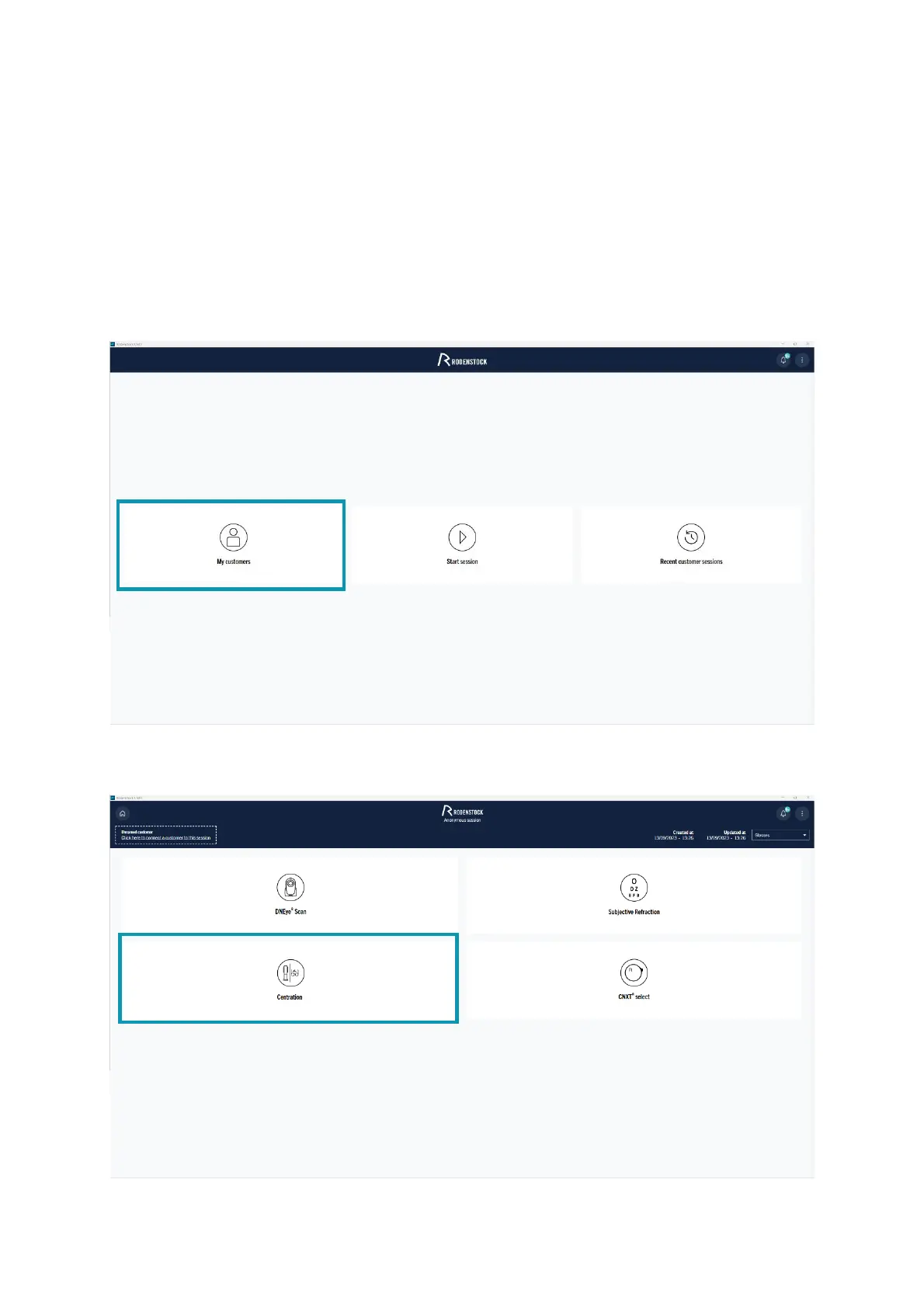
After successfully logging in to the CNXT® application, you will be taken directly to the start menu. By clicking on
"My customers" you can create a new customer or select an already created customer. Here you start the
ImpressionIST® 4+ measurement.
Figure 6-1: CNXT: Starting a session
Figure 6-2:CNXT: Selection of the desired session, e.g. centration



 To Next Page