31
© Rodenstock GmbH
Status: September 2023
4.5 Help module
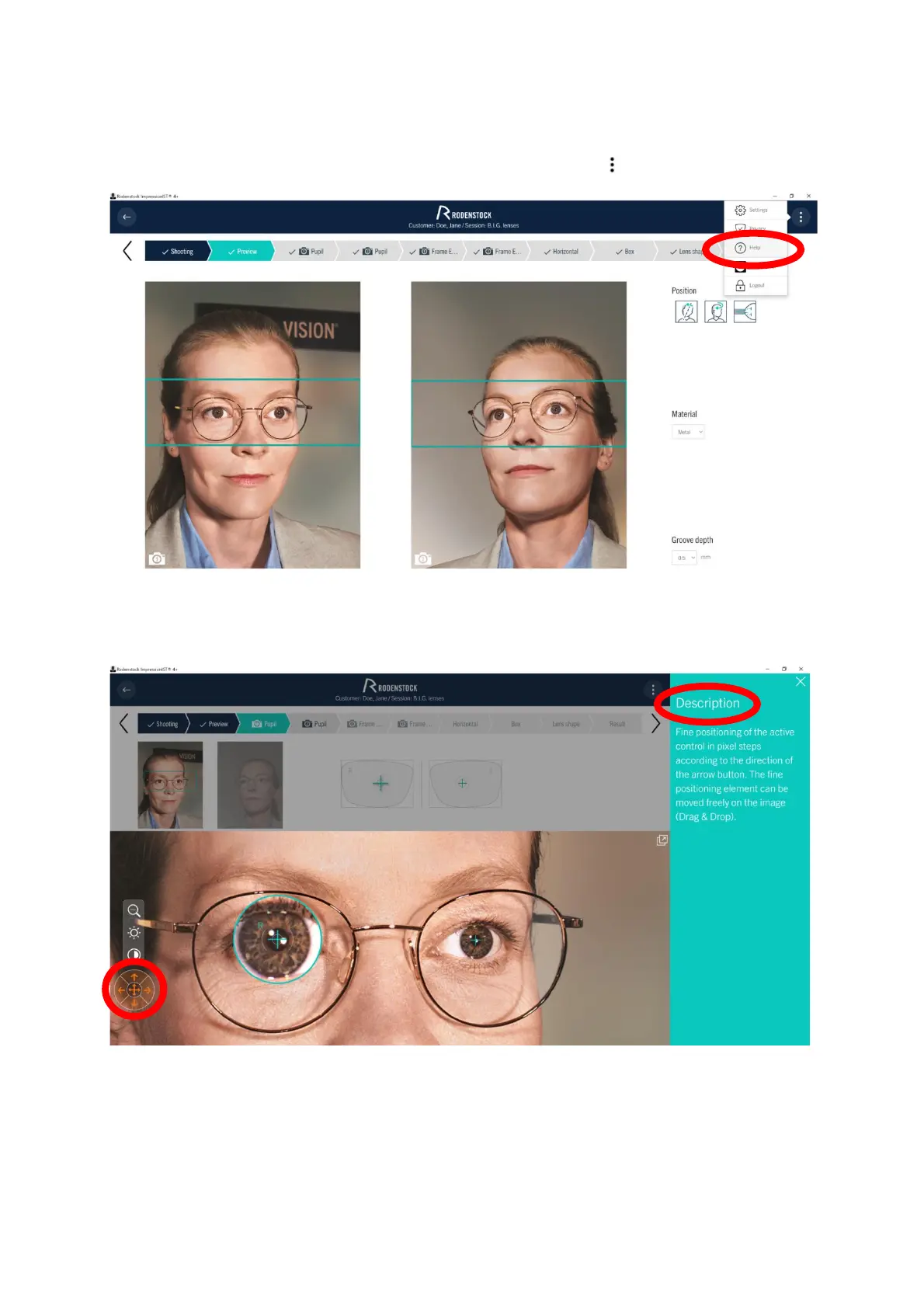
The help function can be called up in each separate program step via the button (Figure 4-19).
Figure 4-19: Help function
If you need help with a problem, select the corresponding button in the activated help mode (Figure 4 20). The
selected button is highlighted by means of color. On the right side you will then find a description of the selected
button. Only one help is displayed at a time.
Figure 4-20: Help module - pupil selection



 To Next Page