35
2. Creating an original pattern
Quick Start
Stop recording
1.
Press [STOP] to stop recording.
Recording the fader movement
Next, you’ll use the fader to record a volume change in real time.
1.
Press [PART LEVEL].
2.
Press [PART ASSIGN] so it’s lit.
Now you can use the faders to control parts 9–16.
3.
Move the part 11 fader all the way down to a level of 0.
4.
Begin realtime recording.
5.
From the beginning of the pattern to the end, steadily move
the fader all the way to the maximum position. When you
reach the end of the pattern, release the fader and press
[STOP] to stop recording.
If you fail to stop recording at the end of the pattern, you’ll
return to the beginning of the pattern and resume recording; be
sure to stop recording at the correct moment.
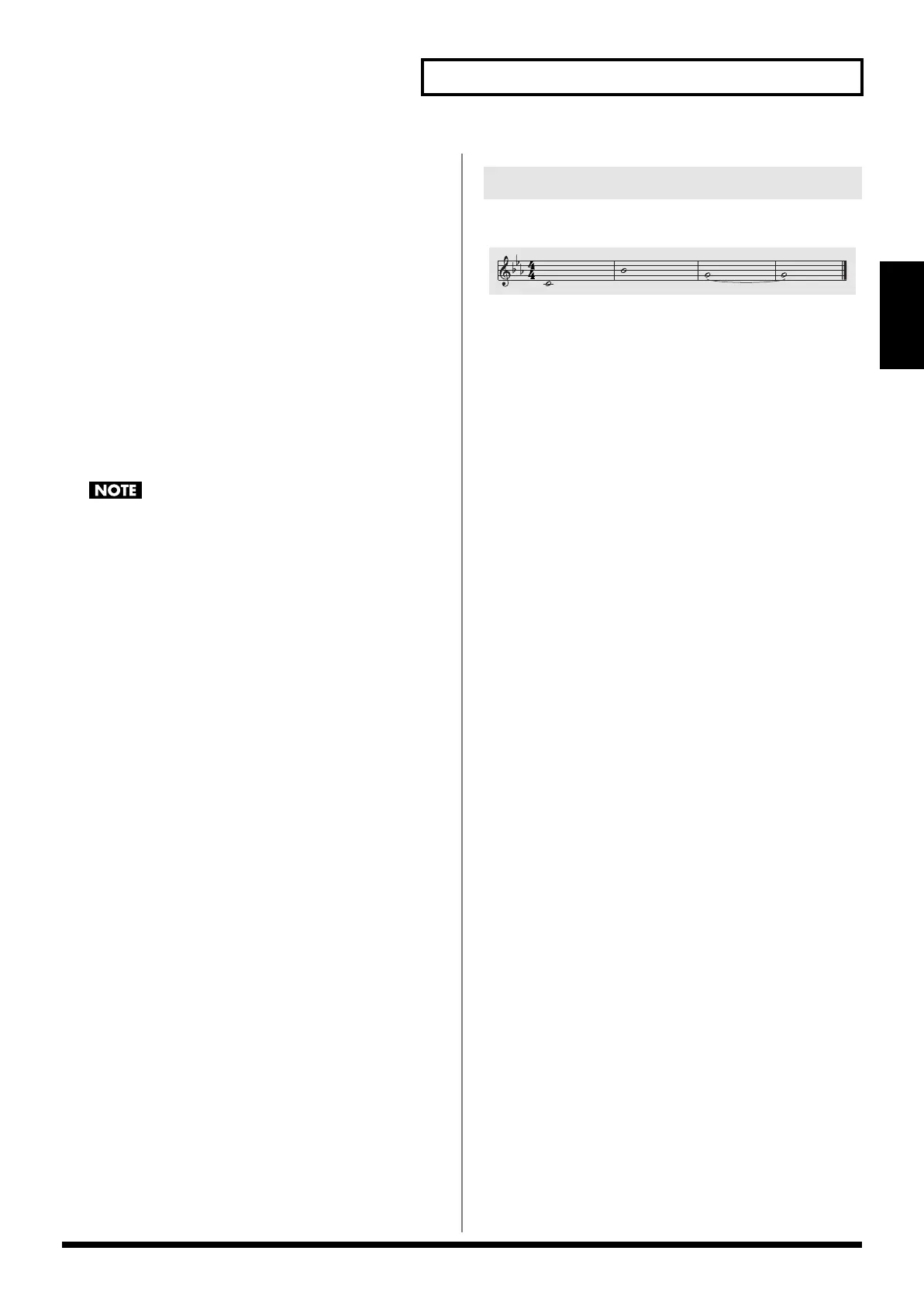
As desired, you may wish to enter phrases like the following to part 6.
fig.qs-041_90
2-2-8 Entering other phrases
MC-808_r_e.book 35 ページ 2007年7月17日 火曜日 午後5時1分

 To Next Page
 Loading...