Replacing Consumable Parts
3
Maintenance
73
Press .
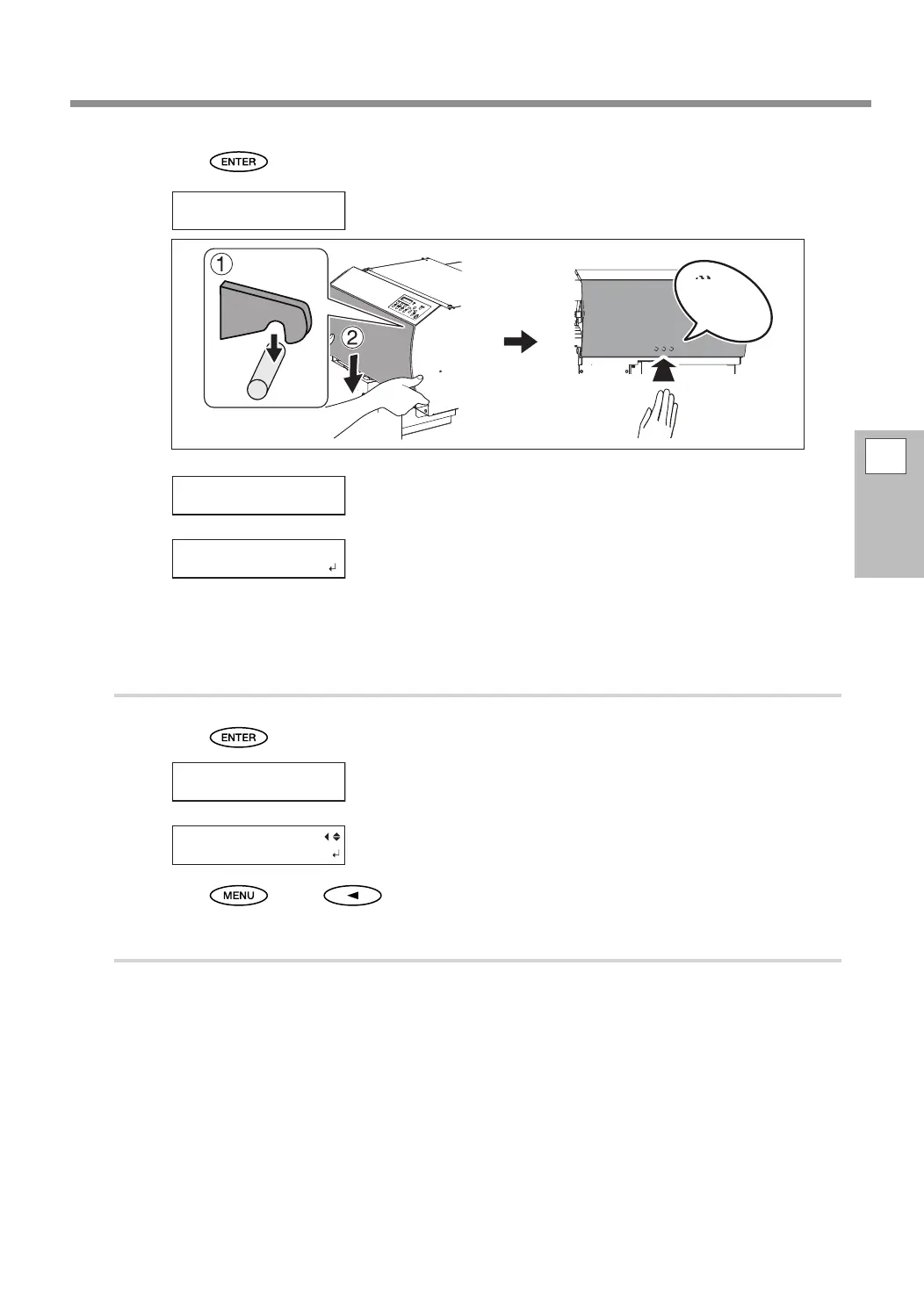
Close the right cover.
Open the right cover.
Preparations are complete when this screen appears.
Replace the second wiper.
The replacement procedure is the same as for the rst wiper. Refer to the illustration shown in step
.
3.
Exit the wiper replacement menu.
Press .
Close the right cover.
After the process to exit the wiper replacement menu is performed,
the screen shown in the gure appears.
Press , then to go back to the original screen.
4.
Perform a printing test to verify the results of the procedure.
Perform a printing test to check the results.
P. 40, "Printing Tests and Normal Cleaning"
CLOSE COVER R
Click!
OPEN COVER R
CLOSE COVER R
MAINTENANCE
REPLACE WIPER















 To Next Page