Performing
22
Top screen quick menu
In the top screen, pressing the [QUICK] button will display the following quick menu.
Menu Explanation Page
CHAIN ON/OFF Turn the kit chain function on/o. p. 56
KIT CHAIN Jump to the KIT CHAIN screen. p. 56
MASTER EFFECT Jump to the MASTER EFFECT screen. p. 53
PAD COPY Copy a pad. p. 48
PAD PASTE Paste a pad. p. 48
PAD EXCHANGE Exchange pads. p. 49
KIT NAME Name a kit. p. 47
KIT COPY Copy a kit. p. 48
KIT PASTE Paste a kit. p. 48
PAD LOCK Turn PAD LOCK on/o. p. 63
VISUAL CTRL Turn VISUAL CTRL SW on/o. p. 57
LCD/LED Jump to the LCD/LED screen. p. 59
Using the Master Eects
Try using a master eect (p. 6) which will aect all sounds in the current kit.
1. Play the pads to produce sound.
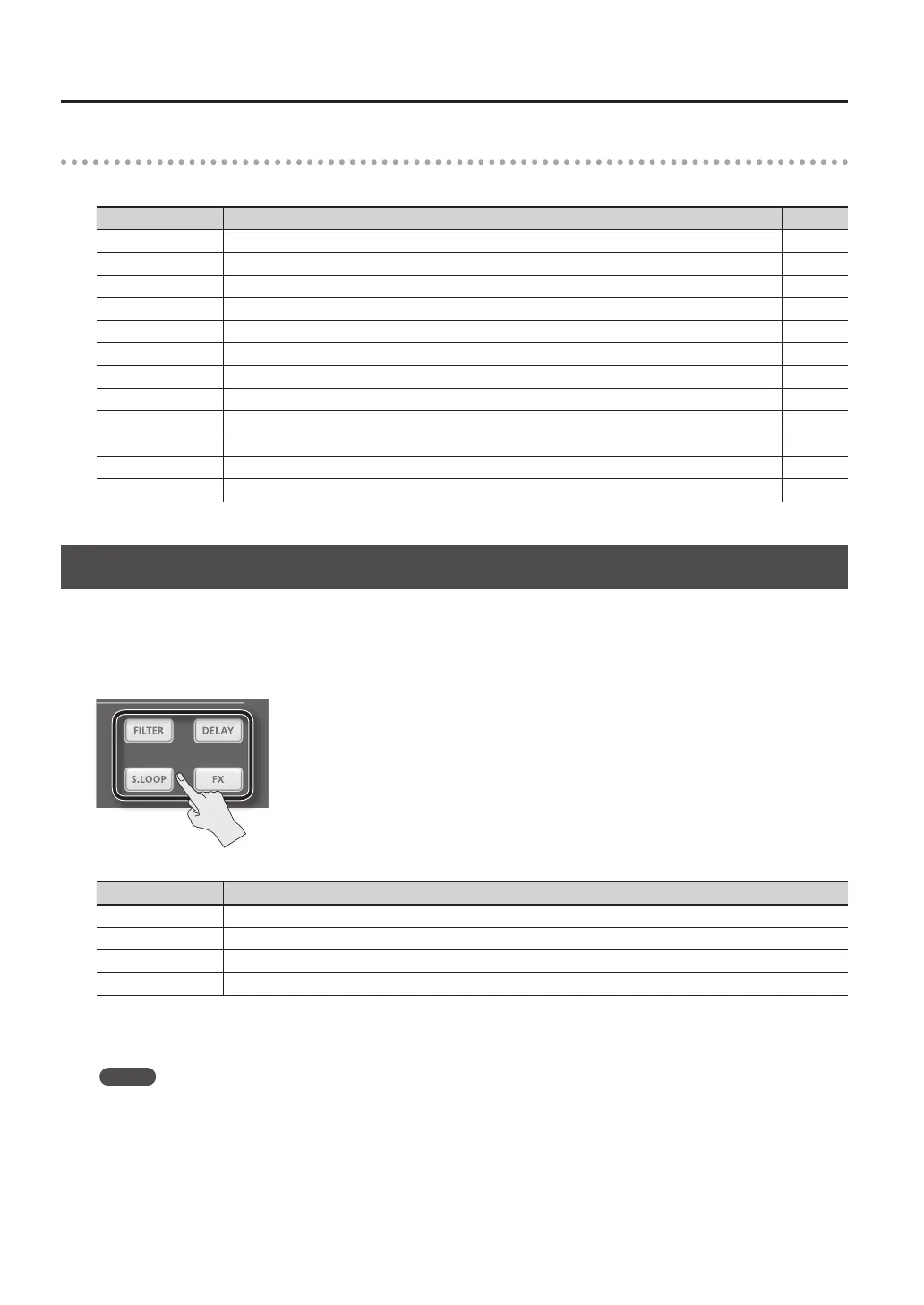
2. Press the button for the master eect that you want to use.
Button Explanation
[FILTER] button Applies a lter eect.
[DELAY] button Applies a delay eect.
[S.LOOP] button Loops a short region of the currently heard sound (Short looper).
[FX] button The eect selected from the eect types will be applied.
The button you pressed will light, and the master eect will turn on.
* Only one master eect can be applied at a time.
MEMO
You can edit the settings of the master eect (p. 53).



 To Next Page