Overall Settings for the SPD-SX
Overall Settings for the SPD-SX
55
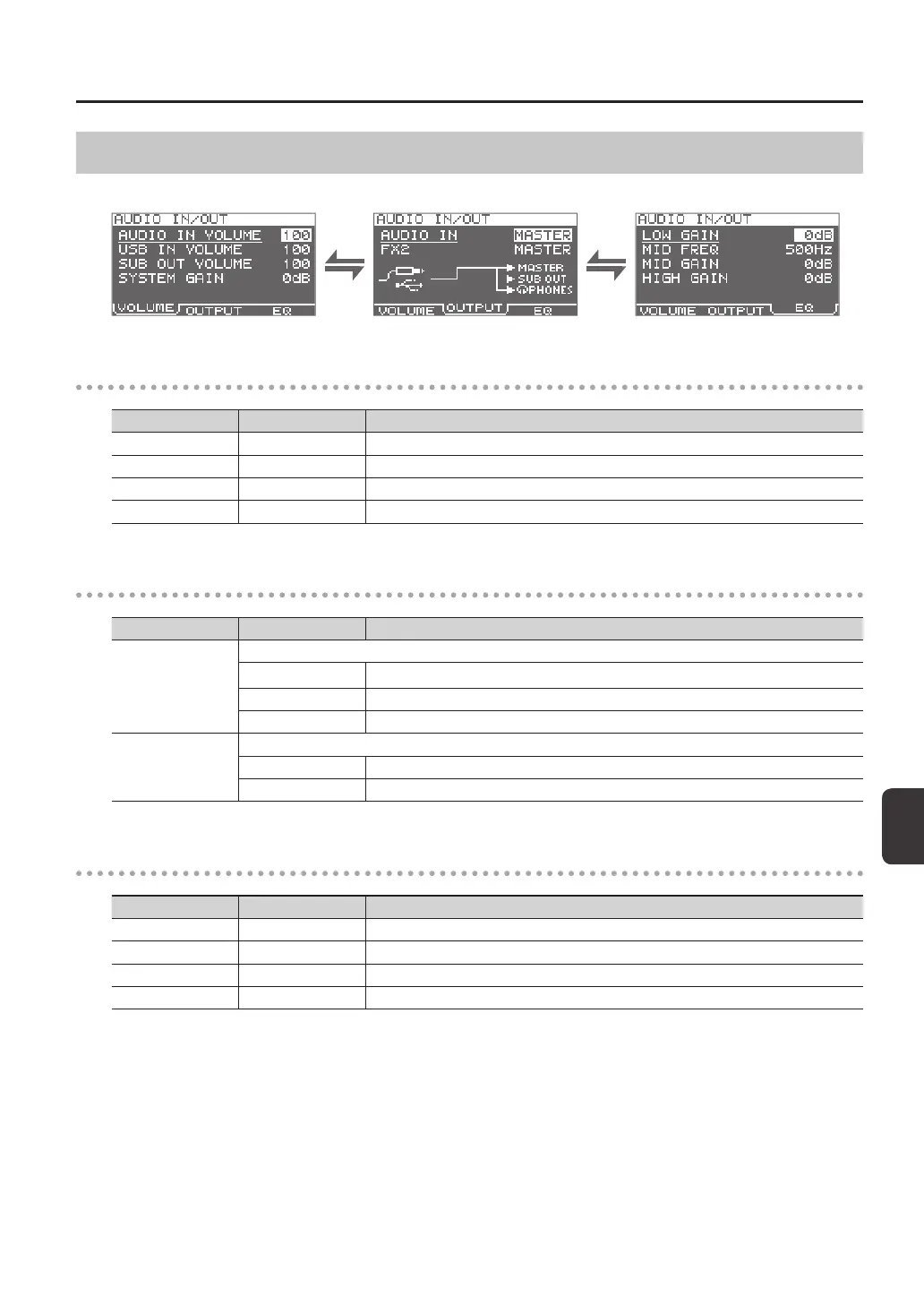
Input/Output Settings (AUDIO IN/OUT)
Here you can make settings for input and output.
VOLUME
Parameter Value Explanation
AUDIO IN VOLUME 0–100 Adjusts the volume of the input to the AUDIO IN jacks.
USB IN VOLUME 0–100 Adjusts the volume of the input to the COMPUTER connector.
SUB OUT VOLUME 0–100 Adjusts the volume of the output from the SUB OUT jacks.
SYSTEM GAIN 0dB, 6dB, 12dB Adjusts the overall volume of the SPD-SX.
OUTPUT
Parameter Value Explanation
AUDIO IN
Allows you to select the jack(s) from which the audio arriving at AUDIO IN jacks will be output.
MASTER Output from the MASTER OUT jacks and the PHONES jack.
SUB OUT Output from the SUB OUT jacks and the PHONES jack.
PHONES Output from the PHONES jack.
FX2
Species the jacks from which the sound processed by kit eect FX2 (p. 46) will be output.
MASTER Output from the MASTER OUT jacks and the PHONES jack.
SUB OUT Output from the SUB OUT jacks and the PHONES jack.
EQ
Parameter Value Explanation
LOW GAIN -12–+12dB Adjusts the volume of the low-frequency region.
MID FREQ 20Hz–10kHz Species the center frequency of the region adjusted by EQ MID GAIN.
MID GAIN -12–+12dB Adjusts the volume of the mid-frequency region.
HIGH GAIN -12–+12dB Adjusts the volume of the high-frequency region.



 To Next Page