Performing
24
Performing with a Click (Metronome)
Performing with a click sound ensures that you’re playing at the correct tempo.
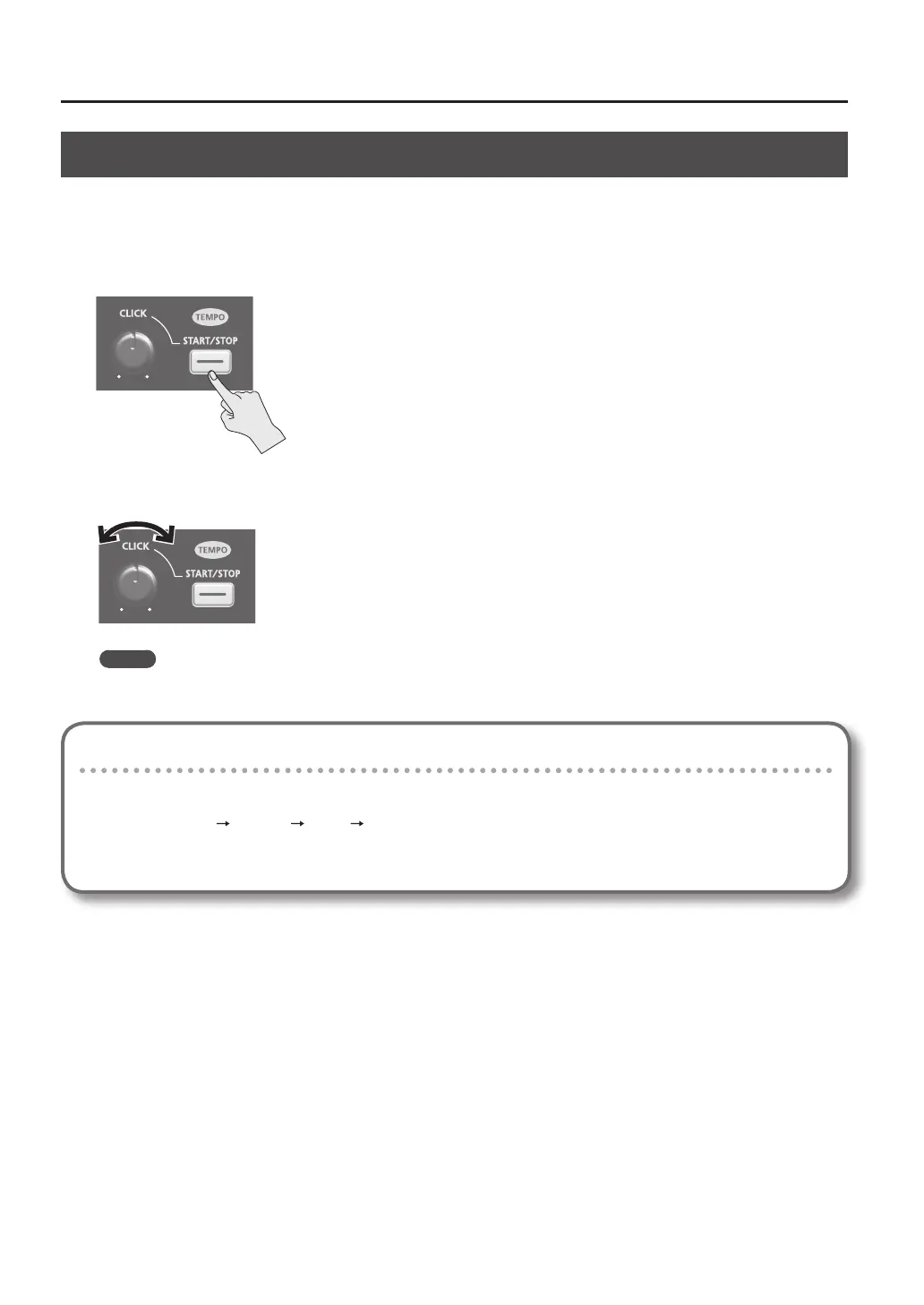
1. Press the [START/STOP] button.
The [START/STOP] button will light.
A click will sound at the tempo, and the TEMPO indicator will blink
2. Turn the [CLICK] knob to adjust the volume of the click sound.
MEMO
You can change the type of click sound (p. 54).
Settings for the Click Sound
Species the jacks from which the click sound will be output (headphones only/master out etc.).
1. Choose MENU SYSTEM CLICK OUTPUT.
2. Set the output destination (p. 54).



 To Next Page