Overall Settings for the SPD-SX
53
Overall Settings for the SPD-SX
These settings apply to the entire SPD-SX.
Sound and Performance-related Settings (SYSTEM)
These are sound and performance-related settings that apply to the entire SPD-SX. For details, refer to “Basic Editing
Procedure” (p. 16).
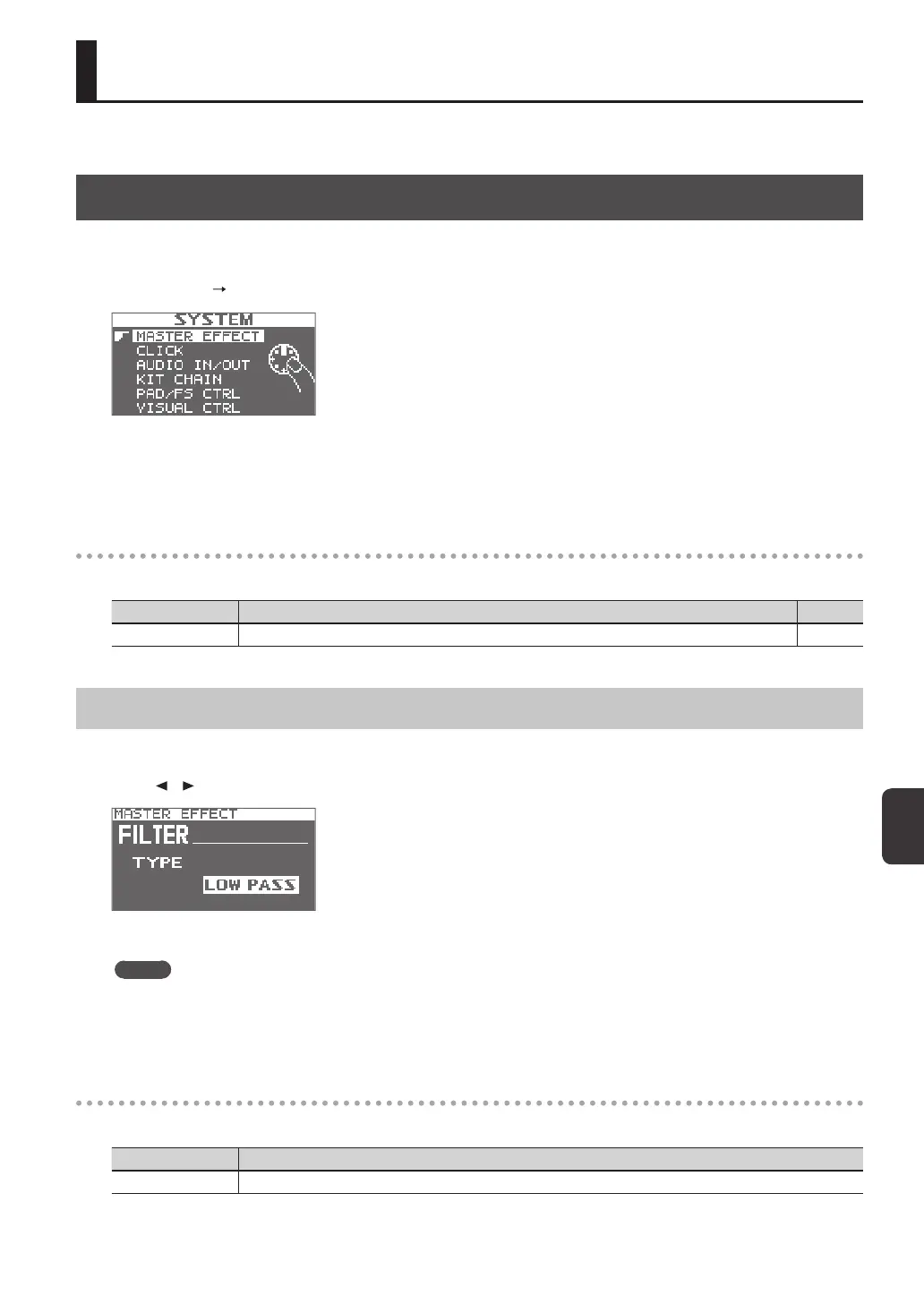
1. Choose MENU SYSTEM.
2. Choose the item that you want to edit.
3. Edit the parameter.
SYSTEM screen quick menu
In the SYSTEM screen, pressing the [QUICK] button will display the following quick menu.
Menu Explanation Page
SYSTEM INIT Initializes the settings of the SYSTEM parameters. p. 58
Master Eect Settings (MASTER EFFECT)
Here you can select the master eect types.
Press one of the master eect buttons to select the master eect for which you want to make settings. You can also use the
cursor [
] [ ] buttons to select a master eect.
For details on the master eect parameters, refer to the Eect Guide.
MEMO
PDF les of the Eect Guide can be obtained from the Roland website.
Visit the following URL, choose “owner’s manuals,” and search for the model name “SPD-SX.”
http://www.roland.com/support/en/
MASTER EFFECT screen quick menu
In the MASTER EFFECT screen, pressing the [QUICK] button will display the following quick menu.
Menu Explanation
MSTR FX EDIT For setting the master eect parameters.



 To Next Page