Introducing the SPD-SX
Introducing the SPD-SX
7
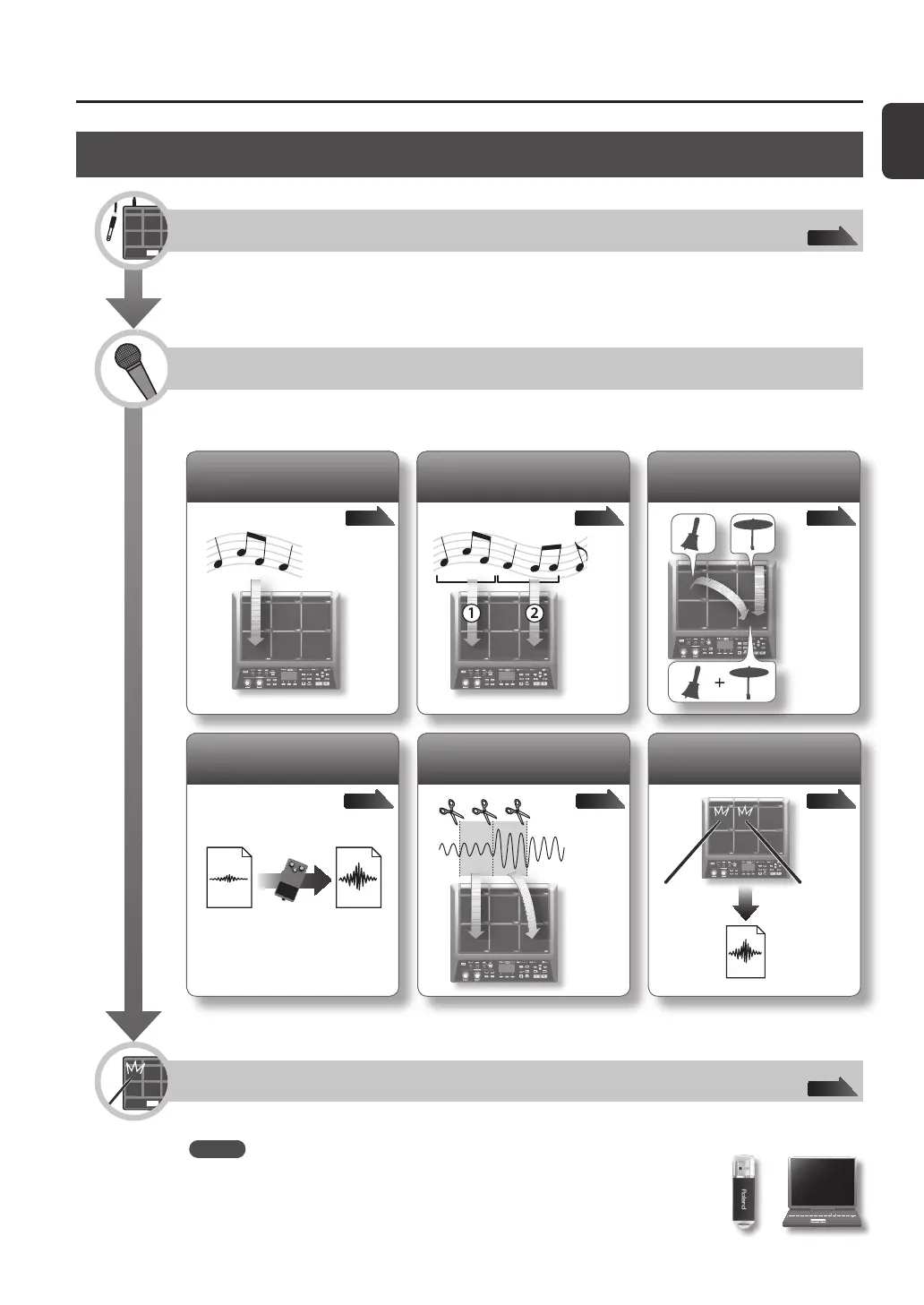
Sampling Workow
Get Ready
Connect your microphone or external audio device.
Record a Sample
The SPD-SX lets you create a sample in any one of six ways.
Use the method that’s best for your situation.
p. 34p. 32p. 29
Record your performance on
the SPD-SX
p. 38p. 36p. 35
Combine two waves into one
Sample successively to
dierent pads
Sample to one pad
Cut a wave (Chop)
Apply an eect to a wave
and resample it
Perform
Now you can perform using the waves you sampled.
MEMO
You can import sounds from a USB ash drive or your computer into the SPD-SX and
play them (p. 39).
p. 12
p. 20



 To Next Page