Sampling
Sampling
35
Resampling with Eects (WITH FX)
Here’s how to apply a kit eect and a master eect to a sample and resample the result.
Preparations for sampling
1. Press the [SAMPLING] button to access the SAMPLING screen.
2. Use the cursor [ ] [ ] buttons to select “WITH FX,” and press the [ENTER] button.
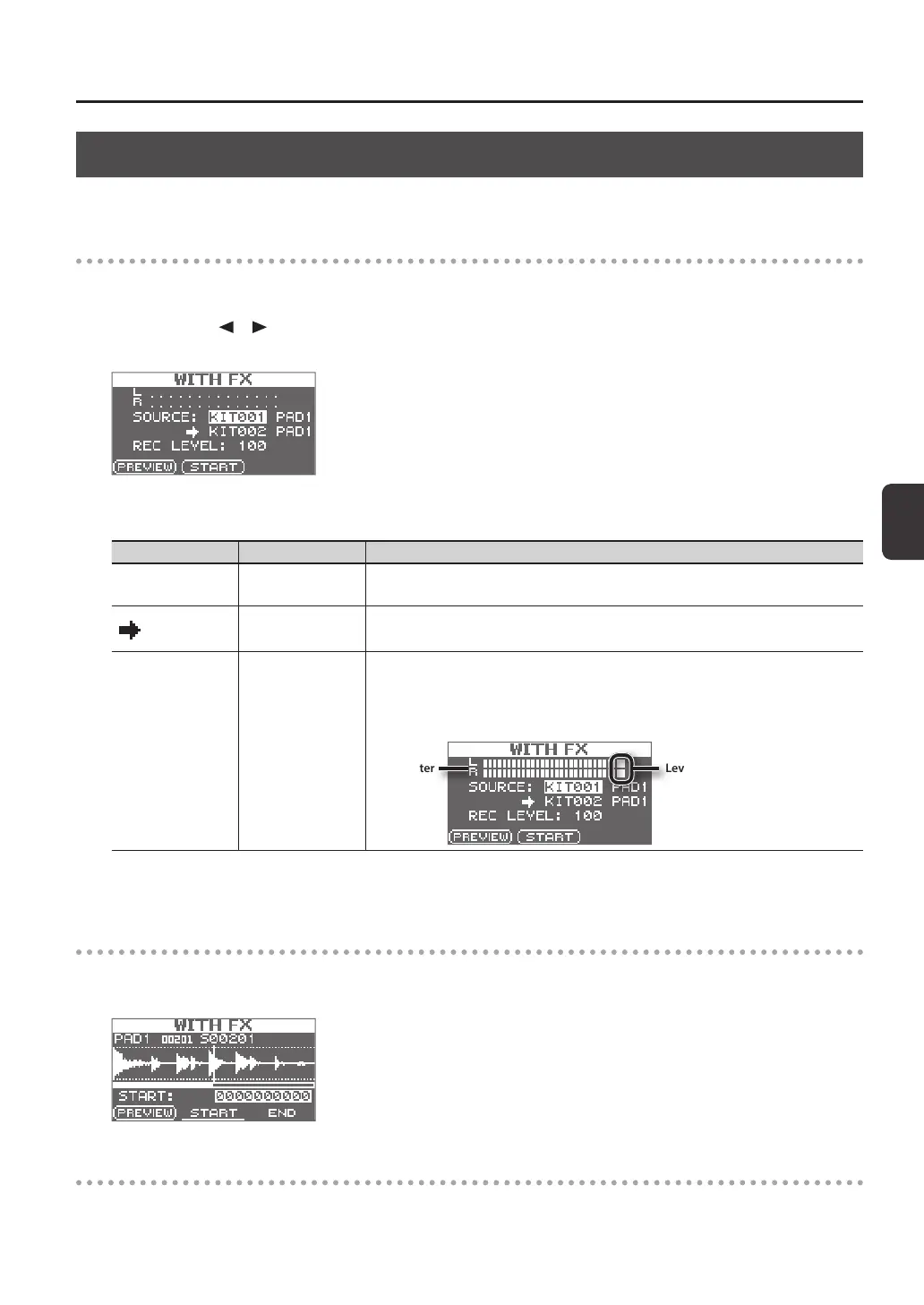
The sampling setup screen will appear.
3. Use the cursor buttons and the [-] [+] buttons to make settings for sampling.
Parameter Value Explanation
SOURCE KIT001–100, PAD1–9
From the kit, select the wave to which you want to apply eects.
When sampling starts, the kit eect for the kit that is selected for SOURCE will be applied.
KIT001–100, PAD1–9
Select the kit and pad to which the wave you’ve applied eects to is to be assigned.
* You can only select an empty pad, one which has no wave assigned to it.
REC LEVEL 0–100
Adjust the sampling volume.
Play back the wave that you want to resample, and adjust the volume until it’s as high as you
can get it without causing the level overload indication to appear.
You can audition the currently selected wave by pressing the [F1] (PREVIEW) button.
Level overload indicationLevel meter
4. Turn on the master eect that you want to apply (p. 22).
Start sampling
5. Press the [F2] (START) button to start sampling.
When sampling ends, the sampling result screen will appear.
Saving the sampled waves
6. Save the sampled waves (p. 31).



 To Next Page