Overall Settings for the SPD-SX
66
Saving Data to a USB Flash Drive (SAVE (USB MEMORY))
Here’s how to save the SPD-SX’s waves and settings to a USB ash drive.
1. Connect your USB ash drive to the USB MEMORY connector (p. 18).
2. Choose MENU UTILITY SAVE (USB MEM).
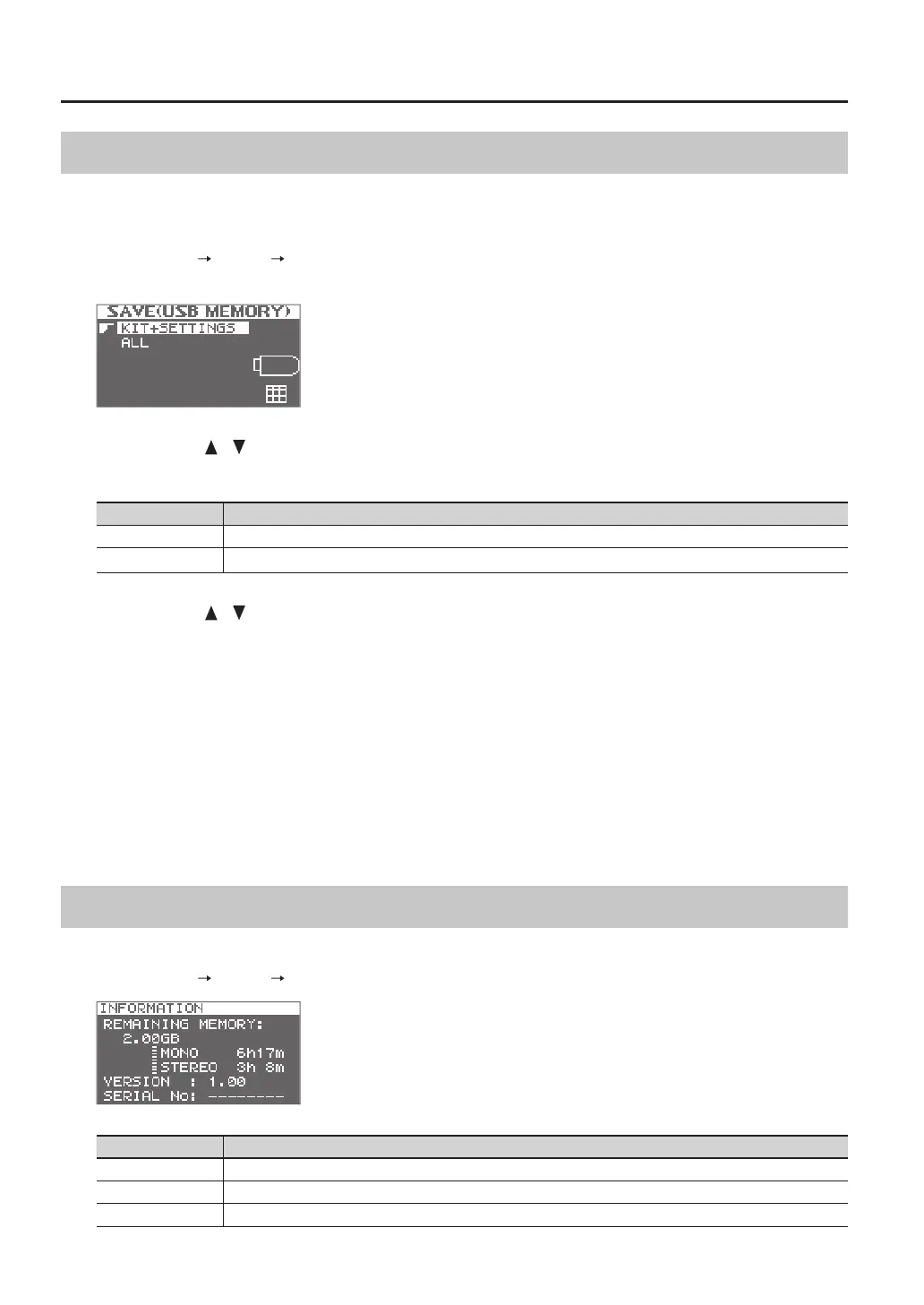
The SAVE (USB MEMORY) screen will appear.
3. Use the cursor [ ] [ ] buttons to select the item that you want to execute, and then press the [ENTER]
button.
Item Explanation
KIT+SETTINGS Kits and SPD-SX settings will be saved.
ALL All data (waves, kits, and SPD-SX settings) will be saved.
4. Use the cursor [ ] [ ] buttons to select the save destination, and press the [ENTER] button.
If you want to create newly saved data, choose “SAVE AS...”
If you want to overwrite previously saved data, select the data that you want to overwrite.
If you selected the previously saved data, proceed to step 6.
5. Assign a name to the data (p. 47).
6. Press the [ENTER] button.
A conrmation message will appear.
If you decide to cancel without executing, press the [EXIT] button.
7. Press the [ENTER] button.
The data will be saved.
Viewing Information About the SPD-SX Itself (INFORMATION)
Here you can view information about the SPD-SX itself, such as the remaining amount of internal memory.
1. Choose MENU UTILITY INFORMATION.
Item Explanation
REMAINING MEMORY Indicates the amount of memory remaining and the available sampling time.
VERSION Indicates the program version being used.
SERIAL NO Indicates the serial number.



 To Next Page