Overall Settings for the SPD-SX
Overall Settings for the SPD-SX
63
Footswitch Settings (FOOT SW)
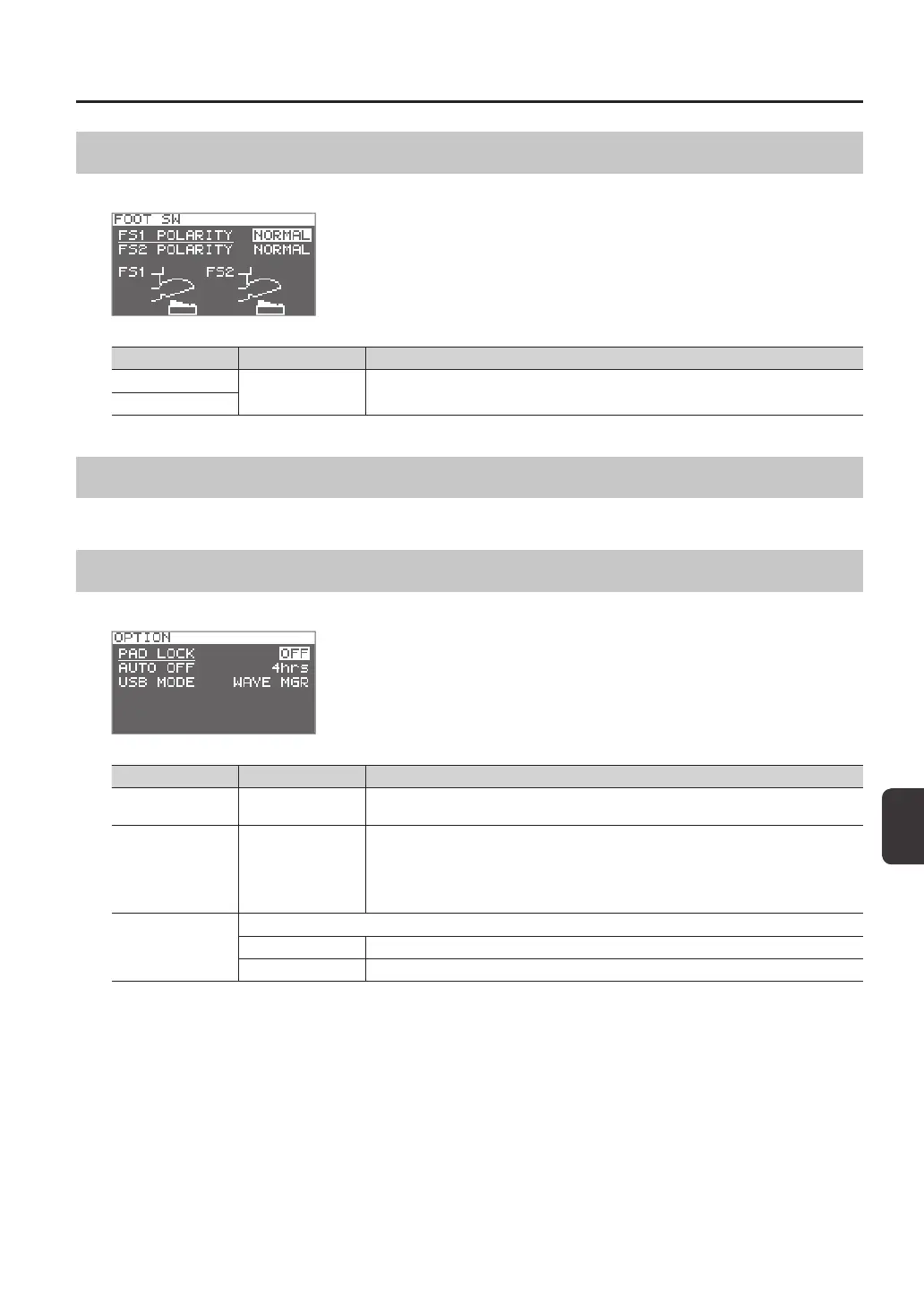
Here you can make settings for footswitches connected to the FOOT SW jack.
Parameter Value Explanation
FS1 POLARITY
NORMAL, INVERSE
This is a footswitch polarity switch. Change this setting if the footswitch does not operate as
you expect.
FS2 POLARITY
MIDI Settings (MIDI)
Here you can make MIDI settings for the entire SPD-SX. Refer to “MIDI Settings for the Entire SPD-SX (MIDI)” (p. 68).
Other Settings (OPTION)
Here you can make various other settings.
Parameter Value Explanation
PAD LOCK OFF, ON
If this is “ON,” playing a pad in the KIT PAD screen (p. 44) will not select the pad for editing. This is
convenient when you want to check the sound of other pads while you edit.
AUTO OFF OFF, 4hrs
The SPD-SX has an auto-o function that automatically turns o the power when no
operation has been performed for 4 hours.
Auto-o will occur if no pad is struck and no operation is performed for the duration of time
specied by “AUTO OFF”; the power will turn o automatically. (With the factory settings, the
auto-o function is turned “OFF.”)
USB MODE
Species the mode of operation when the SPD-SX is connected via a USB cable to a computer.
WAVE MGR Choose this setting when using “SPD-SX Wave Manager,” provided on the included CD-ROM.
AUDIO/MIDI Choose this setting when using USB audio and USB MIDI.



 To Next Page