Sampling
Sampling
31
8. Press the [F3] (STOP) button at the moment you want to stop sampling.
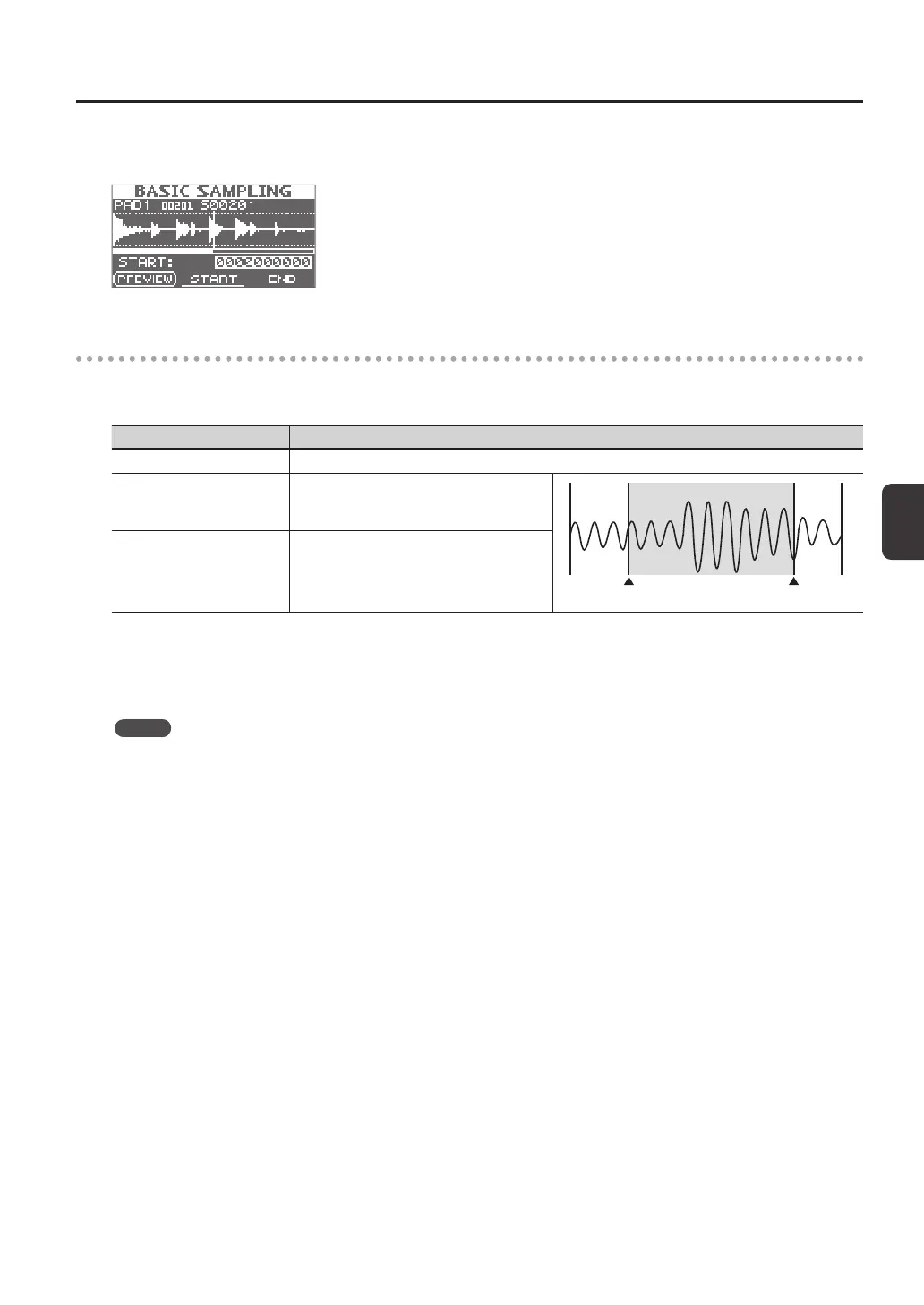
The sampling result screen will appear.
Saving the sampled waves
9. Use the function buttons and the [-] [+] buttons to adjust the region of the wave that will be heard.
Button Explanation
[F1] (PREVIEW) button Plays back the adjusted wave.
[F2] (START) button
Adjusts the start point (the point at which the
wave begins sounding). Use the [-] [+] buttons to
make adjustments.
This region will sound
Start point End point
[F3] (END) button
Adjusts the end point (the point at which the
wave stops sounding). Use the [-] [+] buttons to
make adjustments.
If you decide not to save the sampled wave, press the [EXIT] button to return to the previous screen.
10. Press the [ENTER] button.
The sampled sound will be saved as a wave.
MEMO
The saved wave will automatically be assigned a wave name and wave number.
You can view the waves in the WAVE LIST (p. 64).
11. Press the [ENTER] button to return to the top screen.
If you want to continue sampling, press the [SAMPLING] button.














 To Next Page